
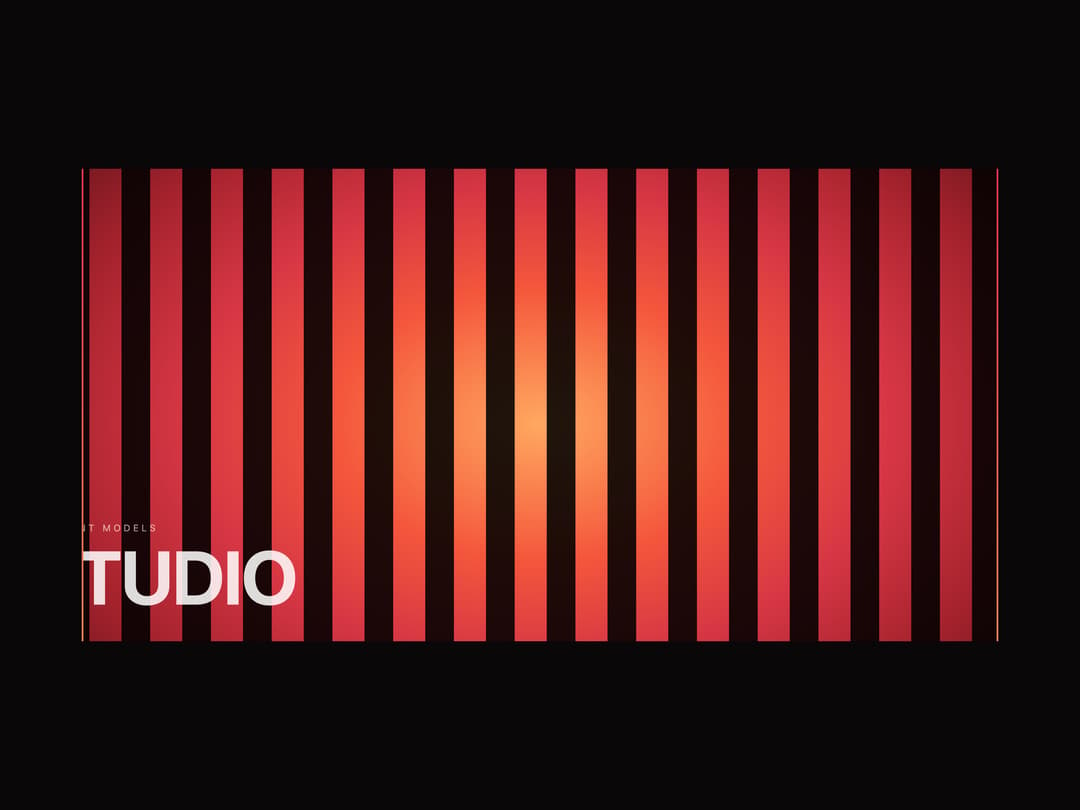
About
Loading screen where the progress line rotates 90 degrees and splits into two curtains that open the page
Built with React and Tailwind. Copy the prompt and paste it into Claude Code, Cursor or Lovable: your agent adds Curtain Preloader to your project and fits it to your theme.
Code
How Curtain Preloader is used: the demo's code. The component's own source comes with a free account.
Usage.tsx
"use client";

import * as React from "react";
import { CurtainPreloader } from "@/components/ui/curtain-preloader";

/* Демо: сцена под шторками и прелоадер поверх неё.

   fixed={false} держит прелоадер внутри карточки, а не поверх всей страницы —
   иначе превью на витрине закрылось бы целиком.

   Сценарий проигрывается по кругу: показали раскрытую сцену, выдержали паузу,
   сменили key — прелоадер собрался заново и пошёл сначала. Так витрина всегда
   застаёт живой кадр, а не тёмную шторку.

   maxWait здесь маленький: ждать настоящую загрузку нечего, а показать нужно
   весь сценарий. В бою waitFor отдают промису сцены, и счётчик честно стоит
   на 92, пока она не готова. */

export default function CurtainPreloaderDemo() {
  const [run, setRun] = React.useState(0);
  const [open, setOpen] = React.useState(false);

  /* пауза на раскрытой сцене, потом заход на новый круг */
  React.useEffect(() => {
    if (!open) return;
    const id = window.setTimeout(() => {
      setOpen(false);
      setRun((n) => n + 1);
    }, 2200);
    return () => window.clearTimeout(id);
  }, [open]);

  return (
    <div className="relative h-[560px] w-full overflow-hidden bg-[#0a0709] font-sans">
      {/* фон: красное свечение и тёмные полосы поверх него */}
      <div
        aria-hidden="true"
        className="absolute inset-0"
        style={{
          background:
            "radial-gradient(78% 120% at 50% 54%, #ffa860 0%, #f4573c 24%, #d63644 42%, #a3222c 60%, #5a1119 79%, #1a060b 100%)",
        }}
      />
      <div
        aria-hidden="true"
        className="absolute inset-0 opacity-95"
        style={{
          mixBlendMode: "multiply",
          background:
            "repeating-linear-gradient(90deg, rgba(0,0,0,.92) 0 34px, transparent 34px 72px)",
        }}
      />

      {/* то, что открывают шторки */}
      <div
        className="absolute inset-0 flex flex-col items-start justify-end p-[clamp(20px,3vw,46px)] transition-[opacity,transform] duration-700 ease-out"
        style={{
          opacity: open ? 1 : 0,
          transform: open ? "translateY(0)" : "translateY(18px)",
        }}
      >
        <p className="mb-2 text-[11px] uppercase tracking-[0.3em] text-white/70">Content Models</p>
        <h1 className="m-0 text-[clamp(38px,7vw,92px)] font-bold uppercase leading-[0.92] tracking-tight text-white">
          Studio
        </h1>
      </div>

      <CurtainPreloader
        key={run}
        fixed={false}
        lockScroll={false}
        maxWait={700}
        onReveal={() => setOpen(true)}
      />
    </div>
  );
}
More by Tatiana
View all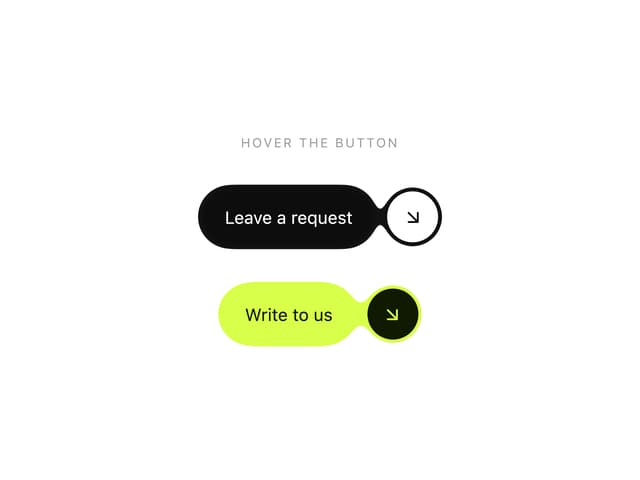

Gooey CTA Button
1
Glass Mark 3D
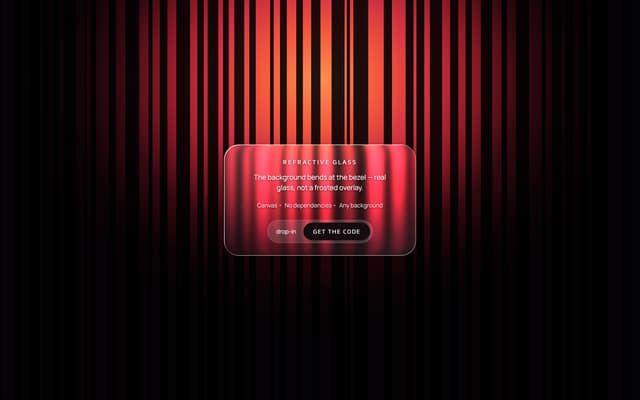
Refractive Glass Panel
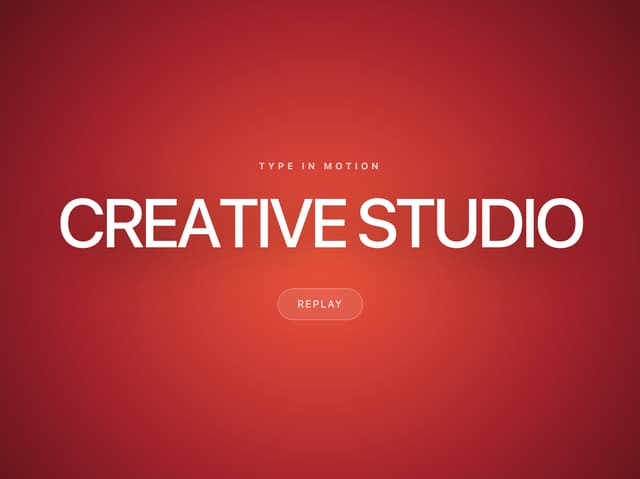
Letter Rise Heading
Count Up Stats
Striped Glow Background