
About
Renders a clickable button or an element styled as a button with advance options
Built with React and Tailwind. Copy the prompt and paste it into Claude Code, Cursor or Lovable: your agent adds Button to your project and fits it to your theme.
Code
How Button is used: the demo's code. The component's own source comes with a free account.
Usage.tsx
import { Button } from '@/components/ui/button-1';

export const slug = "ghost";

export default function ButtonDemo() {
  return (
    <div className="flex items-center gap-2.5">
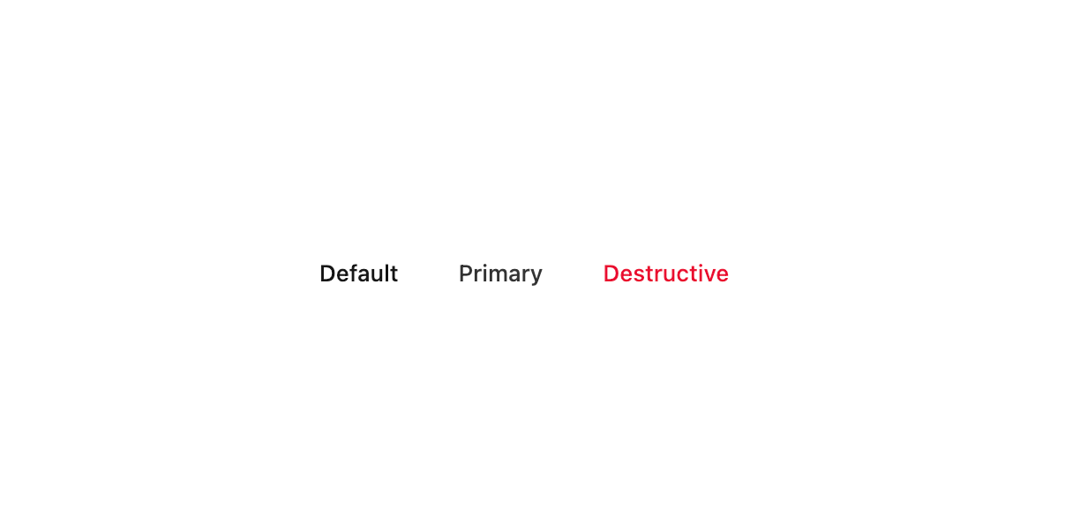
      <Button variant="ghost">Default</Button>
      <Button variant="primary" appearance="ghost">
        Primary
      </Button>
      <Button variant="destructive" appearance="ghost">
        Destructive
      </Button>
    </div>
  );
}
Dependencies
More by Sean Hello
View all

3D Testimonails
3.3K
Line Charts 9
637
Alert
492
Area Charts 1
385
Line Charts 6
384
Scroll Area
376
Area Charts 2
317
Navigation Menu
305
More in Buttons
View all
Button
34
Texture Button
92
Button Save
46

Button
64

Button Group
3

App Store Button
454

Notification Button
103
Native Button
12


