
About
An opinionated toast component for React.
Built with React and Tailwind. Copy the prompt and paste it into Claude Code, Cursor or Lovable: your agent adds Sonner to your project and fits it to your theme.
Code
How Sonner is used: the demo's code. The component's own source comes with a free account.
Usage.tsx
'use client';

import { Alert, AlertIcon, AlertTitle } from '@/components/ui/alert-1';
import { Button } from '@/components/ui/button-1';
import { RiCheckboxCircleFill, RiErrorWarningFill, RiSpam3Fill } from '@remixicon/react';
import { toast } from 'sonner';

export default function SonnerDemo() {
  return (
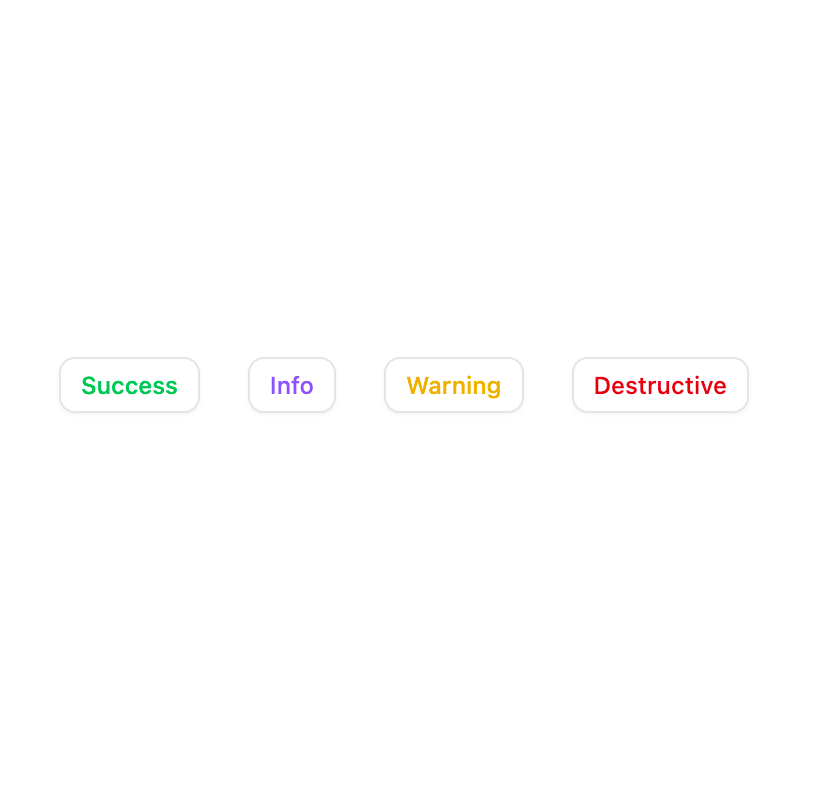
    <div className="flex gap-6">
      <Button
        variant="outline"
        className="text-green-500"
        size="sm"
        onClick={() =>
          toast.custom(
            (t) => (
              <Alert variant="mono" icon="success" onClose={() => toast.dismiss(t)}>
                <AlertIcon>
                  <RiCheckboxCircleFill />
                </AlertIcon>
                <AlertTitle>This is a success toast</AlertTitle>
              </Alert>
            ),
            {
              duration: 5000,
            },
          )
        }
      >
        Success
      </Button>
      <Button
        variant="outline"
        className="text-violet-500"
        size="sm"
        onClick={() =>
          toast.custom(
            (t) => (
              <Alert variant="mono" icon="info" onClose={() => toast.dismiss(t)}>
                <AlertIcon>
                  <RiCheckboxCircleFill />
                </AlertIcon>
                <AlertTitle>This is an info toast</AlertTitle>
              </Alert>
            ),
            {
              duration: 5000,
            },
          )
        }
      >
        Info
      </Button>
      <Button
        variant="outline"
        className="text-yellow-500"
        size="sm"
        onClick={() =>
          toast.custom(
            (t) => (
              <Alert variant="mono" icon="warning" onClose={() => toast.dismiss(t)}>
                <AlertIcon>
                  <RiSpam3Fill />
                </AlertIcon>
                <AlertTitle>This is a warning toast</AlertTitle>
              </Alert>
            ),
            {
              duration: 5000,
            },
          )
        }
      >
        Warning
      </Button>
      <Button
        variant="outline"
        className="text-destructive"
        size="sm"
        onClick={() =>
          toast.custom(
            (t) => (
              <Alert variant="mono" icon="destructive" onClose={() => toast.dismiss(t)}>
                <AlertIcon>
                  <RiErrorWarningFill />
                </AlertIcon>
                <AlertTitle>This is a destructive toast</AlertTitle>
              </Alert>
            ),
            {
              duration: 5000,
            },
          )
        }
      >
        Destructive
      </Button>
    </div>
  );
}
Dependencies
More by Sean Hello
View all

3D Testimonails
3.3K
Line Charts 9
637
Alert
492
Area Charts 1
385
Line Charts 6
384
Scroll Area
376
Area Charts 2
317
Navigation Menu
305
More in Buttons
View all
Button
14
Button
34
Texture Button
92
Button Save
46

Button
64

Button Group
3

App Store Button
454

Notification Button
103

