
About
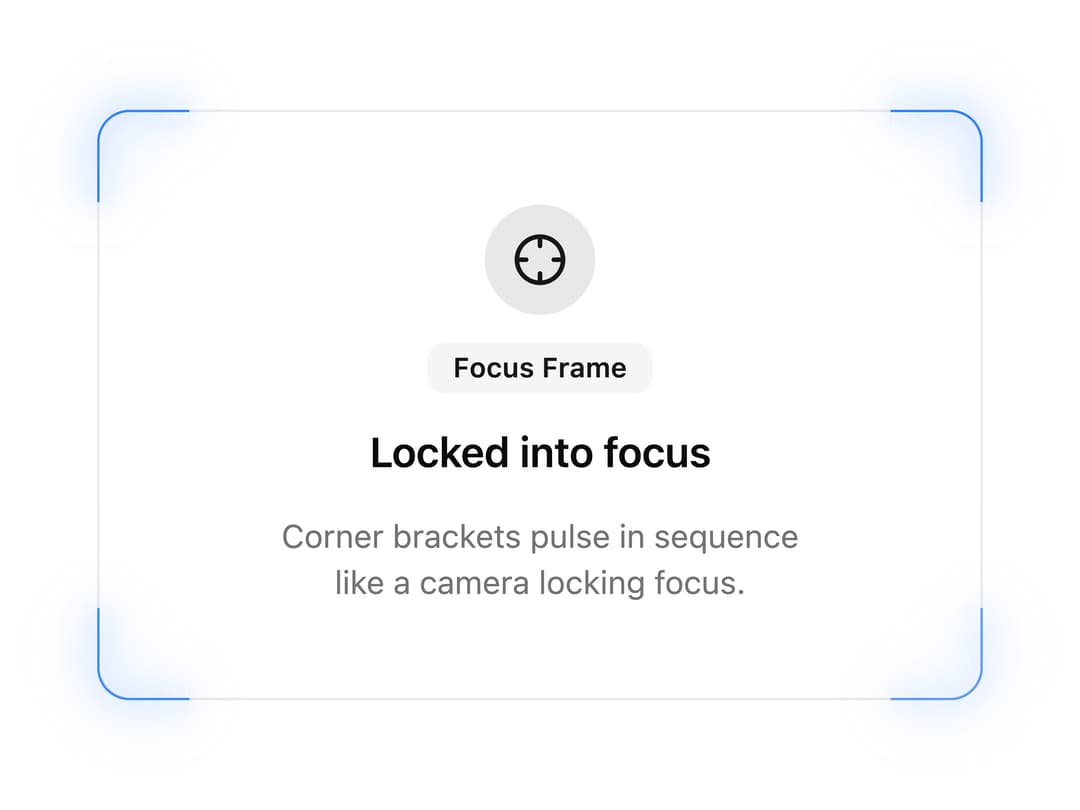
A wrapper that adds a camera-style focus-lock border to any card or panel, using four pulsing glowing corner brackets instead of a continuous shine ring.
Built with React and Tailwind. Copy the prompt and paste it into Claude Code, Cursor or Lovable: your agent adds Focus Frame Border to your project and fits it to your theme.
Code
How Focus Frame Border is used: the demo's code. The component's own source comes with a free account.
Usage.tsx
import ShineBorder06 from "@/components/ui/shine-border-06";
import { Card, CardContent } from "@/components/ui/card";
import { Badge } from "@/components/ui/badge";
import { Crosshair } from "lucide-react";

export default function ShineBorderDemo() {
  return (
    <div className="flex items-center justify-center w-full min-h-screen p-8">
      <ShineBorder06
        duration={2.4}
        color="var(--color-blue-500)"
        className="w-full max-w-sm"
      >
        <Card className="relative h-full rounded-[inherit] border-0 ring-0 bg-transparent p-0 gap-0!">
          <CardContent className="p-10 flex flex-col items-center text-center gap-3">
            <div className="size-12 rounded-full bg-primary/10 flex items-center justify-center">
              <Crosshair className="size-6 text-primary" />
            </div>
            <Badge variant="secondary">Focus Frame</Badge>
            <h3 className="text-lg font-semibold text-foreground">
              Locked into focus
            </h3>
            <p className="text-sm text-muted-foreground max-w-60">
              Corner brackets pulse in sequence like a camera locking focus.
            </p>
          </CardContent>
        </Card>
      </ShineBorder06>
    </div>
  );
}
Dependencies
More by ShadcnSpace
View all
Integration Card
1.8K
Stacked Card Carousel
1.4K
Orbiting Circles with Globe
1.4K
Button witn Icon
1.4K
Agency Hero Section
652
Testimonials Marquee
572
Shine Border
467
Social Icon
447
More in Cards
View all
Stats cards with links
39

Statistics Card 2
261

Course Design Cards
1.1K
The Item one
3
Card
70

Card Studio
7
Statistics Card 7
289

Card
17
