
About
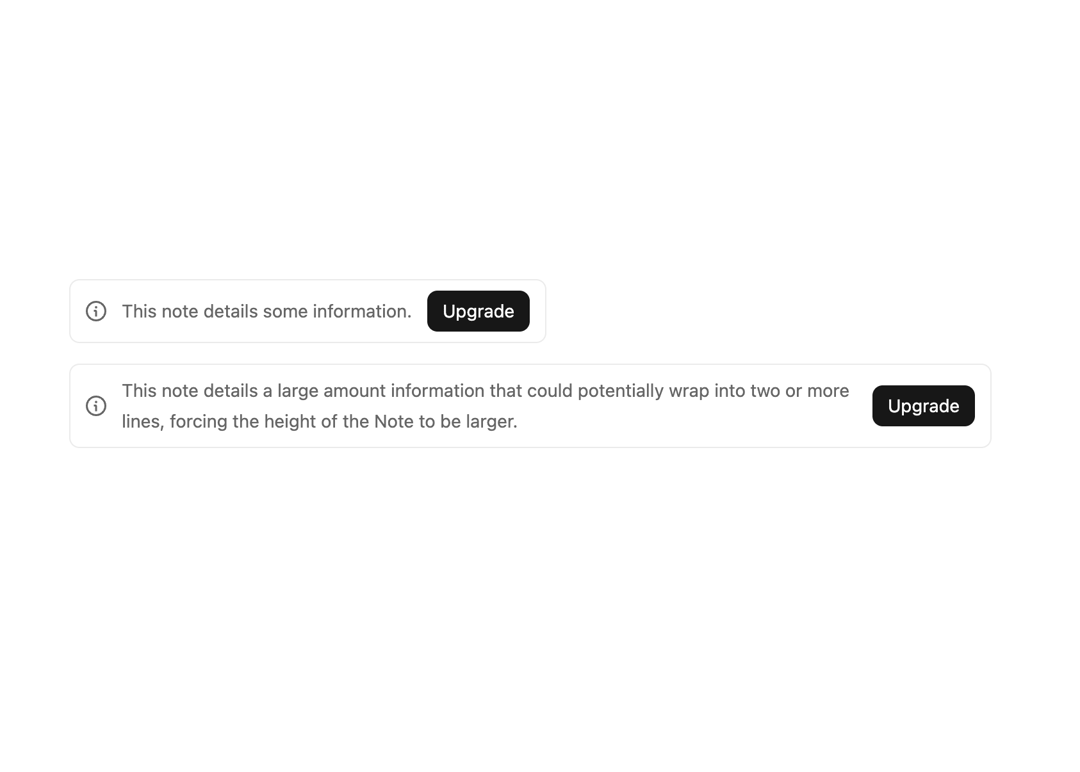
Display text that requires attention or provides additional information.
Built with React and Tailwind. Copy the prompt and paste it into Claude Code, Cursor or Lovable: your agent adds Note to your project and fits it to your theme.
Code
How Note is used: the demo's code. The component's own source comes with a free account.
Usage.tsx
import { Button } from "@/components/ui/button-1";
import { Note } from "@/components/ui/note";

export default function ActionDemo() {
  return (
      <div className="flex flex-col items-start gap-4 w-3/4">
        <Note action={<Button size="small">Upgrade</Button>}>
          This note details some information.
        </Note>
        <Note action={<Button size="small">Upgrade</Button>}>
          This note details a large amount information that could potentially wrap
          into two or more lines, forcing the height of the Note to be larger.
        </Note>
      </div>
  );
}
Dependencies
More by tigran tumasov
View all
Product Hunt Badge
1.8K
Book
162
Calendar
152
Theme Switcher
135
Snippet
124
Table
123
Toggle
89
Feedback
88
More in Buttons
View all

Button
14
Button
34
Texture Button
92
Button Save
46

Button
64

Button Group
3

App Store Button
454

Notification Button
103

