
About
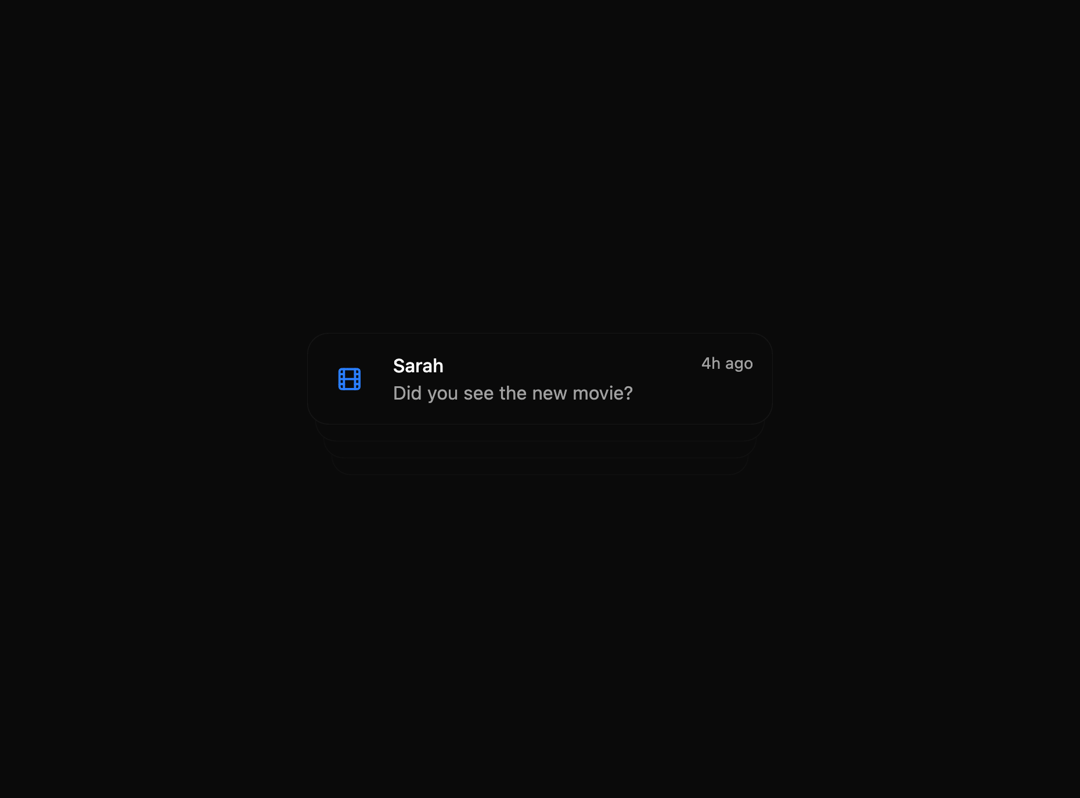
A sophisticated animation component that creates dynamic column-based transitions with scaling effects. Perfect for showcasing notifications, messages, or any sequential content with smooth formation, scrolling, and reset animations.
Built with React and Tailwind. Copy the prompt and paste it into Claude Code, Cursor or Lovable: your agent adds Animated List to your project and fits it to your theme.
Code
How Animated List is used: the demo's code. The component's own source comes with a free account.
Usage.tsx
"use client";

import { AnimatedList } from "@/components/ui/animated-list";
import {
  MapPin,
  Activity,
  Calendar,
  CheckSquare,
  Heart,
  Mail,
  Video,
  User,
  Coffee,
  Film
} from "lucide-react";

interface NotificationData {
  id: number;
  name: string;
  message: string;
  timeAgo: string;
  icon: React.ReactNode;
}

type NotificationProps = {
  notification: NotificationData;
};

export function Notification({ notification }: NotificationProps) {
  return (
    <div className="w-full max-w-[350px] bg-white dark:bg-neutral-950 shadow-xl shadow-neutral-200 dark:shadow-neutral-950/70 rounded-2xl p-3.5 flex items-center gap-4 justify-between border border-neutral-50 dark:border-neutral-900">
      <div className="w-10 h-10 flex items-center justify-center text-blue-500">
        {notification.icon}
      </div>
      <div className="flex flex-col w-full">
        <div className="flex w-full justify-between items-start">
          <span className="font-medium text-sm">{notification.name}</span>
          <span className="text-xs text-neutral-400">
            {notification.timeAgo}
          </span>
        </div>
        <span className="text-sm text-neutral-600 dark:text-neutral-400">
          {notification.message}
        </span>
      </div>
    </div>
  );
}

export default function AnimatedListDemo() {
  const notifications: NotificationData[] = [
    {
      id: 1,
      name: "Location",
      message: "Thomas has arrived home",
      timeAgo: "2h ago",
      icon: <MapPin size={20} />,
    },
    {
      id: 2,
      name: "Fitness Tracker",
      message: "You've reached your daily step goal!",
      timeAgo: "1h ago",
      icon: <Activity size={20} />,
    },
    {
      id: 3,
      name: "Calendar",
      message: "Meeting with team in 30 minutes",
      timeAgo: "45m ago",
      icon: <Calendar size={20} />,
    },
    {
      id: 4,
      name: "Task Manager",
      message: "3 tasks due today",
      timeAgo: "1d ago",
      icon: <CheckSquare size={20} />,
    },
    {
      id: 5,
      name: "Health",
      message: "Your heart rate is elevated.",
      timeAgo: "3h ago",
      icon: <Heart size={20} />,
    },
    {
      id: 6,
      name: "Email",
      message: "New message from your manager",
      timeAgo: "5m ago",
      icon: <Mail size={20} />,
    },
    {
      id: 7,
      name: "TikTok",
      message: "Your video got 1000 likes!",
      timeAgo: "2d ago",
      icon: <Video size={20} />,
    },
    {
      id: 8,
      name: "Grandpa",
      message: "How are you doing, my dear?",
      timeAgo: "1w ago",
      icon: <User size={20} />,
    },
    {
      id: 9,
      name: "Clara",
      message: "Let's meet for coffee tomorrow!",
      timeAgo: "2d ago",
      icon: <Coffee size={20} />,
    },
    {
      id: 10,
      name: "Sarah",
      message: "Did you see the new movie?",
      timeAgo: "4h ago",
      icon: <Film size={20} />,
    },
  ];

  return (
    <div className="h-[600px] w-full flex items-center justify-center">
      <AnimatedList
        stackGap={20}
        columnGap={85}
        scaleFactor={0.05}
        scrollDownDuration={5}
        formationDuration={1}
      >
        {notifications.map((notification) => (
          <Notification key={notification.id} notification={notification} />
        ))}
      </AnimatedList>
    </div>
  );
}
Dependencies
More by SO called
View all

Developer Sign-In Flow
3.2K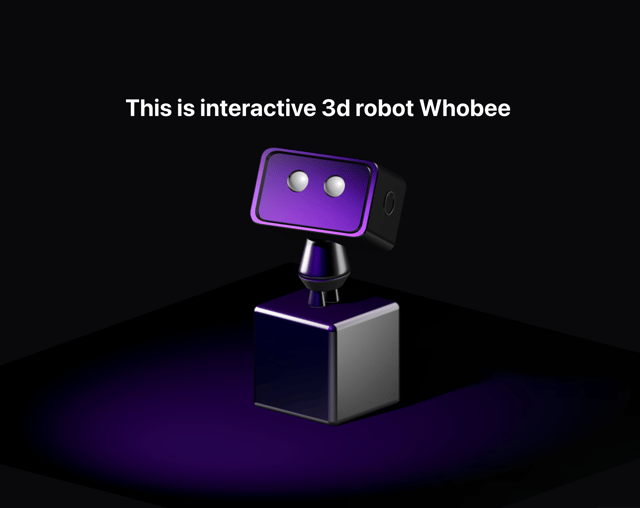
Interactive 3D Robot
2.1K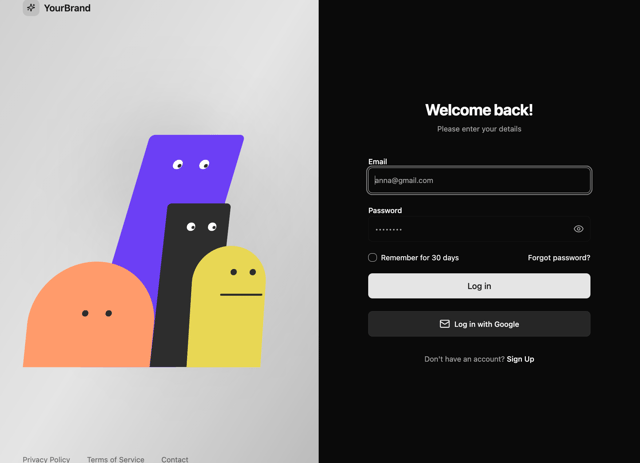
Animated Characters Login Page
1.6K
Interactive Galaxy Hero
1.4K
Product Mockup Section
1.4K
3D Boxes Hero
995
Expandable Content Card
990
AI Prompt Input
617
More in Cards
View all
Stats cards with links
120

Course Design Cards
1.1K

Statistics Card 2
258
Card
55

Card Studio
9
Statistics Card 7
288
The Item one
3

Weather Card
52
