
About
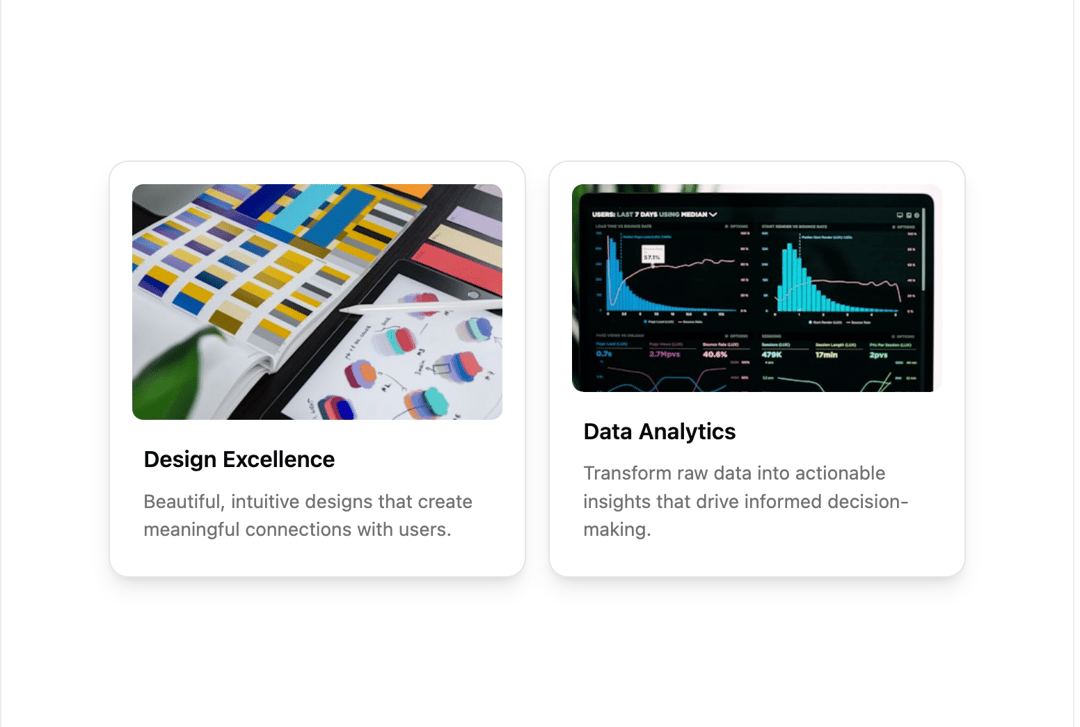
A two-sided card component that flips on hover, revealing content on its back face. Ideal for interactive displays or showcasing additional information.
Built with React and Tailwind. Copy the prompt and paste it into Claude Code, Cursor or Lovable: your agent adds Flip Card to your project and fits it to your theme.
Code
How Flip Card is used: the demo's code. The component's own source comes with a free account.
Usage.tsx
import { FlippingCard } from "@/components/ui/flipping-card";

interface CardData {
  id: string;
  front: {
    imageSrc: string;
    imageAlt: string;
    title: string;
    description: string;
  };
  back: {
    description: string;
    buttonText: string;
  };
}

const cardsData: CardData[] = [

  {
    id: "design-excellence",
    front: {
      imageSrc: "https://cdn.21st.dev/assets/mirror/22/22f5464f300e4fb76af3f19611b21baac65e2e9cab81ddd3cea651b8af122010.jpg",
      imageAlt: "Design Excellence",
      title: "Design Excellence",
      description: "Beautiful, intuitive designs that create meaningful connections with users.",
    },
    back: {
      description: "We craft exceptional user experiences through thoughtful design, user research, and modern design systems that ensure consistency and accessibility.",
      buttonText: "View Portfolio",
    },
  },
  {
    id: "data-analytics",
    front: {
      imageSrc: "https://cdn.21st.dev/assets/mirror/b7/b7942643f4710f3660c3a158e39640ba26a7134ebb6a9b17f8eec726154f83fd.jpg",
      imageAlt: "Data Analytics",
      title: "Data Analytics",
      description: "Transform raw data into actionable insights that drive informed decision-making.",
    },
    back: {
      description: "Our data analytics platform provides real-time insights, predictive modeling, and interactive dashboards to help businesses make data-driven decisions.",
      buttonText: "Learn More",
    },
  },
];

export default function FlippingCardDemo() {
  return (
    <div className="flex gap-4 flex-wrap justify-center p-8">
      {cardsData.map((card) => (
        <FlippingCard
          key={card.id}
          width={300}
          frontContent={<GenericCardFront data={card.front} />}
          backContent={<GenericCardBack data={card.back} />}
        />
      ))}
    </div>
  );
}

interface GenericCardFrontProps {
  data: CardData["front"];
}

function GenericCardFront({ data }: GenericCardFrontProps) {
  return (
    <div className="flex flex-col h-full w-full p-4">
      <img
        src={data.imageSrc}
        alt={data.imageAlt}
        className="w-full h-auto object-cover flex-grow min-h-0 rounded-md"
      />
      <div className="p-2">
        <h3 className="text-base font-semibold mt-2">{data.title}</h3>
        <p className="text-[13.5px] mt-2 text-muted-foreground">
          {data.description}
        </p>
      </div>
    </div>
  );
}

interface GenericCardBackProps {
  data: CardData["back"];
}

function GenericCardBack({ data }: GenericCardBackProps) {
  return (
    <div className="flex flex-col items-center justify-center h-full w-full p-6">
      <p className="text-[13.5px] mt-2 text-muted-foreground text-center">
        {data.description}
      </p>
      <button className="mt-6 bg-foreground text-background px-4 py-2 rounded-md text-[13.5px] w-min whitespace-nowrap h-8 flex items-center justify-center">
        {data.buttonText}
      </button>
    </div>
  );
} More by SO called
View all

Developer Sign-In Flow
3.2K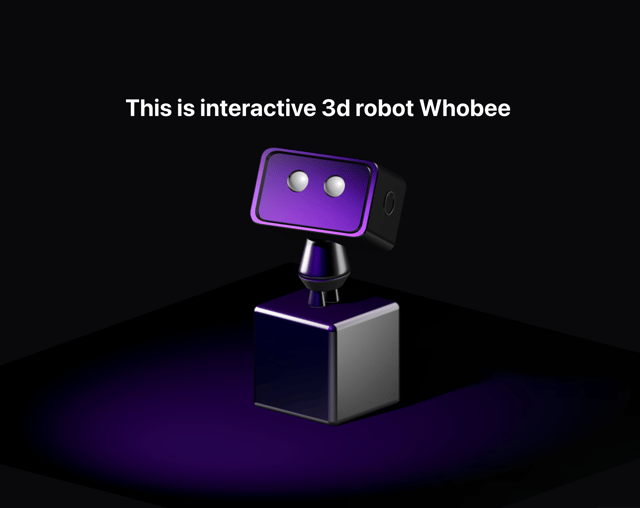
Interactive 3D Robot
2.1K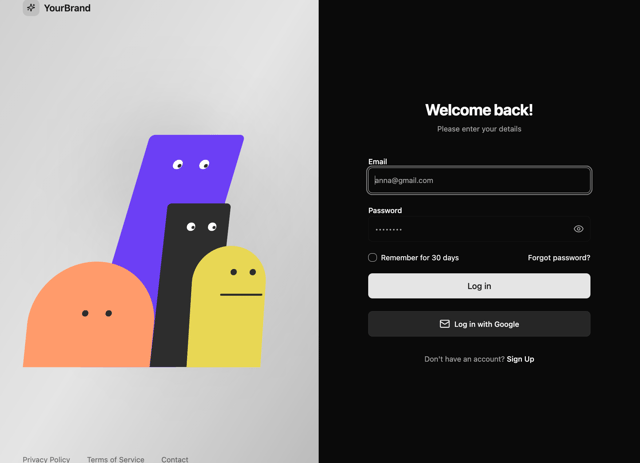
Animated Characters Login Page
1.6K
Interactive Galaxy Hero
1.4K
Product Mockup Section
1.4K
3D Boxes Hero
995
Expandable Content Card
990
AI Prompt Input
617
More in Cards
View all
Stats cards with links
120

Course Design Cards
1.1K

Statistics Card 2
258
Card
55

Card Studio
9
Statistics Card 7
288
The Item one
3

Weather Card
52
