
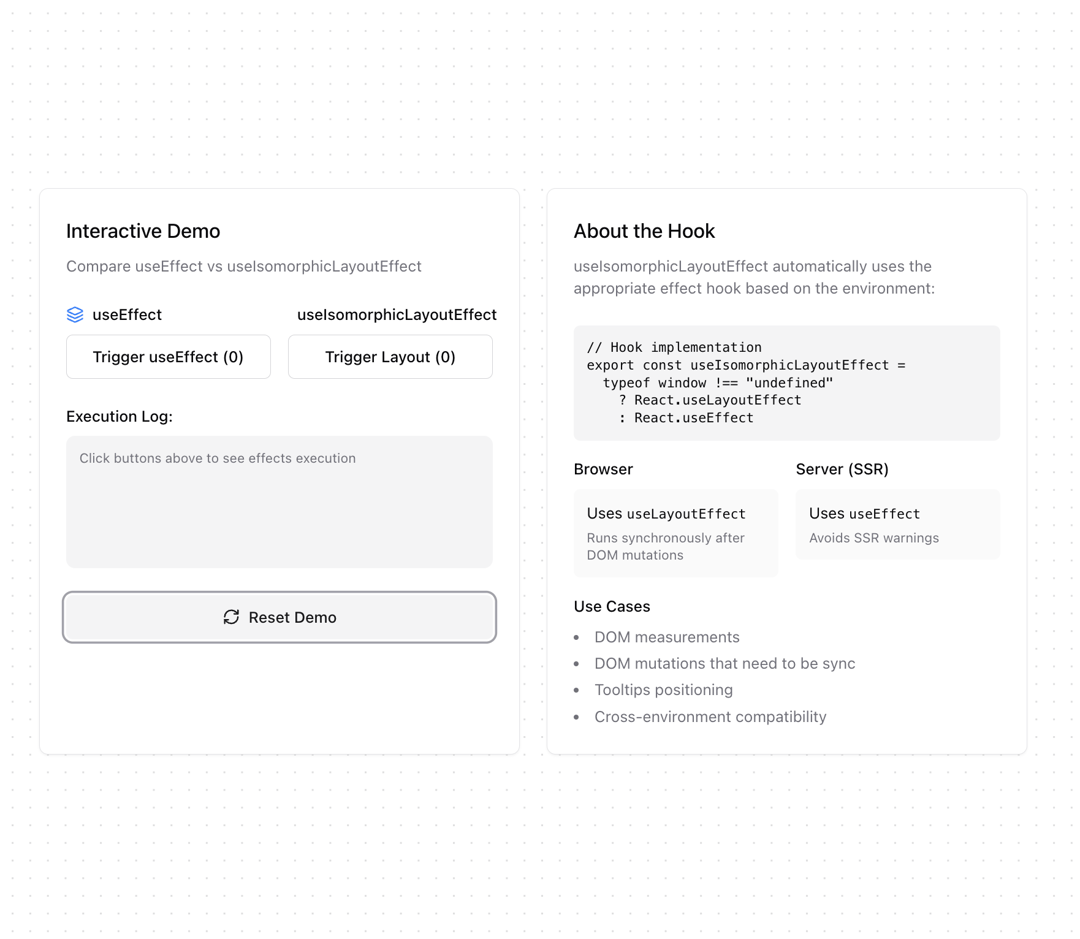
About
Custom hook that uses either useLayoutEffect or useEffect based on the environment (client-side or server-side).
Built with React and Tailwind. Copy the prompt and paste it into Claude Code, Cursor or Lovable: your agent adds useIsomorphicLayoutEffect to your project and fits it to your theme.
Code
How useIsomorphicLayoutEffect is used: the demo's code. The component's own source comes with a free account.
Usage.tsx
'use client'

import { useIsomorphicLayoutEffect } from "@/components/hooks/use-isomorphic-layout-effect"

import { Button } from "@/components/ui/button"
import { Card } from "@/components/ui/card"
import { useState, useEffect } from "react"
import { LayoutGrid, Layers, RefreshCw, ArrowRight } from "lucide-react"

export function UseIsomorphicLayoutEffectDemo() {
  const [count, setCount] = useState(0)
  const [layoutCount, setLayoutCount] = useState(0)
  const [lastEffect, setLastEffect] = useState<string>("")
  const [effectLog, setEffectLog] = useState<string[]>([])

  useEffect(() => {
    if (count > 0) {
      setLastEffect("useEffect")
      setEffectLog(prev => [`useEffect executed (${count})`, ...prev.slice(0, 4)])
    }
  }, [count])

  useIsomorphicLayoutEffect(() => {
    if (layoutCount > 0) {
      setLastEffect("useIsomorphicLayoutEffect")
      setEffectLog(prev => [`useIsomorphicLayoutEffect executed (${layoutCount})`, ...prev.slice(0, 4)])
    }
  }, [layoutCount])

  return (
    <div className="grid grid-cols-2 gap-6 max-w-4xl mx-auto">
      {/* Left Column - Interactive Demo */}
      <Card className="p-6">
        <div className="space-y-6">
          <div className="space-y-2">
            <h3 className="text-lg font-medium">Interactive Demo</h3>
            <p className="text-sm text-muted-foreground">
              Compare useEffect vs useIsomorphicLayoutEffect
            </p>
          </div>

          <div className="grid grid-cols-2 gap-4">
            <div className="space-y-2">
              <div className="flex items-center gap-2">
                <Layers className="w-4 h-4 text-blue-500" />
                <span className="text-sm font-medium">useEffect</span>
              </div>
              <Button
                variant="outline"
                onClick={() => setCount(c => c + 1)}
                className="w-full"
              >
                Trigger useEffect ({count})
              </Button>
            </div>

            <div className="space-y-2">
              <div className="flex items-center gap-2">
                <LayoutGrid className="w-4 h-4 text-green-500" />
                <span className="text-sm font-medium">useIsomorphicLayoutEffect</span>
              </div>
              <Button
                variant="outline"
                onClick={() => setLayoutCount(c => c + 1)}
                className="w-full"
              >
                Trigger Layout ({layoutCount})
              </Button>
            </div>
          </div>

          <div className="space-y-2">
            <div className="text-sm font-medium">Execution Log:</div>
            <div className="bg-muted rounded-lg p-3 space-y-1 min-h-[120px]">
              {effectLog.map((log, index) => (
                <div key={index} className="text-xs flex items-center gap-2">
                  <ArrowRight className="w-3 h-3" />
                  {log}
                </div>
              ))}
              {effectLog.length === 0 && (
                <div className="text-xs text-muted-foreground">
                  Click buttons above to see effects execution
                </div>
              )}
            </div>
          </div>

          <Button
            variant="secondary"
            onClick={() => {
              setCount(0)
              setLayoutCount(0)
              setEffectLog([])
              setLastEffect("")
            }}
            className="w-full"
          >
            <RefreshCw className="w-4 h-4 mr-2" />
            Reset Demo
          </Button>
        </div>
      </Card>

      {/* Right Column - Documentation */}
      <Card className="p-6">
        <div className="space-y-6">
          <div>
            <h3 className="text-lg font-medium mb-2">About the Hook</h3>
            <p className="text-sm text-muted-foreground">
              useIsomorphicLayoutEffect automatically uses the appropriate effect hook based on the environment:
            </p>
          </div>

          <div className="space-y-4">
            <pre className="bg-muted p-3 rounded-md text-xs">
{`// Hook implementation
export const useIsomorphicLayoutEffect =
  typeof window !== "undefined"
    ? React.useLayoutEffect
    : React.useEffect`}
            </pre>

            <div className="grid grid-cols-2 gap-4 text-sm">
              <div className="space-y-2">
                <h4 className="font-medium">Browser</h4>
                <div className="p-3 rounded-md bg-muted/50">
                  Uses <code className="text-xs">useLayoutEffect</code>
                  <p className="text-xs text-muted-foreground mt-1">
                    Runs synchronously after DOM mutations
                  </p>
                </div>
              </div>

              <div className="space-y-2">
                <h4 className="font-medium">Server (SSR)</h4>
                <div className="p-3 rounded-md bg-muted/50">
                  Uses <code className="text-xs">useEffect</code>
                  <p className="text-xs text-muted-foreground mt-1">
                    Avoids SSR warnings
                  </p>
                </div>
              </div>
            </div>

            <div>
              <h4 className="text-sm font-medium mb-2">Use Cases</h4>
              <ul className="list-disc list-inside space-y-1 text-sm text-muted-foreground">
                <li>DOM measurements</li>
                <li>DOM mutations that need to be sync</li>
                <li>Tooltips positioning</li>
                <li>Cross-environment compatibility</li>
              </ul>
            </div>
          </div>
        </div>
      </Card>
    </div>
  )
}
Dependencies
More by Ghribi Ouassim
View all
useCopyToClipboard
70
useToggle
35
useDebounceCallback
23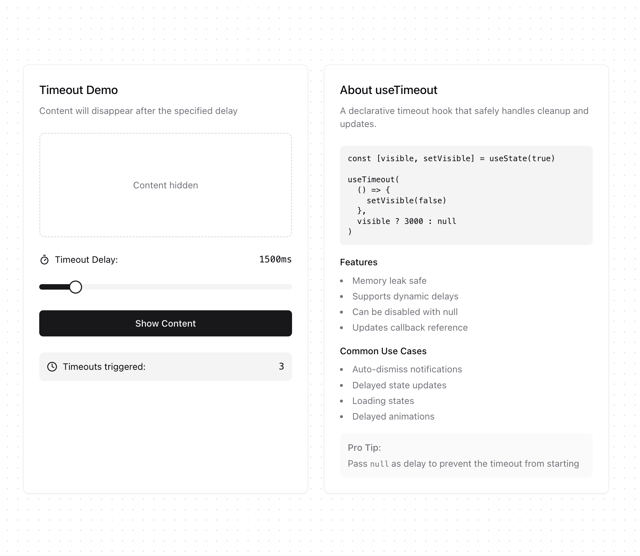
useTimeout
13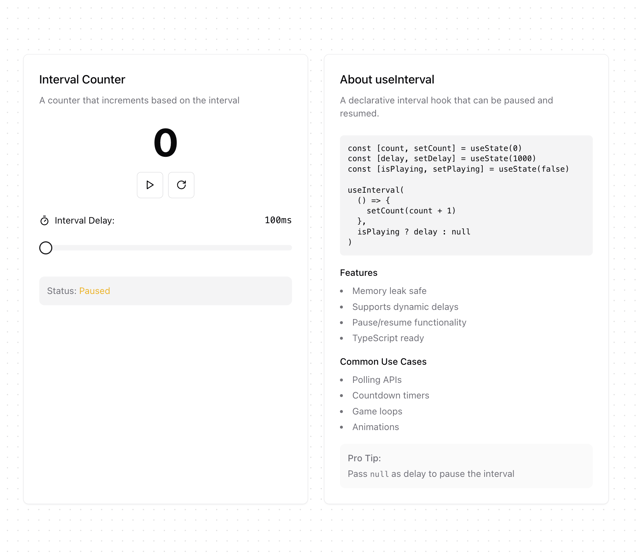
useInterval
12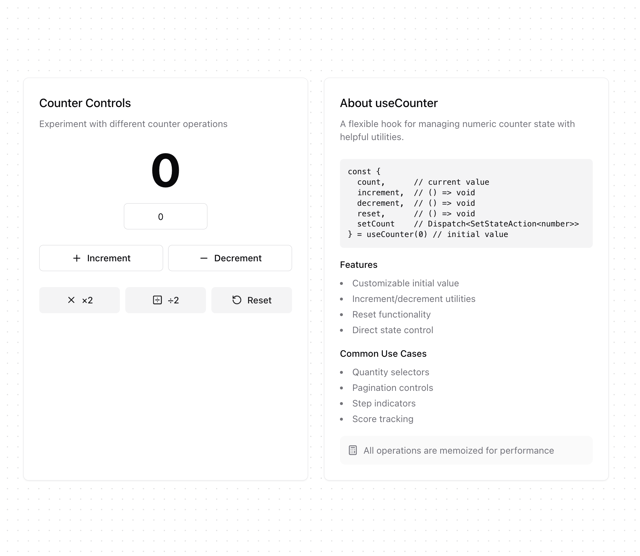
useCounter
10
useUnmount
10
useBoolean
8
More in Buttons
View all
Button Save
46

Button
20

Eclipse Button
5

Button
32

Button
6

Button
14

Button Group
37
Split Button
32

