
About
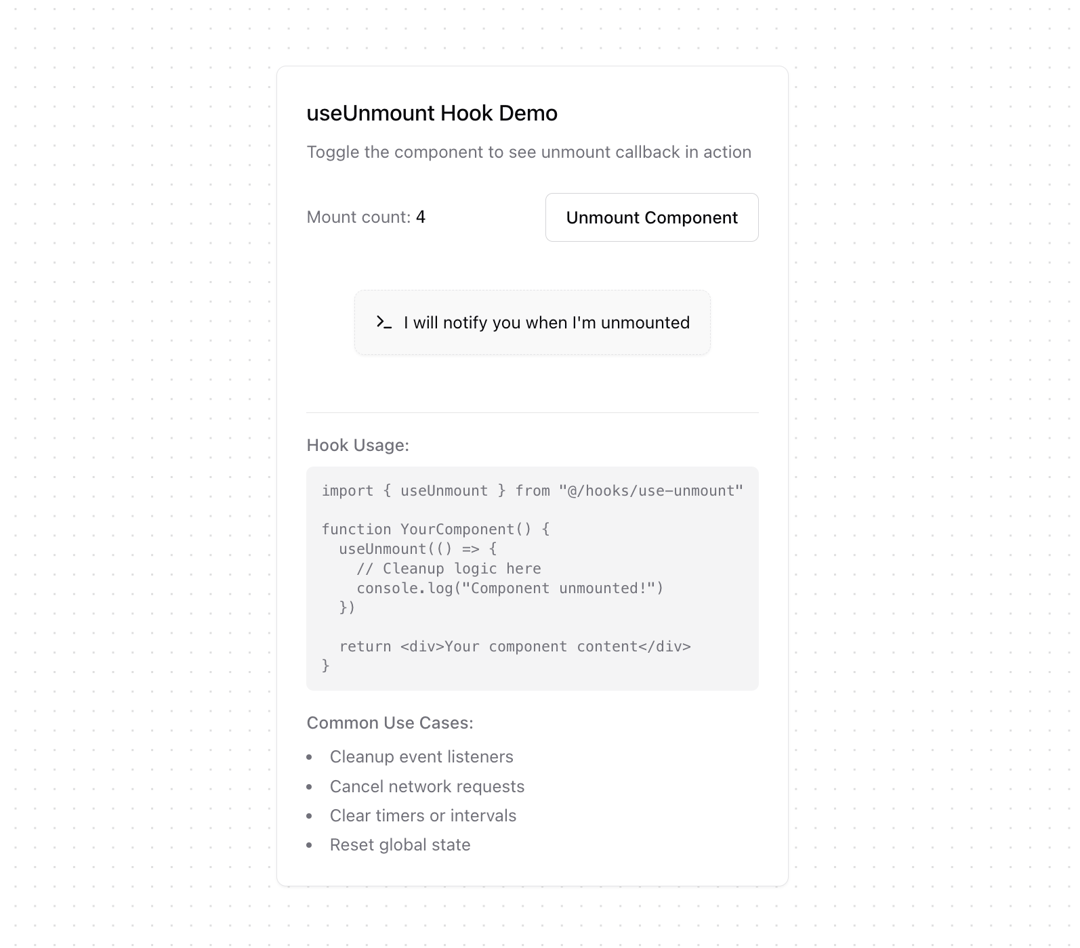
Run a function when a component unmounts, ensuring cleanups or final actions are handled effectively.
Built with React and Tailwind. Copy the prompt and paste it into Claude Code, Cursor or Lovable: your agent adds useUnmount to your project and fits it to your theme.
Code
How useUnmount is used: the demo's code. The component's own source comes with a free account.
Usage.tsx
'use client'

import { useUnmount } from "@/components/hooks/use-unmount"
import { Button } from "@/components/ui/button"
import { Card } from "@/components/ui/card"
import { useState, useEffect } from "react"
import { toast } from "sonner"
import { Terminal } from "lucide-react"

function DemoChild() {
  useUnmount(() => {
    toast.info('Component unmounted! Cleanup performed.', {
      description: new Date().toLocaleTimeString()
    })
  })

  useEffect(() => {
    toast.success('Component mounted!', {
      description: new Date().toLocaleTimeString()
    })
  }, [])

  return (
    <Card className="p-4 border-dashed bg-muted/50">
      <div className="flex items-center gap-2 text-sm">
        <Terminal className="h-4 w-4" />
        <span>I will notify you when I'm unmounted</span>
      </div>
    </Card>
  )
}

export function UseUnmountDemo() {
  const [isVisible, setIsVisible] = useState(true)
  const [mountCount, setMountCount] = useState(0)

  const toggleComponent = () => {
    if (!isVisible) {
      setMountCount(prev => prev + 1)
    }
    setIsVisible(prev => !prev)
  }

  return (
    <Card className="p-6 max-w-md mx-auto">
      <div className="space-y-6">
        {/* Header */}
        <div className="space-y-2">
          <h3 className="text-lg font-medium">useUnmount Hook Demo</h3>
          <p className="text-sm text-muted-foreground">
            Toggle the component to see unmount callback in action
          </p>
        </div>

        {/* Demo Controls */}
        <div className="space-y-4">
          <div className="flex items-center justify-between">
            <div className="text-sm">
              <span className="text-muted-foreground">Mount count: </span>
              <span className="font-mono">{mountCount}</span>
            </div>
            <Button
              variant="outline"
              onClick={toggleComponent}
            >
              {isVisible ? 'Unmount' : 'Mount'} Component
            </Button>
          </div>

          {/* Component Container */}
          <div className="min-h-[100px] flex items-center justify-center">
            {isVisible && <DemoChild />}
          </div>
        </div>

        {/* Documentation */}
        <div className="space-y-4 border-t pt-4">
          <div className="text-sm text-muted-foreground">
            <p className="font-medium mb-2">Hook Usage:</p>
            <pre className="bg-muted p-3 rounded-md text-xs">
{`import { useUnmount } from "@/hooks/use-unmount"

function YourComponent() {
  useUnmount(() => {
    // Cleanup logic here
    console.log("Component unmounted!")
  })

  return <div>Your component content</div>
}`}
            </pre>
          </div>

          <div className="text-sm text-muted-foreground">
            <p className="font-medium mb-2">Common Use Cases:</p>
            <ul className="list-disc list-inside space-y-1">
              <li>Cleanup event listeners</li>
              <li>Cancel network requests</li>
              <li>Clear timers or intervals</li>
              <li>Reset global state</li>
            </ul>
          </div>
        </div>
      </div>
    </Card>
  )
}
Dependencies
More by Ghribi Ouassim
View all
useCopyToClipboard
70
useToggle
35
useDebounceCallback
23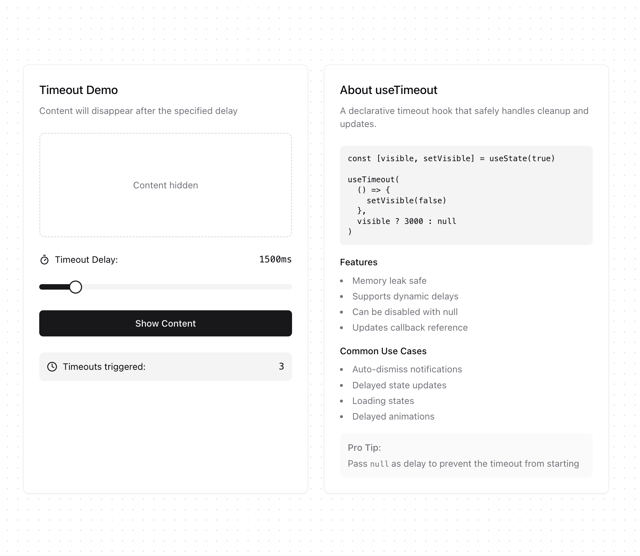
useTimeout
13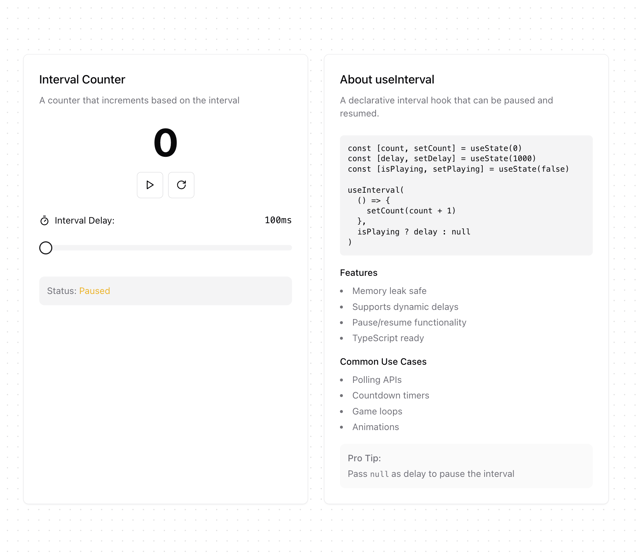
useInterval
12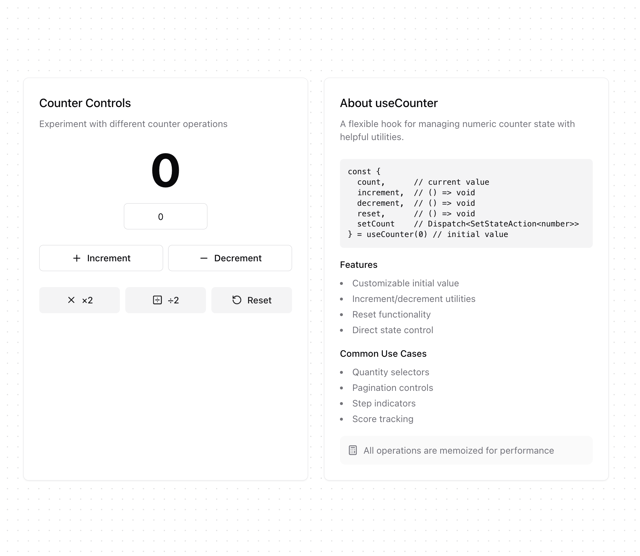
useCounter
10
useIsomorphicLayoutEffect
10
useBoolean
8
More in Buttons
View all

Button
14
Button
34
Texture Button
92

Button
64
Button Save
46

Button Group
3

Notification Button
103

Button

