
About
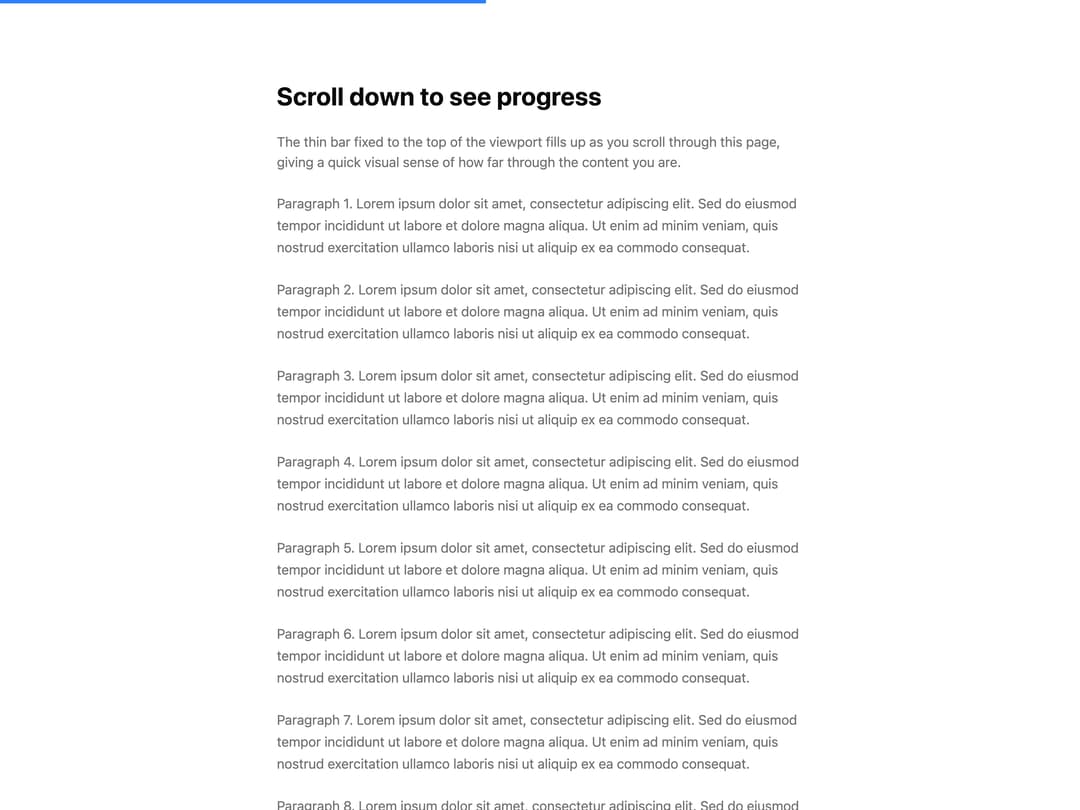
A thin horizontal bar fixed to the top of the page that fills up as the user scrolls down, showing reading/scroll progress.
Built with React and Tailwind. Copy the prompt and paste it into Claude Code, Cursor or Lovable: your agent adds Progress Indicator to your project and fits it to your theme.
Code
How Progress Indicator is used: the demo's code. The component's own source comes with a free account.
Usage.tsx
import ProgressIndicator from "@/components/ui/progress-indicator";

export default function ProgressIndicatorDemo() {
  return (
    <div className="w-full h-[200vh] bg-background text-foreground">
      <ProgressIndicator color="bg-blue-500" height={4} />
      <div className="max-w-2xl mx-auto py-24 px-6 space-y-6">
        <h1 className="text-3xl font-bold">Scroll down to see progress</h1>
        <p className="text-muted-foreground">
          The thin bar fixed to the top of the viewport fills up as you scroll
          through this page, giving a quick visual sense of how far through the
          content you are.
        </p>
        {Array.from({ length: 8 }).map((_, i) => (
          <p key={i} className="text-muted-foreground leading-relaxed">
            Paragraph {i + 1}. Lorem ipsum dolor sit amet, consectetur
            adipiscing elit. Sed do eiusmod tempor incididunt ut labore et
            dolore magna aliqua. Ut enim ad minim veniam, quis nostrud
            exercitation ullamco laboris nisi ut aliquip ex ea commodo
            consequat.
          </p>
        ))}
      </div>
    </div>
  );
}
Dependencies
More by Subhan Uddin
View all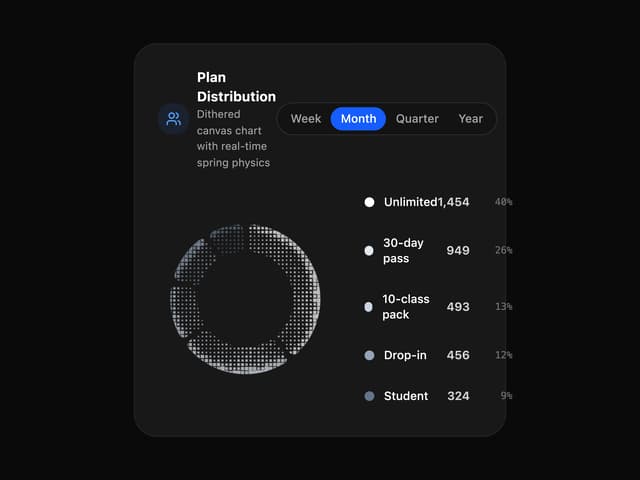

Dither Donut Chart
75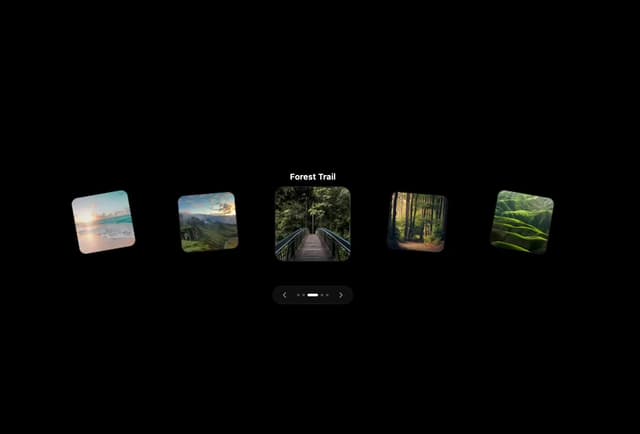
Interactive 3D Card Carousel
58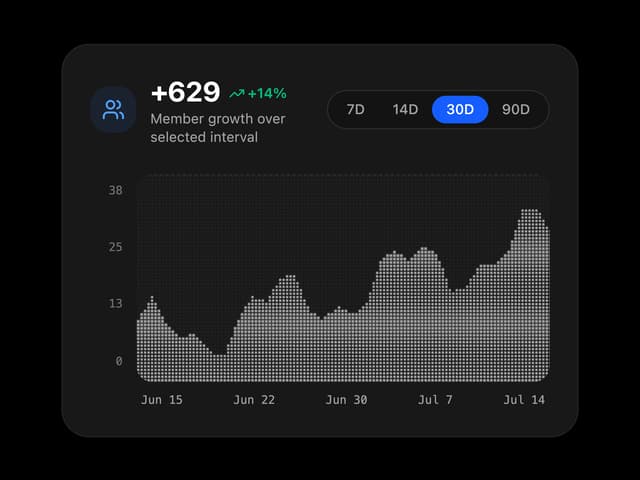
Dither Growth Chart
25
Dots Ring
23
Waveform Loader
15
Page Transition
12
Bouncing Square
12
Intersecting Rings
11