
About
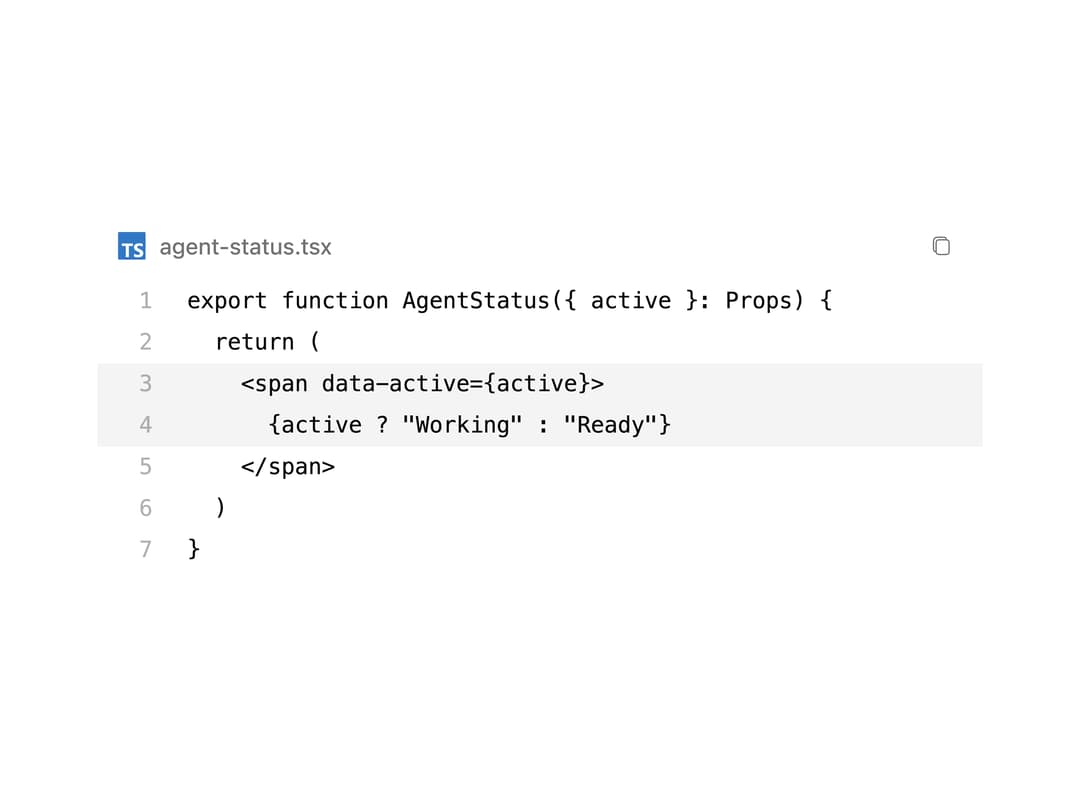
A muted code surface with line numbers, focused rows, filename metadata, and copy feedback.
Built with React and Tailwind. Copy the prompt and paste it into Claude Code, Cursor or Lovable: your agent adds Code Block to your project and fits it to your theme.
Code
How Code Block is used: the demo's code. The component's own source comes with a free account.
Usage.tsx
import CodeBlock from '@/components/ui/code-block'

export default function Demo() {
  return (
    <CodeBlock
      className="w-full max-w-lg"
      code={`export function AgentStatus({ active }: Props) {
  return (
    <span data-active={active}>
      {active ? "Working" : "Ready"}
    </span>
  )
}`}
      filename="agent-status.tsx"
      highlightLines={[3, 4]}
      language="tsx"
    />
  )
}
Dependencies
More by Syed Hasnain
View all
Color Picker
81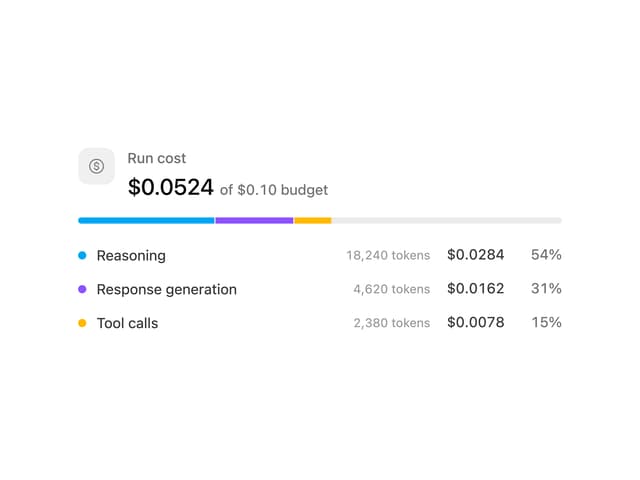
Cost Meter
30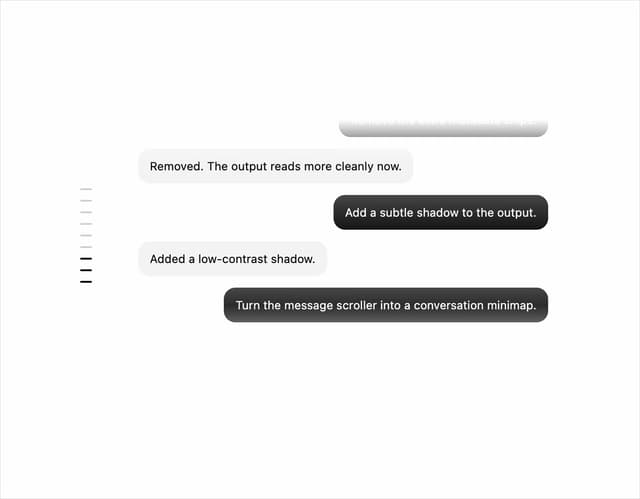
Message Scroller
23
Quota Banner
21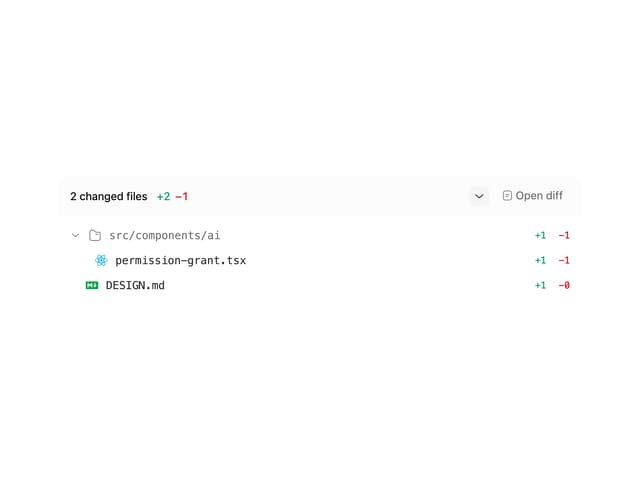
Commit
17
Image Generation Loader
15
Attachments
15
Citations
14
More in AI chats
View all

AI Actions
319
Agent Chat
17

System Message
53
Message Thread
35

AI Task List
159
Thinking Orbs
244

Modal Card
101
AI Prompt Composer with Model Selector
44


