About
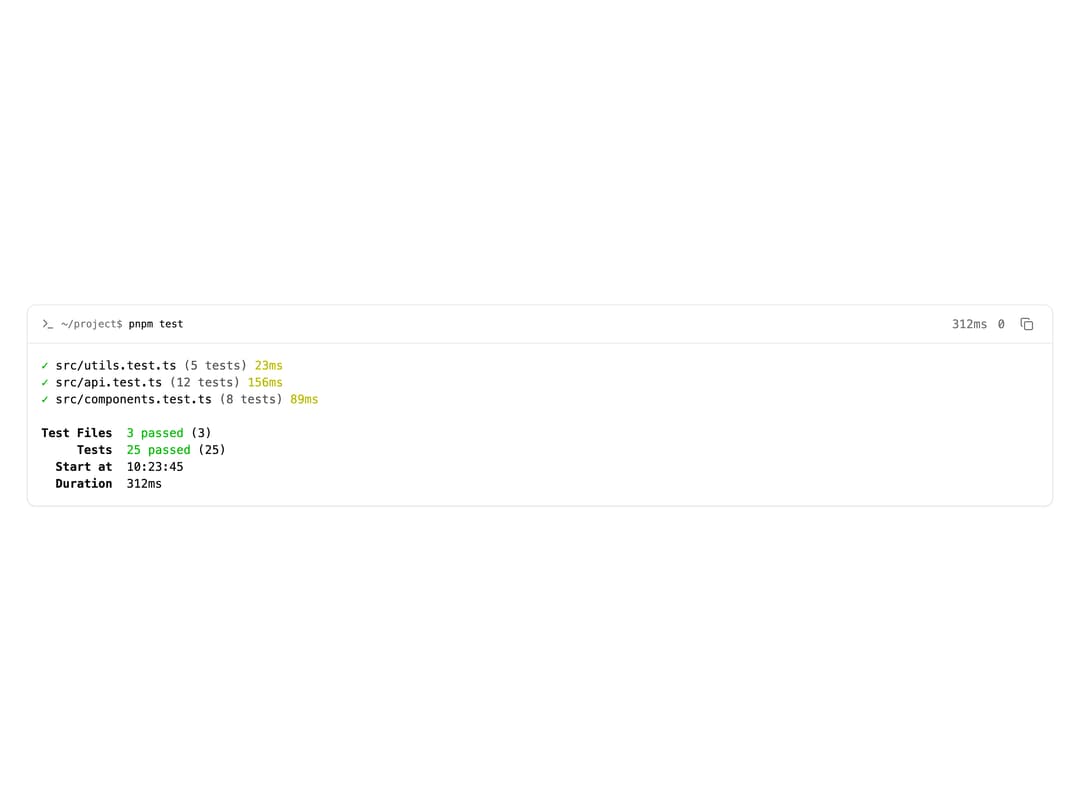
A component that displays command-line output with ANSI colors, exit codes, duration and collapsible stdout/stderr, for showing shell command results in a UI.
Built with React and Tailwind. Copy the prompt and paste it into Claude Code, Cursor or Lovable: your agent adds Terminal to your project and fits it to your theme.
Code
How Terminal is used: the demo's code. The component's own source comes with a free account.
Usage.tsx
import Terminal from "@/components/ui/terminal";

export default function TerminalDemo() {
  return (
    <div className="flex w-full items-center justify-center p-8">
      <Terminal
        id="terminal-demo"
        command="pnpm test"
        stdout={`\u001b[32m\u2713\u001b[0m src/utils.test.ts \u001b[90m(5 tests)\u001b[0m \u001b[33m23ms\u001b[0m
\u001b[32m\u2713\u001b[0m src/api.test.ts \u001b[90m(12 tests)\u001b[0m \u001b[33m156ms\u001b[0m
\u001b[32m\u2713\u001b[0m src/components.test.ts \u001b[90m(8 tests)\u001b[0m \u001b[33m89ms\u001b[0m

\u001b[1mTest Files\u001b[0m  \u001b[32m3 passed\u001b[0m (3)
\u001b[1m     Tests\u001b[0m  \u001b[32m25 passed\u001b[0m (25)
\u001b[1m  Start at\u001b[0m  10:23:45
\u001b[1m  Duration\u001b[0m  312ms`}
        exitCode={0}
        durationMs={312}
        cwd="~/project"
      />
    </div>
  );
}
Dependencies
More by tool-ui
View all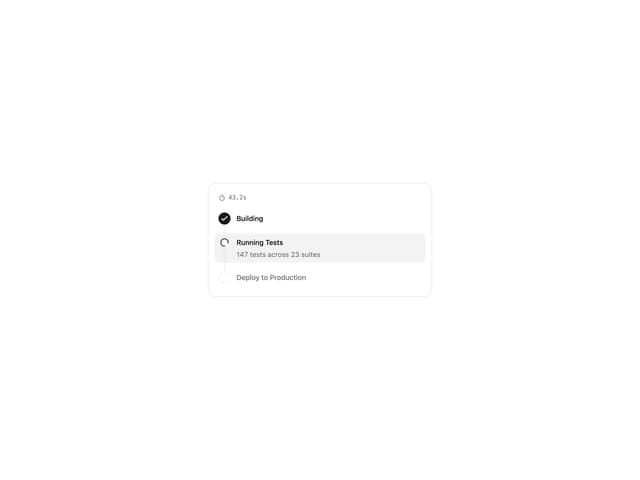
Progress Tracker
11
Message Draft
9
Citation
4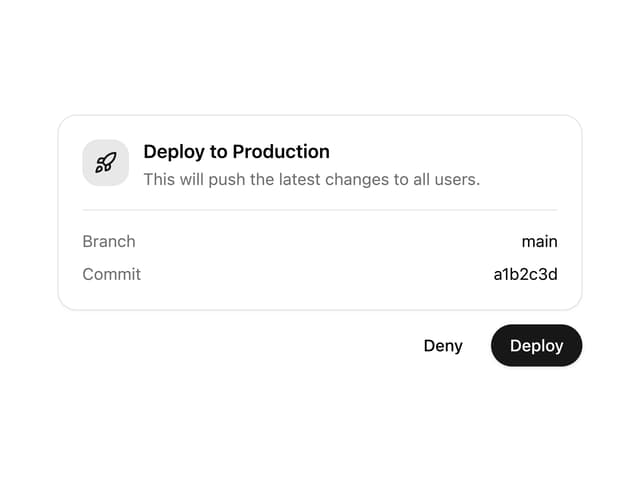
Approval Card
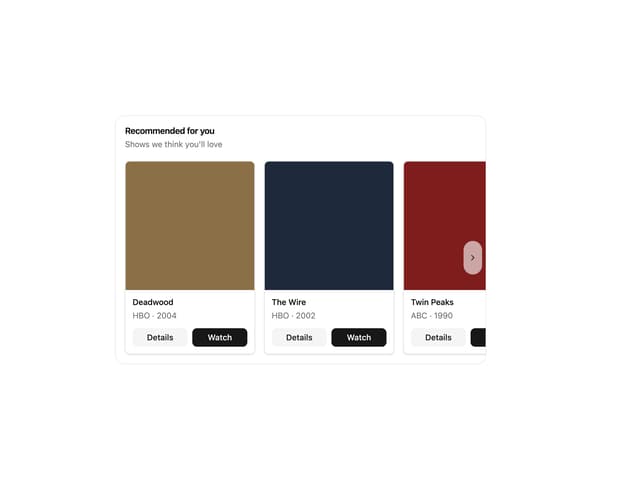
Item Carousel