About
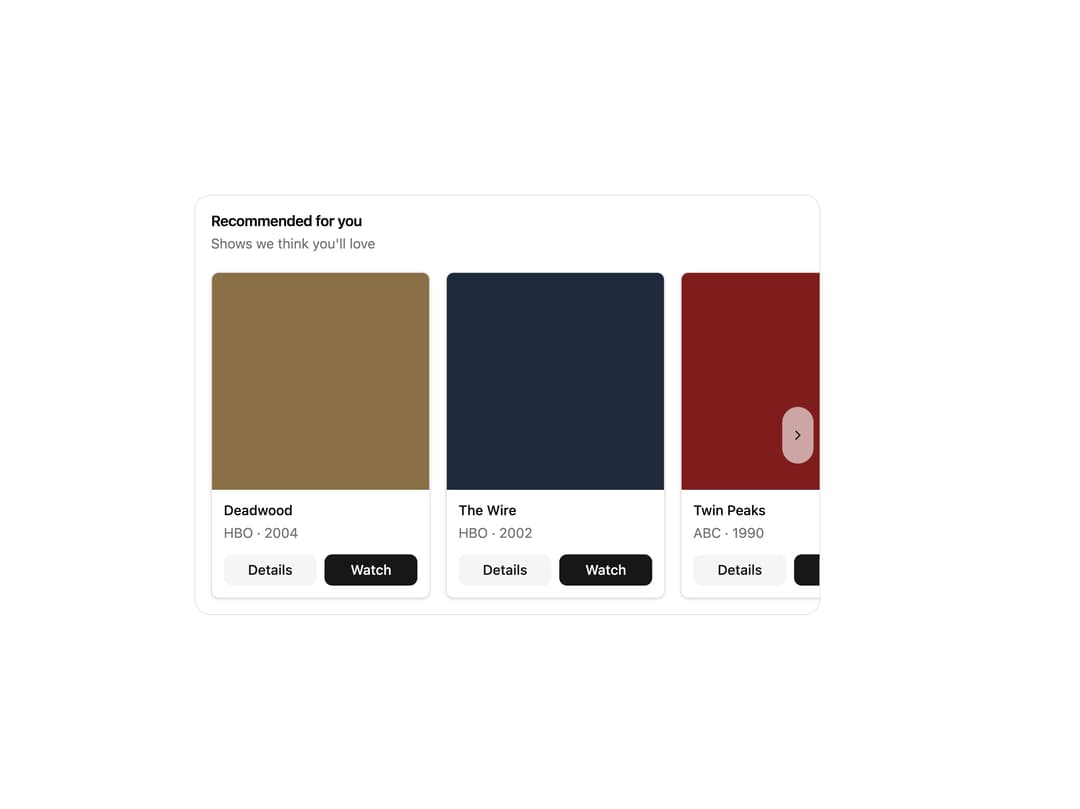
Horizontal carousel of cards for browsing collections, with per-card action buttons, smooth snap scrolling, and hover navigation arrows.
Built with React and Tailwind. Copy the prompt and paste it into Claude Code, Cursor or Lovable: your agent adds Item Carousel to your project and fits it to your theme.
Code
How Item Carousel is used: the demo's code. The component's own source comes with a free account.
Usage.tsx
import { ItemCarousel } from "@/components/ui/item-carousel";

const items = [
  {
    id: "rec-1",
    name: "Deadwood",
    subtitle: "HBO · 2004",
    color: "#8b6f47",
    actions: [
      { id: "info", label: "Details", variant: "secondary" },
      { id: "watch", label: "Watch" },
    ],
  },
  {
    id: "rec-2",
    name: "The Wire",
    subtitle: "HBO · 2002",
    color: "#1e293b",
    actions: [
      { id: "info", label: "Details", variant: "secondary" },
      { id: "watch", label: "Watch" },
    ],
  },
  {
    id: "rec-3",
    name: "Twin Peaks",
    subtitle: "ABC · 1990",
    color: "#7f1d1d",
    actions: [
      { id: "info", label: "Details", variant: "secondary" },
      { id: "watch", label: "Watch" },
    ],
  },
  {
    id: "rec-4",
    name: "The Simpsons",
    subtitle: "Fox · 1989",
    color: "#fbbf24",
    actions: [{ id: "add", label: "Add to List" }],
  },
  {
    id: "rec-5",
    name: "Mad Men",
    subtitle: "AMC · 2007",
    color: "#c2410c",
    actions: [
      { id: "info", label: "Details", variant: "secondary" },
      { id: "watch", label: "Watch" },
    ],
  },
  {
    id: "rec-6",
    name: "Peep Show",
    subtitle: "Channel 4 · 2003",
    color: "#1e40af",
    actions: [
      { id: "info", label: "Details", variant: "secondary" },
      { id: "watch", label: "Watch" },
    ],
  },
  {
    id: "rec-7",
    name: "The Sopranos",
    subtitle: "HBO · 1999",
    color: "#991b1b",
    actions: [
      { id: "info", label: "Details", variant: "secondary" },
      { id: "watch", label: "Watch" },
    ],
  },
];

export default function Default() {
  return (
    <div className="mx-auto w-full max-w-2xl p-4">
      <ItemCarousel
        id="item-carousel-recommendations"
        title="Recommended for you"
        description="Shows we think you'll love"
        items={items}
        onItemClick={(itemId) => console.log("Clicked:", itemId)}
        onItemAction={(itemId, actionId) =>
          console.log("Action:", itemId, actionId)
        }
      />
    </div>
  );
}
More by tool-ui
View all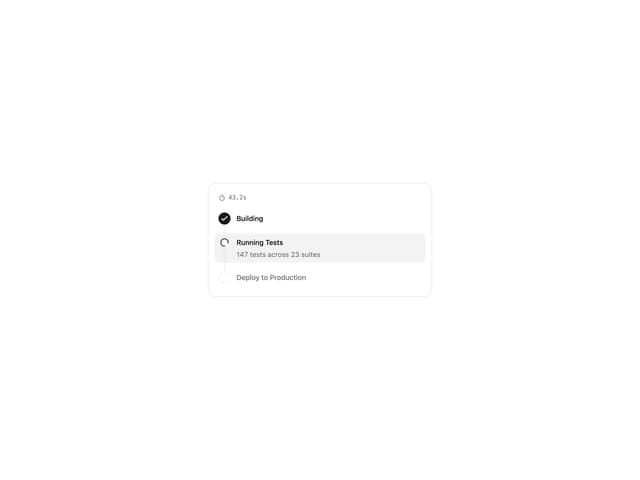
Progress Tracker
11
Message Draft
9
Citation
4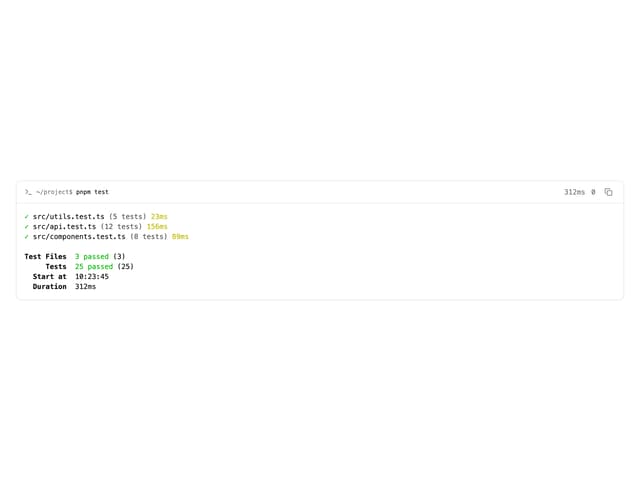
Terminal
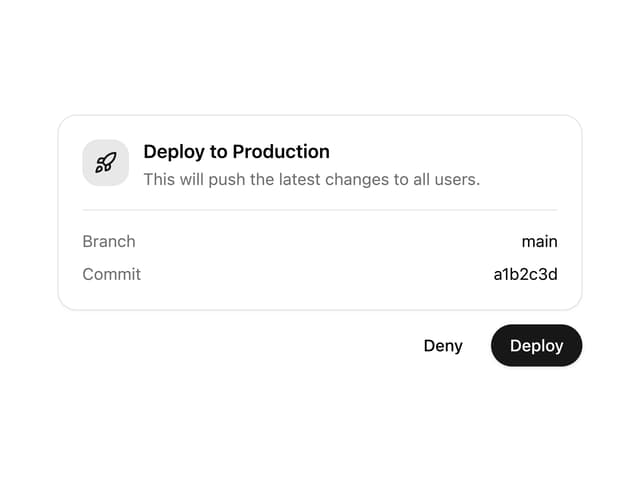
Approval Card
More in Cards
View all

Statistics Card 2
263
Card
70
Stats cards with links
39

Course Design Cards
1.1K
The Item one
3

Card Studio
7
Statistics Card 7
290
Dashboard with Collapsible Sidebar
2.4K

