
About
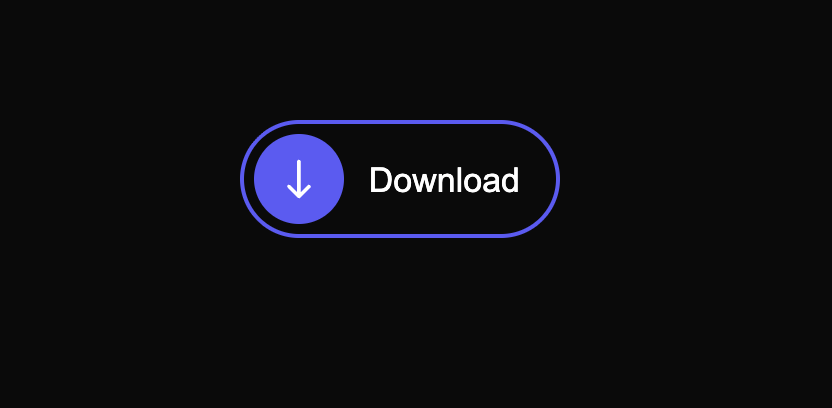
This CSS and HTML code creates a visually appealing toggle button that animates between a 'Download' and 'Open' state. The button uses a combination of CSS transitions, animations, and keyframes to achieve a smooth and engaging user experience. Clicking the button changes its appearance and text, indicating a change of state.
Built with React and Tailwind. Copy the prompt and paste it into Claude Code, Cursor or Lovable: your agent adds Animated Toggle Button with Download/Open State to your project and fits it to your theme.
Code
How Animated Toggle Button with Download/Open State is used: the demo's code. The component's own source comes with a free account.
Usage.tsx
import { Component } from "@/components/ui/animated-toggle-button-with-download-open-state";

export default function DemoOne() {
  return <Component />;
}
More by Sonu kumar
View all
Dashboard with Collapsible Sidebar
2.4K
Modern Hero
1.4K
Text Parallax Content (scroll)
1.2K
About Us section
1.2K
Modern Animated Hero Section
1.1K
Animated Hero Section
689
Cuisine Selector Chips
585
Bounce card features
573
More in Buttons
View all
Button Save
46

Button
20

Eclipse Button
5

Button
6

Button
14

Button Group
37

Button
32
Split Button
32

