
About
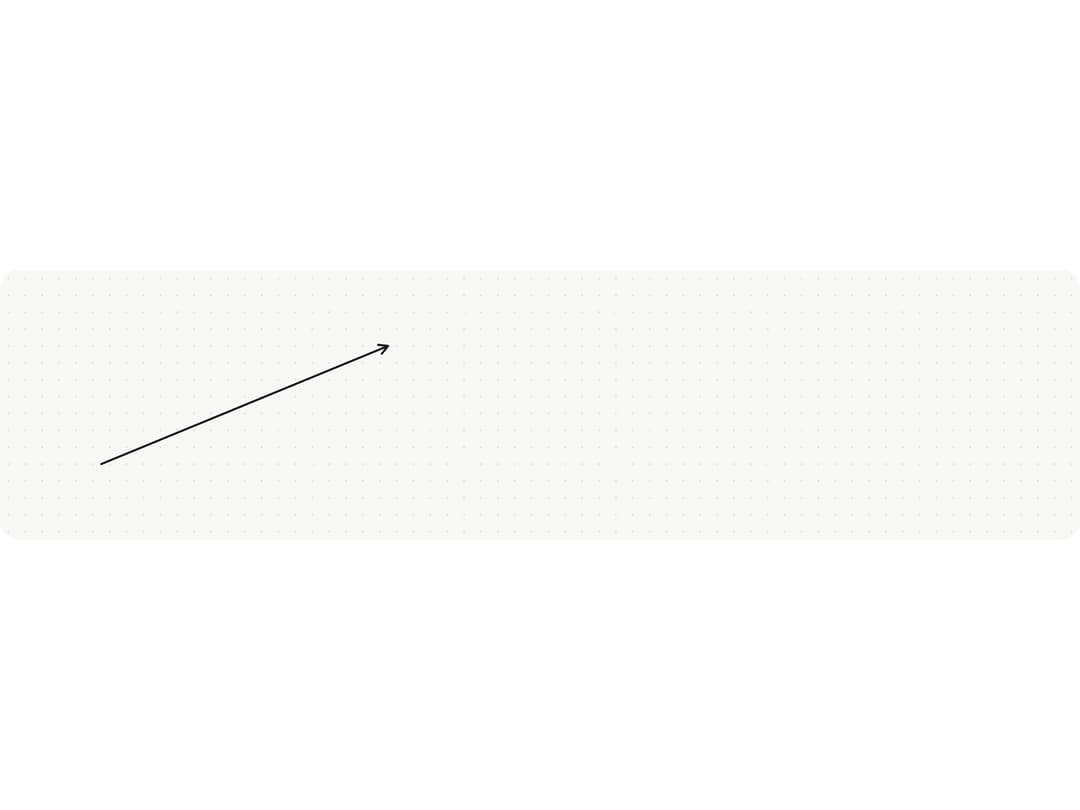
An SVG overlay that draws the hover/selected state of a line or arrow on a design-tool canvas, showing a soft green halo with end dots on hover and two draggable end handles when selected.
Built with React and Tailwind. Copy the prompt and paste it into Claude Code, Cursor or Lovable: your agent adds Line Handles to your project and fits it to your theme.
Code
How Line Handles is used: the demo's code. The component's own source comes with a free account.
Usage.tsx
"use client";

import * as React from "react";
import { LineHandles } from "@/components/ui/line-handles";

type Point = { x: number; y: number };

/** Same lookup metalui's inkColor() does: the CSS colour of an ink, for drawing with it. */
const inkColor = (ink: string) => `var(--mu-r-draw-ink-${ink})`;

export default function LineHandlesDemo() {
  const [ends, setEnds] = React.useState<{ from: Point; to: Point }>({
    from: { x: 120, y: 230 },
    to: { x: 460, y: 90 },
  });
  const [hover, setHover] = React.useState(false);
  const [selected, setSelected] = React.useState(false);
  const drag = React.useRef<"from" | "to" | null>(null);
  const box = React.useRef<HTMLDivElement>(null);

  const at = (e: React.PointerEvent): Point => {
    const r = box.current!.getBoundingClientRect();
    return { x: e.clientX - r.left, y: e.clientY - r.top };
  };

  const { from, to } = ends;
  const g = Math.atan2(to.y - from.y, to.x - from.x);
  const L = 12;
  const head = `M${to.x - L * Math.cos(g - 0.5)} ${to.y - L * Math.sin(g - 0.5)}L${to.x} ${to.y}L${to.x - L * Math.cos(g + 0.5)} ${to.y - L * Math.sin(g + 0.5)}`;

  return (
    <div
      ref={box}
      className="mu-snap-canvas"
      style={{ height: 320, touchAction: "none" }}
      onPointerDown={() => setSelected(false)}
      onPointerMove={(e) => {
        const k = drag.current;
        if (k) setEnds((s) => ({ ...s, [k]: at(e) }));
      }}
      onPointerUp={() => (drag.current = null)}
    >
      <svg
        width={1}
        height={1}
        style={{ position: "absolute", left: 0, top: 0, overflow: "visible" }}
      >
        <path
          d={`M${from.x} ${from.y}L${to.x} ${to.y}${head}`}
          fill="none"
          stroke={inkColor("ink")}
          strokeWidth={2.5}
          strokeLinecap="round"
          strokeLinejoin="round"
        />
        <path
          d={`M${from.x} ${from.y}L${to.x} ${to.y}`}
          stroke="transparent"
          strokeWidth={18}
          style={{ cursor: "pointer" }}
          onPointerEnter={() => setHover(true)}
          onPointerLeave={() => setHover(false)}
          onPointerDown={(e) => {
            e.stopPropagation();
            setSelected(true);
          }}
        />
      </svg>
      <LineHandles
        from={from}
        to={to}
        state={selected ? "selected" : hover ? "hover" : "rest"}
        onHandlePointerDown={(end, e) => {
          e.stopPropagation();
          try {
            box.current!.setPointerCapture(e.pointerId);
          } catch {
            /* a synthetic pointer */
          }
          drag.current = end;
        }}
      />
    </div>
  );
}
More by vijayksingh
View all
Weather Widget
75
Meter
10
Skeleton Loader
9
Textarea
2
Well
1
Soft Hardware Spinner
1
Settings List
Perfect Preview