
About
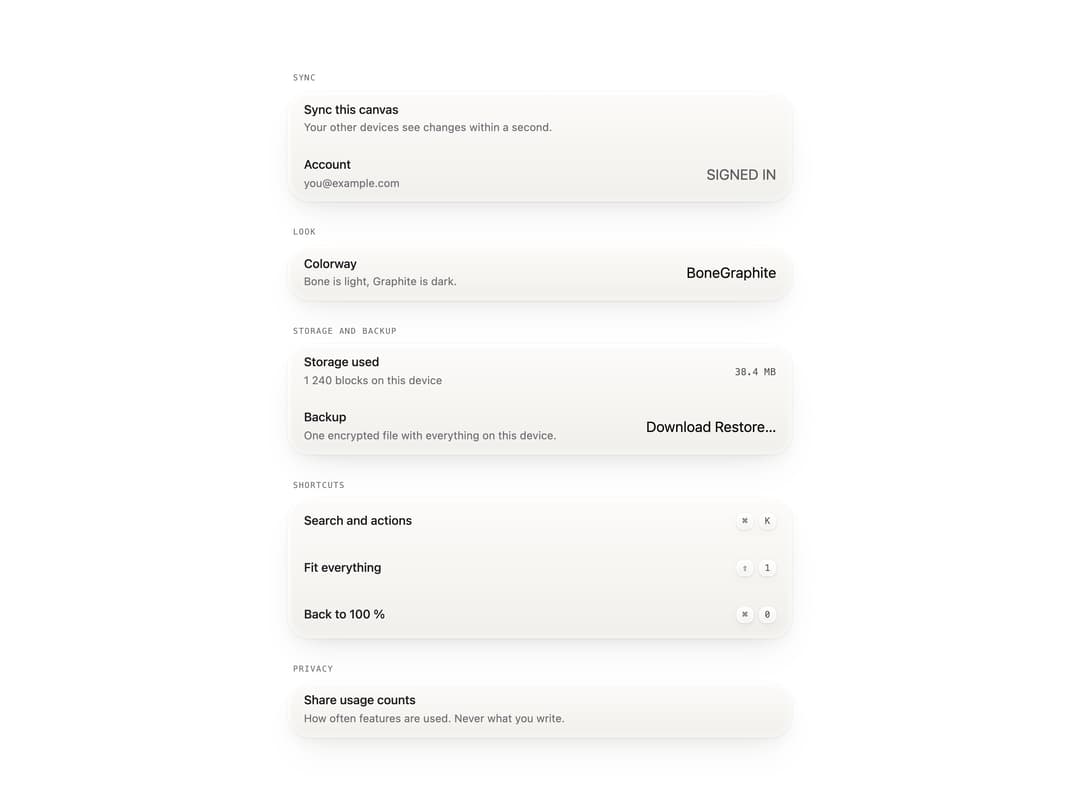
A sectioned settings list for an app, with engraved headings over raised cards, each row showing a name, an optional detail line and a single control, plus keyboard-shortcut rows rendered as keycaps.
Built with React and Tailwind. Copy the prompt and paste it into Claude Code, Cursor or Lovable: your agent adds Settings List to your project and fits it to your theme.
Code
How Settings List is used: the demo's code. The component's own source comes with a free account.
Usage.tsx
"use client";

import * as React from "react";
import SettingsList from "@/components/ui/settings";
import { Button, Switcher, StatusBadge, Switch } from "@unlocalhosted/metalui";

function SettingsView() {
  const [sync, setSync] = React.useState(true);
  const [usage, setUsage] = React.useState(false);
  const [colorway, setColorway] = React.useState("bone");
  return (
    <div style={{ width: "min(560px, 100%)" }}>
      <SettingsList>
        <SettingsList.Section title="Sync">
          <SettingsList.Row
            id="s-sync"
            name="Sync this canvas"
            detail={
              sync
                ? "Your other devices see changes within a second."
                : "Changes stay on this device."
            }
          >
            <Switch
              aria-labelledby="s-sync"
              checked={sync}
              onCheckedChange={setSync}
            />
          </SettingsList.Row>
          <SettingsList.Row name="Account" detail="you@example.com">
            <StatusBadge led="live">Signed in</StatusBadge>
          </SettingsList.Row>
        </SettingsList.Section>
        <SettingsList.Section title="Look">
          <SettingsList.Row
            name="Colorway"
            detail="Bone is light, Graphite is dark."
          >
            <Switcher
              size="compact"
              aria-label="Colorway"
              value={colorway}
              onValueChange={setColorway}
              options={[
                { value: "bone", label: "Bone" },
                { value: "graphite", label: "Graphite" },
              ]}
            />
          </SettingsList.Row>
        </SettingsList.Section>
        <SettingsList.Section title="Storage and backup">
          <SettingsList.Row
            name="Storage used"
            detail="1 240 blocks on this device"
          >
            <span className="type-readout text-ink2">38.4 MB</span>
          </SettingsList.Row>
          <SettingsList.Row
            name="Backup"
            detail="One encrypted file with everything on this device."
          >
            <Button>Download</Button>
            <Button>Restore…</Button>
          </SettingsList.Row>
        </SettingsList.Section>
        <SettingsList.Section title="Shortcuts">
          <SettingsList.Keys name="Search and actions" keys={["⌘", "K"]} />
          <SettingsList.Keys name="Fit everything" keys={["⇧", "1"]} />
          <SettingsList.Keys name="Back to 100 %" keys={["⌘", "0"]} />
        </SettingsList.Section>
        <SettingsList.Section title="Privacy">
          <SettingsList.Row
            id="s-usage"
            name="Share usage counts"
            detail="How often features are used. Never what you write."
          >
            <Switch
              aria-labelledby="s-usage"
              checked={usage}
              onCheckedChange={setUsage}
            />
          </SettingsList.Row>
        </SettingsList.Section>
      </SettingsList>
    </div>
  );
}

export default function SettingsDemo() {
  return <SettingsView />;
}
Dependencies
More by vijayksingh
View all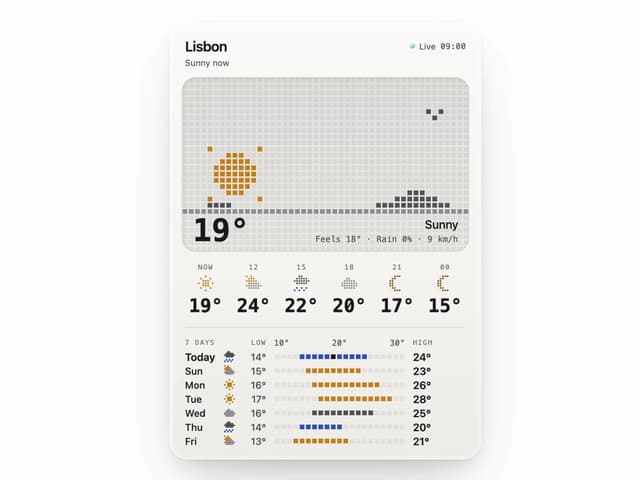
Weather Widget
75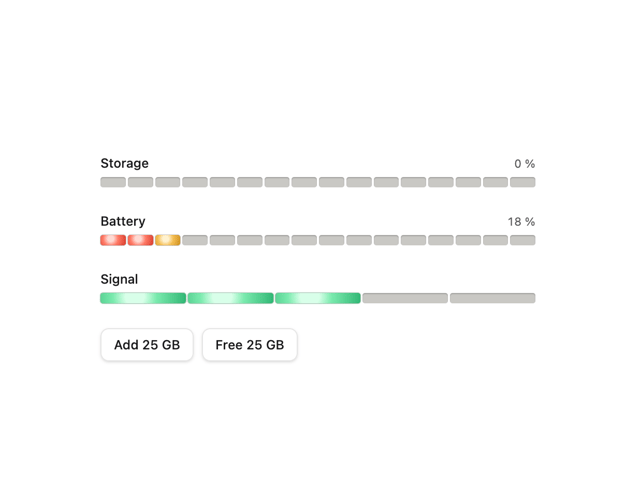
Meter
10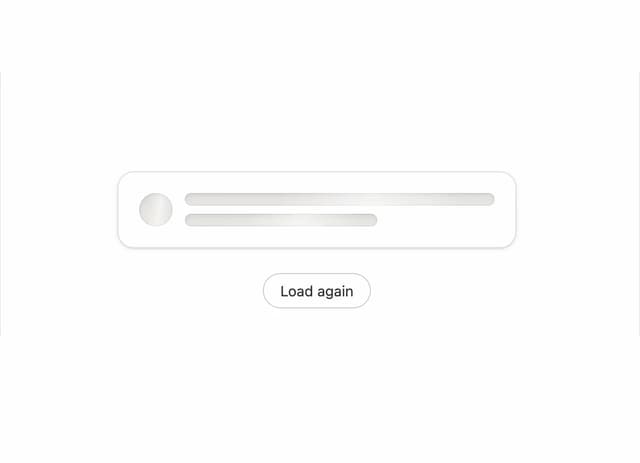
Skeleton Loader
9
Textarea
2
Well
1
Soft Hardware Spinner
1
Perfect Preview
Line Handles
More in Cards
View all
Stats cards with links
33

Course Design Cards
1.1K

Card
70
Statistics Card 2
264
Statistics Card 10
263

Card
17

Card Studio
9
The Item one
3
