
About
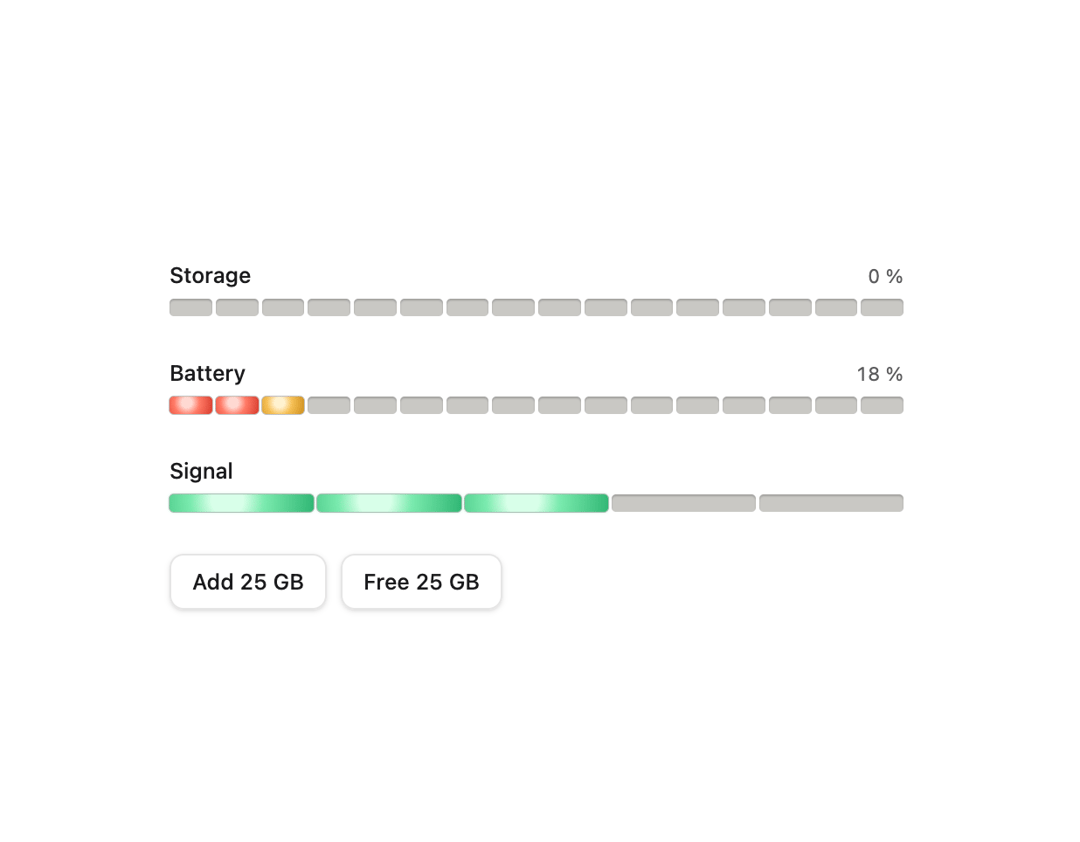
A horizontal row of LED-style segments showing a level within a range (storage, battery, signal), colored green/amber/red by position with a sweeping lamp-by-lamp animation when the value changes.
Built with React and Tailwind. Copy the prompt and paste it into Claude Code, Cursor or Lovable: your agent adds Meter to your project and fits it to your theme.
Code
How Meter is used: the demo's code. The component's own source comes with a free account.
Usage.tsx
"use client";

import * as React from "react";
import Meter from "@/components/ui/meter";

function DemoButton({
  children,
  onClick,
}: {
  children: React.ReactNode;
  onClick: () => void;
}) {
  return (
    <button
      onClick={onClick}
      className="h-8 rounded-md border border-black/10 bg-white px-3 text-[12.5px] font-medium text-[#1B1B1D] shadow-sm hover:bg-black/5 dark:border-white/10 dark:bg-[#28282B] dark:text-[#F2F2F0] dark:hover:bg-white/10"
    >
      {children}
    </button>
  );
}

export default function MeterDemo() {
  const [used, setUsed] = React.useState(42);
  return (
    <div className="flex w-full items-center justify-center p-10">
      <div className="grid w-full max-w-[420px] gap-6">
        <Meter label="Storage" value={used} showValue />
        <Meter label="Battery" value={18} bad="low" showValue />
        <Meter label="Signal" value={3} max={5} segments={5} />
        <div className="flex gap-2">
          <DemoButton onClick={() => setUsed((u) => Math.min(100, u + 25))}>
            Add 25 GB
          </DemoButton>
          <DemoButton onClick={() => setUsed((u) => Math.max(0, u - 25))}>
            Free 25 GB
          </DemoButton>
        </div>
      </div>
    </div>
  );
}
Dependencies
More by vijayksingh
View all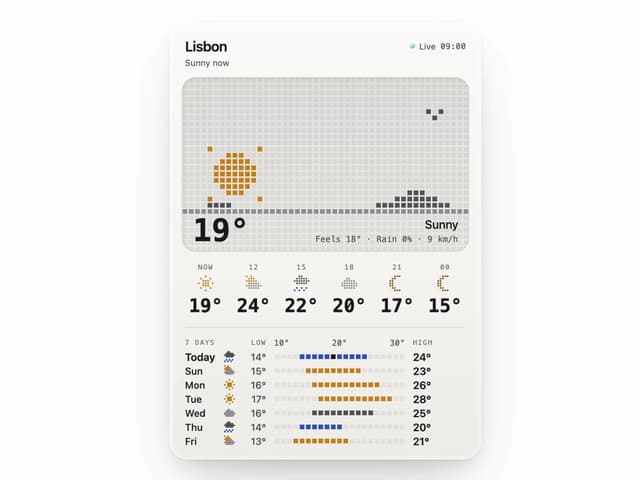
Weather Widget
75
Skeleton Loader
9
Textarea
2
Well
1
Soft Hardware Spinner
1
Settings List
Perfect Preview
Line Handles