
About
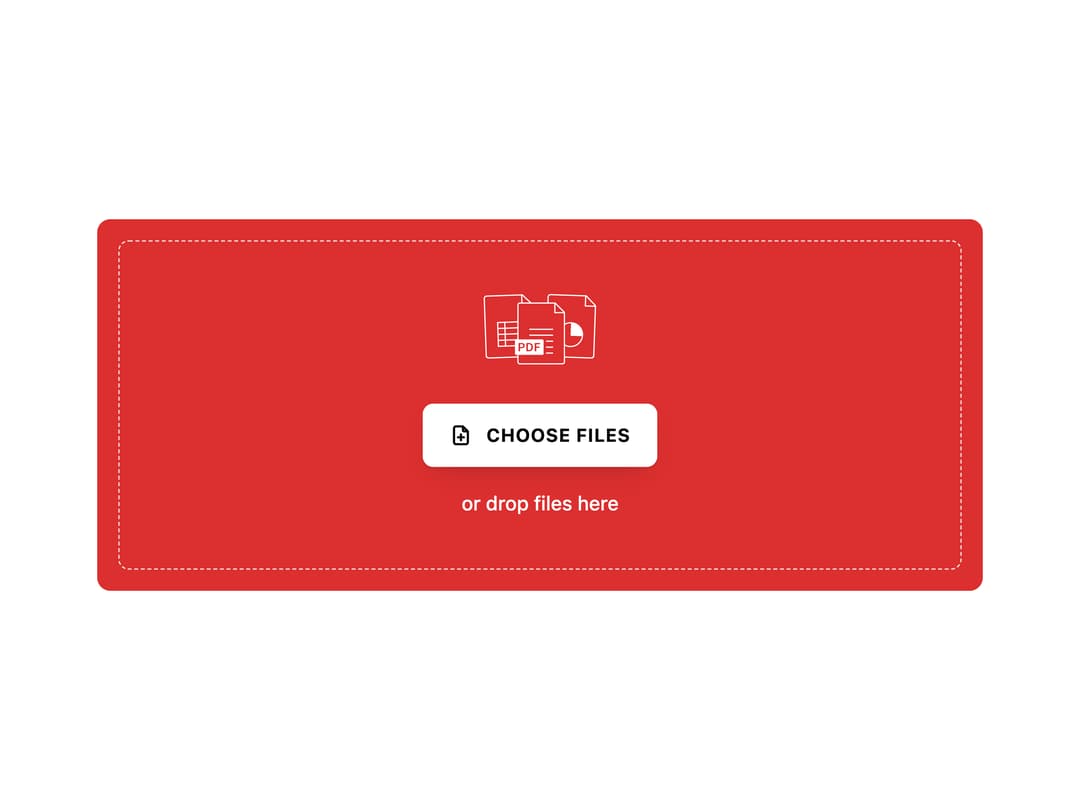
A drag and drop file uploader with a high contrast dropzone, image tiles, document cards and circular upload progress. Use it for attachments, media libraries and onboarding forms.
Built with React and Tailwind. Copy the prompt and paste it into Claude Code, Cursor or Lovable: your agent adds File Uploader to your project and fits it to your theme.
Code
How File Uploader is used: the demo's code. The component's own source comes with a free account.
Usage.tsx
"use client";

import { FileUploader } from "@/components/ui/file-uploader";

/* ───────────────────────── File Uploader, playground ──────────────────── */

const settings = {
  color: "#DC2F2F",
  buttonLabel: "Choose files",
  description: "or drop files here",
  maxFiles: 6,
  maxSizeMb: 10,
};

function mbToBytes(mb: number): number {
  return Math.round(mb * 1024 * 1024);
}

/* ───────────────────────── Preview ───────────────────────── */

export function FileUploaderPreview(props: Partial<typeof settings> = {}) {
  const state = { ...settings, ...props };

  return (
    <div className="flex w-full items-center justify-center px-6 py-10">
      <FileUploader
        key={`${state.color}-${state.maxFiles}-${state.maxSizeMb}`}
        color={state.color}
        buttonLabel={state.buttonLabel || "Choose files"}
        description={state.description || "or drop files here"}
        maxFiles={state.maxFiles}
        maxSize={mbToBytes(state.maxSizeMb)}
      />
    </div>
  );
}

/* ───────────────────────── Controls ───────────────────────── */

export default function Demo(props: Partial<typeof settings>) {
  return <FileUploaderPreview {...props} />;
}
Dependencies
More by Wensity Labs
View all

Sidebar
229
Calendar
171
Button
76
Color Picker
62
Image Comparison Slider
54
AI Prompt Input
50
Navigation Menu
36
Text Morphing
35
More in Forms
View all

Premium Auth
496

Login 2
7
Authentication Card
45

Login 1
52

Form
16

Contact Card
1K

Card Studio
41

Book A Demo 3
83
