
About
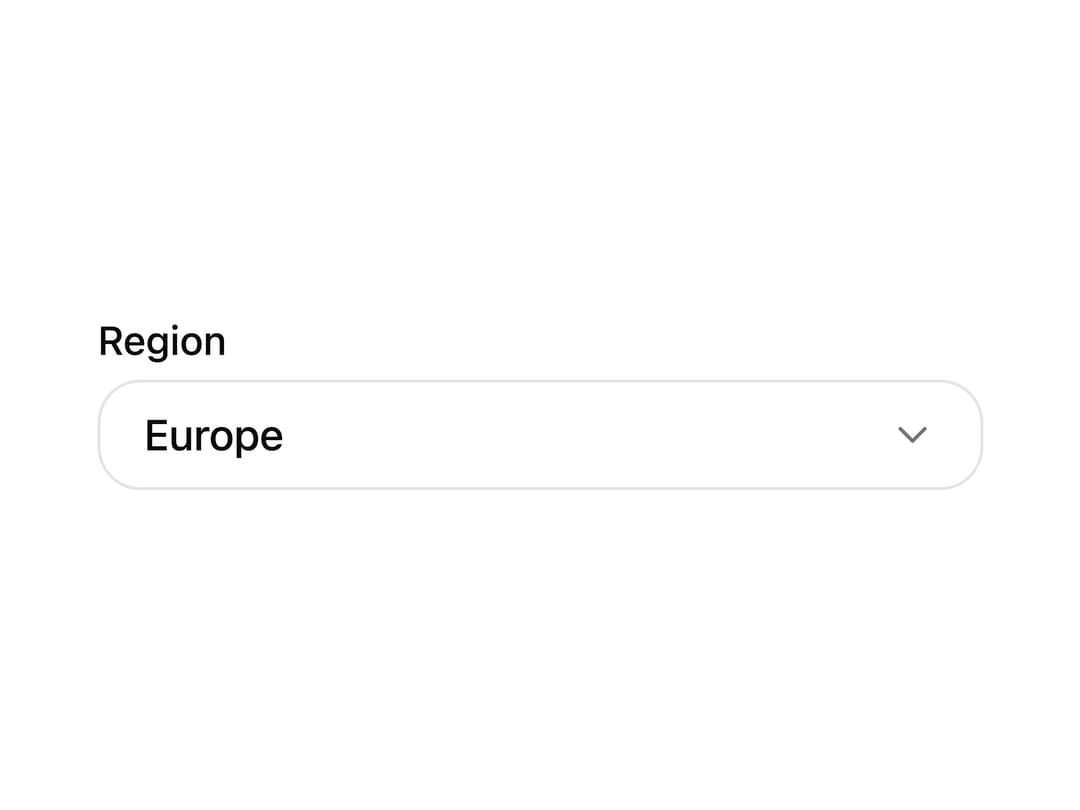
A custom select dropdown with grouped options, descriptions, leading icons and animated open states. Built on Base UI for keyboard and screen reader support in forms, filters and settings.
Built with React and Tailwind. Copy the prompt and paste it into Claude Code, Cursor or Lovable: your agent adds Select to your project and fits it to your theme.
Code
How Select is used: the demo's code. The component's own source comes with a free account.
Usage.tsx
"use client";

import * as React from "react";
import { IconCloud, IconGlobe, IconMapPin } from "@tabler/icons-react";
import { Select } from "@/components/ui/select";

function PreviewColumn({
  children,
  className,
}: {
  children: React.ReactNode;
  className?: string;
}) {
  return (
    <div className={["w-full max-w-[20rem] px-4", className].filter(Boolean).join(" ")}>
      {children}
    </div>
  );
}

const regionOptions = [
  {
    value: "iad",
    label: "US East",
    description: "Virginia, low latency for North America.",
    leading: <IconMapPin stroke={1.75} />,
    trailing: "IAD",
  },
  {
    value: "fra",
    label: "Europe",
    description: "Frankfurt, balanced coverage for EU users.",
    leading: <IconGlobe stroke={1.75} />,
    trailing: "FRA",
  },
  {
    value: "sin",
    label: "Asia Pacific",
    description: "Singapore, close to APAC traffic.",
    leading: <IconCloud stroke={1.75} />,
    trailing: "SIN",
  },
];

export function SelectPreview() {
  return (
    <PreviewColumn>
      <Select
        label="Region"
        placeholder="Choose region"
        defaultValue="fra"
        options={regionOptions}
      />
    </PreviewColumn>
  );
}

export default function Demo() {
  return <SelectPreview />;
}
Dependencies
More by Wensity Labs
View all

Sidebar
227
Calendar
169
Button
75
Color Picker
62
Image Comparison Slider
54
AI Prompt Input
50
Navigation Menu
36
Text Morphing
35
More in Forms
View all

Premium Auth
496

Login 2
7
Authentication Card
45

Login 1
52

Form
16

Contact Card
1K

Card Studio
41

Book A Demo 3
83
