
About
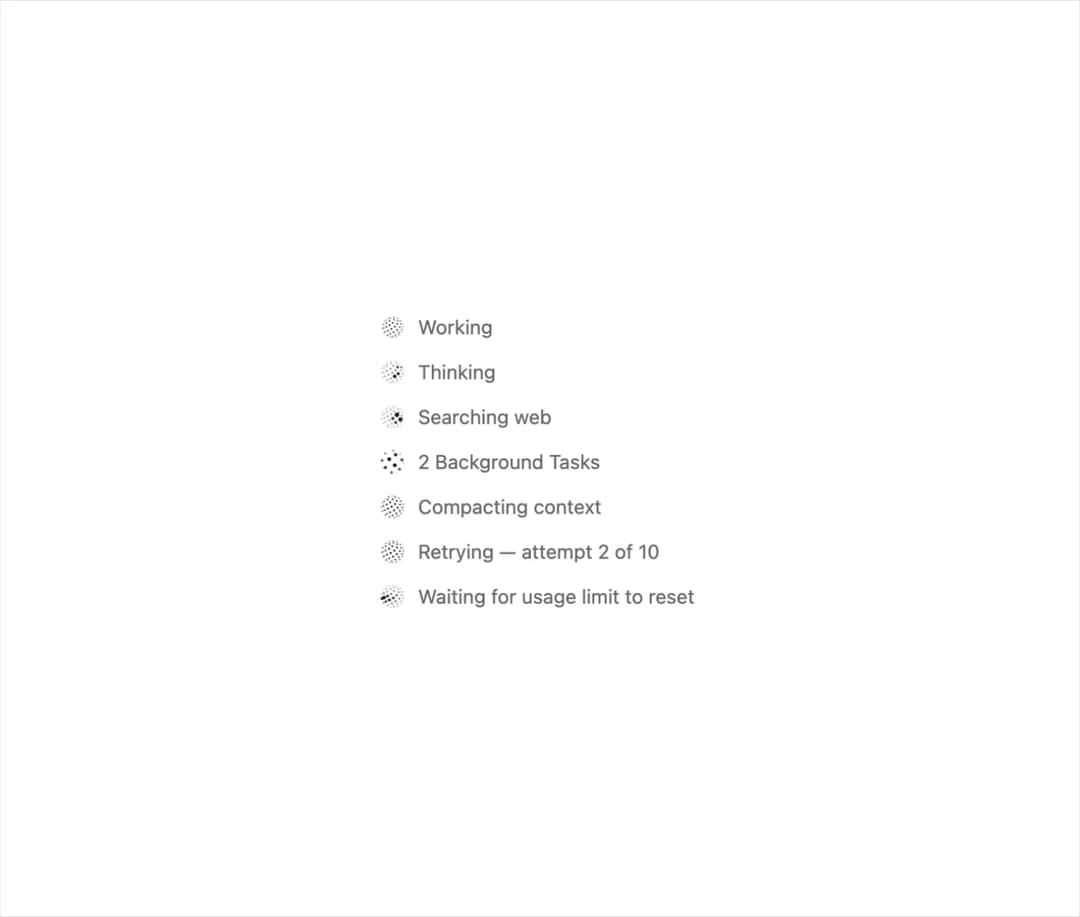
Well-crafted, animated orb status indicators for AI interfaces. For React or plain JS, with no dependencies. More shapes and playground in thinkingorbs.com .
Built with React and Tailwind. Copy the prompt and paste it into Claude Code, Cursor or Lovable: your agent adds Thinking Orbs to your project and fits it to your theme.
Code
How Thinking Orbs is used: the demo's code. The component's own source comes with a free account.
Usage.tsx
import { Orb, type OrbLook } from "@/components/ui/thinking-orbs";

const lines: (OrbLook & { label: string })[] = [
  { state: "working", label: "Working" },
  { state: "reasoning", label: "Thinking" },
  { state: "searching", label: "Searching web" },
  { state: "background", label: "2 Background Tasks" },
  { state: "compacting", label: "Compacting context" },
  { state: "retrying", label: "Retrying — attempt 2 of 10" },
  { state: "waiting", label: "Waiting for usage limit to reset" },
];

export default function Demo() {
  return (
    <div className="flex flex-col gap-3 p-10 text-sm text-foreground">
      {lines.map(({ label, ...look }) => (
        <div key={look.state} className="flex items-center gap-2">
          <Orb {...look} />
          <span className="text-muted-foreground">{label}</span>
        </div>
      ))}
    </div>
  );
}
More in AI chats
View all

AI Actions
319
Agent Chat
17

System Message
53
Message Thread
35
Color Picker
81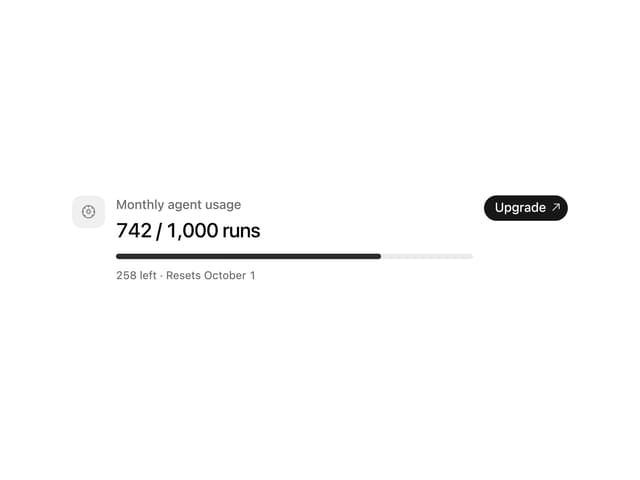
Quota Banner
21

AI Task List
159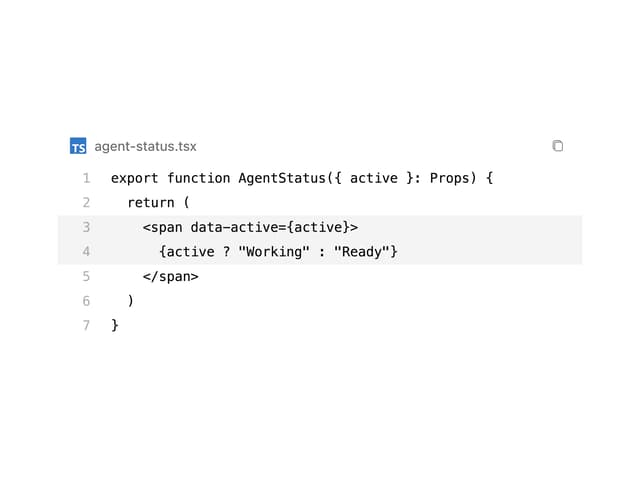
Code Block
8


