
About
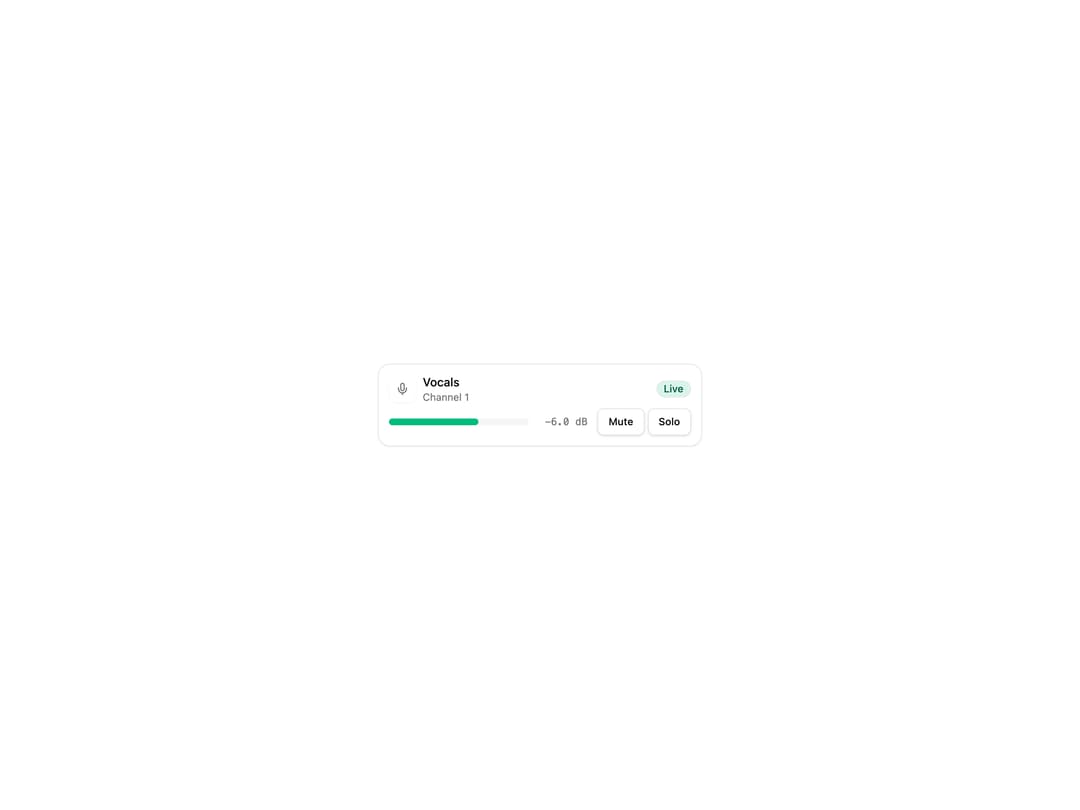
A mixer channel strip layout for audio UIs — header with icon/title/status, level meter, fader, value readout, controls and a notice, rendered as a horizontal row or a vertical console strip.
Built with React and Tailwind. Copy the prompt and paste it into Claude Code, Cursor or Lovable: your agent adds Channel Strip to your project and fits it to your theme.
Code
How Channel Strip is used: the demo's code. The component's own source comes with a free account.
Usage.tsx
"use client";

import { Mic } from "lucide-react";

import { Button } from "@/components/ui/button";
import {
  ChannelStrip,
  ChannelStripControls,
  ChannelStripDescription,
  ChannelStripHeader,
  ChannelStripIcon,
  ChannelStripMeter,
  ChannelStripStatus,
  ChannelStripText,
  ChannelStripTitle,
  ChannelStripValue,
} from "@/components/ui/channel-strip";

// Synthetic data only: a fixed meter level and dB readout, no audio file or
// microphone access is used anywhere in this demo.
const SYNTHETIC_LEVEL = 0.64;
const SYNTHETIC_DB = "-6.0 dB";

export default function ChannelStripDemo() {
  return (
    <div className="flex w-full items-center justify-center bg-background p-6">
      <ChannelStrip variant="card" className="max-w-sm">
        <ChannelStripHeader>
          <ChannelStripIcon>
            <Mic />
          </ChannelStripIcon>
          <ChannelStripText>
            <ChannelStripTitle>Vocals</ChannelStripTitle>
            <ChannelStripDescription>Channel 1</ChannelStripDescription>
          </ChannelStripText>
          <ChannelStripStatus tone="live">Live</ChannelStripStatus>
        </ChannelStripHeader>
        <ChannelStripMeter>
          <div className="h-2 w-full overflow-hidden rounded-full bg-muted">
            <div
              className="h-2 rounded-full bg-meter-ok"
              style={{ width: `${SYNTHETIC_LEVEL * 100}%` }}
            />
          </div>
        </ChannelStripMeter>
        <ChannelStripValue>{SYNTHETIC_DB}</ChannelStripValue>
        <ChannelStripControls>
          <Button size="sm" variant="outline">
            Mute
          </Button>
          <Button size="sm" variant="outline">
            Solo
          </Button>
        </ChannelStripControls>
      </ChannelStrip>
    </div>
  );
}
Dependencies
More by audiocn
View all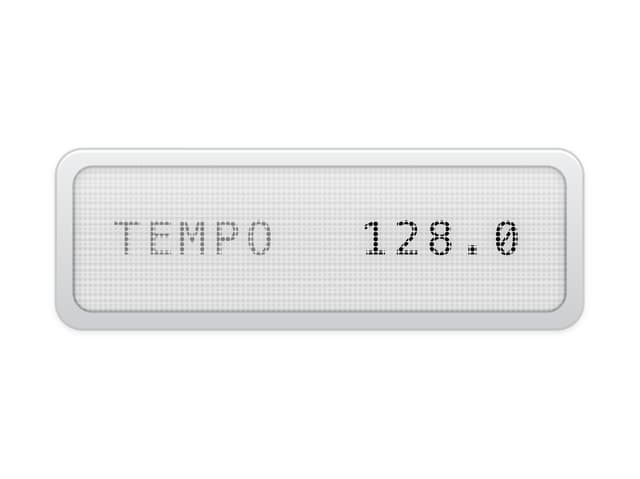
LCD Display
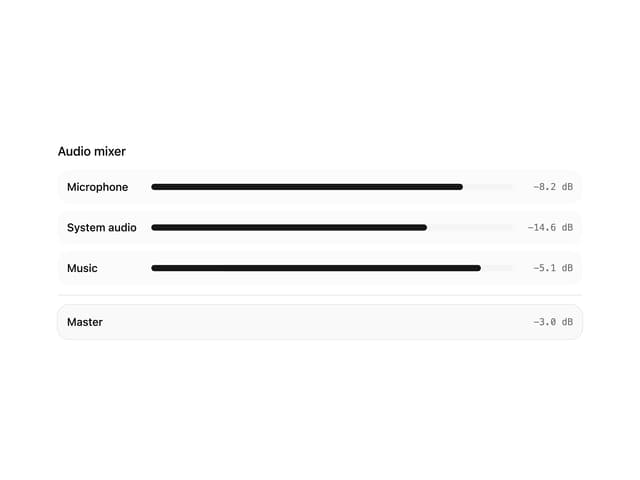
Audio Mixer
Audio Device Select