About
A component that dynamically renders a JSX string at runtime, with error boundaries, incomplete-tag auto-closing for streaming output, and injectable custom components like shadcn UI or lucide icons.
Built with React and Tailwind. Copy the prompt and paste it into Claude Code, Cursor or Lovable: your agent adds JSX Renderer to your project and fits it to your theme.
Code
How JSX Renderer is used: the demo's code. The component's own source comes with a free account.
Usage.tsx
"use client";

import { JsxRenderer } from "@/components/ui/jsx-renderer";
import { Cloud, CloudRain, Sun, Sunset } from "lucide-react";
import { useEffect, useState } from "react";

const fullJsx = `<div className="max-w-xl rounded-xl bg-gradient-to-br from-blue-400 to-blue-500 p-6 text-white shadow-lg">
  <div className="flex justify-between items-center mb-4">
	<h2 className="text-2xl font-medium">Mexico City</h2>
	<Sun className="text-yellow-300 text-4xl" />
  </div>
  <div className="flex justify-between items-end mb-4">
	<div className="text-6xl font-light">
	  <span>47°</span>
	</div>
	<div className="text-right">
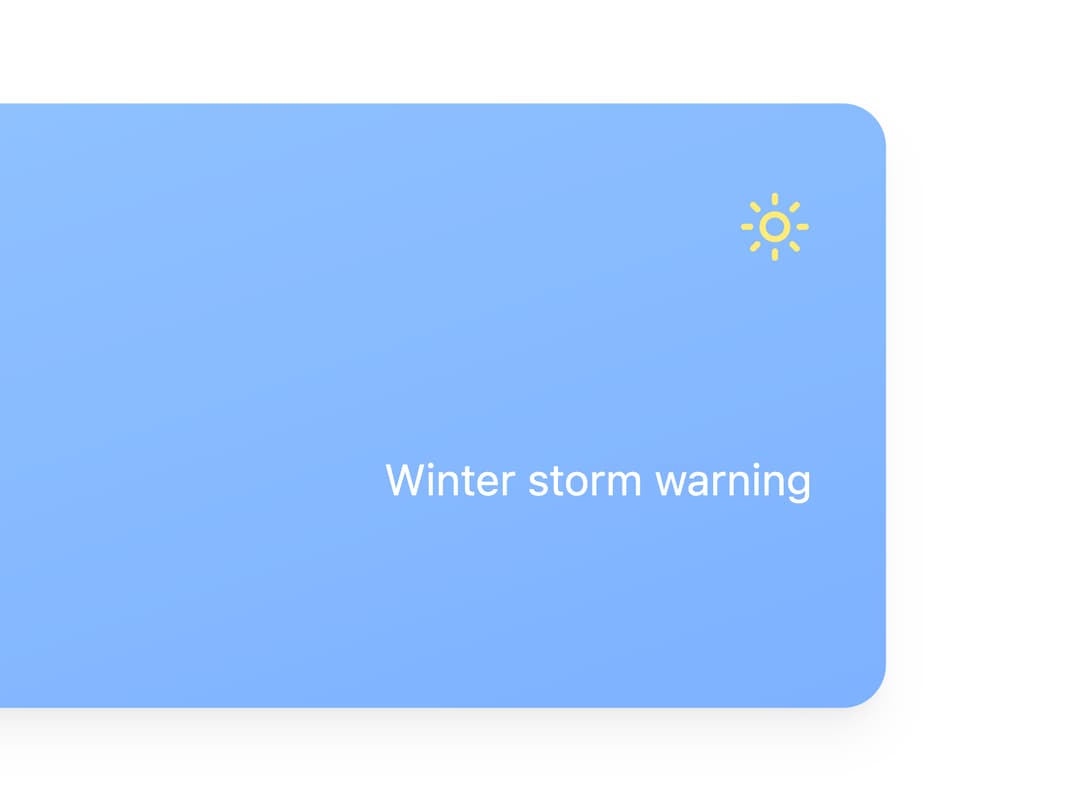
	  <p className="text-sm">Winter storm warning</p>
	</div>
  </div>
  <div className="grid grid-cols-6 gap-8">
	<div className="text-center flex flex-col items-center">
	  <p className="text-sm mb-1">4PM</p>
	  <Sun className="text-yellow-300 mb-1" />
	  <p className="text-sm font-semibold">46°</p>
	</div>
	<div className="text-center flex flex-col items-center">
	  <p className="text-sm mb-1">5PM</p>
	  <Sun className="text-yellow-300 mb-1" />
	  <p className="text-sm font-semibold">44°</p>
	</div>
	<div className="text-center flex flex-col items-center">
	  <p className="text-sm mb-1">6PM</p>
	  <CloudRain className="text-yellow-300 mb-1" />
	  <p className="text-sm font-semibold">41°</p>
	</div>
	<div className="text-center flex flex-col items-center">
	  <p className="text-sm mb-1">7PM</p>
	  <Sunset className="text-yellow-500 mb-1" />
	  <p className="text-sm font-semibold">41°</p>
	</div>
	<div className="text-center flex flex-col items-center">
	  <p className="text-sm mb-1">8PM</p>
	  <Cloud className="text-gray-300 mb-1" />
	  <p className="text-sm font-semibold">37°</p>
	</div>
	<div className="text-center flex flex-col items-center">
	  <p className="text-sm mb-1">9PM</p>
	  <Cloud className="text-gray-300 mb-1" />
	  <p className="text-sm font-semibold">35°</p>
	</div>
  </div>
</div>`;

const jsxLines = fullJsx.split("\n");

export default function JsxRendererStreamingDemo() {
  const [currentLines, setCurrentLines] = useState(jsxLines.slice(0, 1)); // Start with header and current temp

  useEffect(() => {
    const interval = setInterval(() => {
      if (currentLines.length >= jsxLines.length) {
        setCurrentLines(jsxLines.slice(0, 1));
        return;
      }
      setCurrentLines((prev) => [...prev, jsxLines[prev.length]]);
    }, 100);

    return () => clearInterval(interval);
  }, [currentLines.length]);

  const currentJsx = currentLines.join("\n");

  return (
    <div className="w-full">
      <JsxRenderer
        jsx={currentJsx}
        components={{ Cloud, Sun, CloudRain, Sunset }}
        state="streaming"
        className="w-full h-[260px]"
      />
    </div>
  );
}
Dependencies
More by Alwurts
View all
Chat Input
303
Tool Invocation
46
Model Selector
41
Chat Suggestions
13
Status Edge
7
Tool Call
4
Editable Handle
1