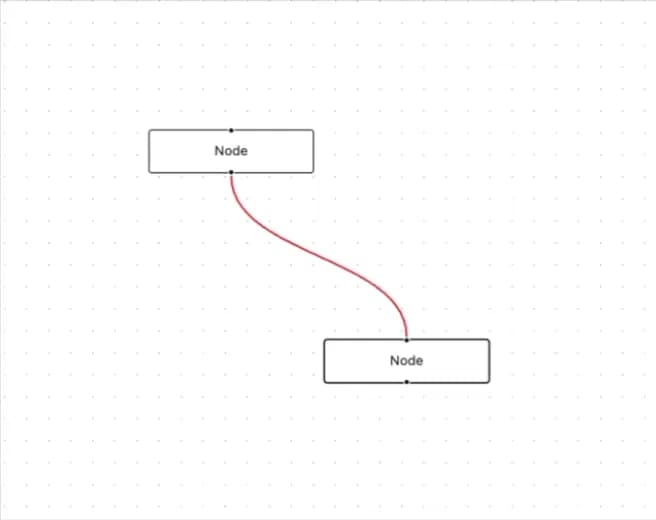
About
A React Flow edge component that colors the connecting line to signal state — gray by default, blue when selected, red when it carries an error.
Built with React and Tailwind. Copy the prompt and paste it into Claude Code, Cursor or Lovable: your agent adds Status Edge to your project and fits it to your theme.
Code
How Status Edge is used: the demo's code. The component's own source comes with a free account.
Usage.tsx
"use client";

import StatusEdge from "@/components/ui/status-edge";
import { Background, ReactFlow, ReactFlowProvider } from "@xyflow/react";
import "@xyflow/react/dist/style.css";

const defaultNodes = [
  {
    id: "1",
    position: { x: 200, y: 200 },
    data: { label: "Node" },
  },
  {
    id: "2",
    position: { x: 400, y: 400 },
    data: { label: "Node" },
  },
];

const defaultEdges = [
  {
    id: "e1-2",
    source: "1",
    target: "2",
    type: "status",
    data: {
      error: true,
    },
  },
];

const edgeTypes = {
  status: StatusEdge,
};

export default function StatusEdgeDemo() {
  const defaultViewport = { x: -100, y: -100, zoom: 1.1 };

  return (
    <div className="w-full h-screen">
      <ReactFlowProvider>
        <ReactFlow
          defaultNodes={defaultNodes}
          defaultEdges={defaultEdges}
          edgeTypes={edgeTypes}
          defaultViewport={defaultViewport}
        >
          <Background />
        </ReactFlow>
      </ReactFlowProvider>
    </div>
  );
}
Dependencies
More by Alwurts
View all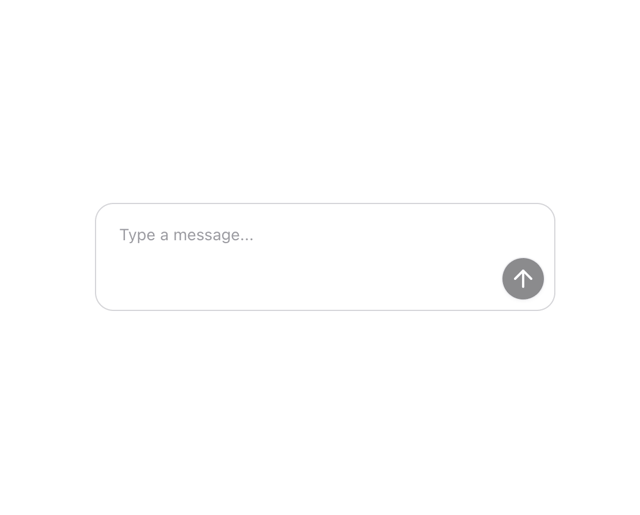
Chat Input
303
Tool Invocation
46
Model Selector
41
Chat Suggestions
13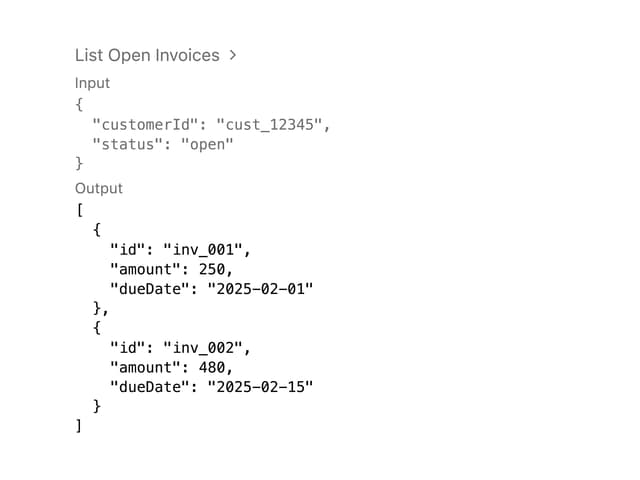
Tool Call
4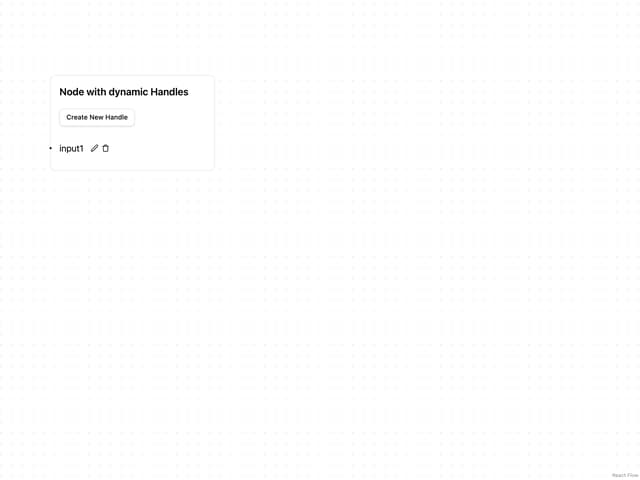
Editable Handle
1
JSX Renderer