
About
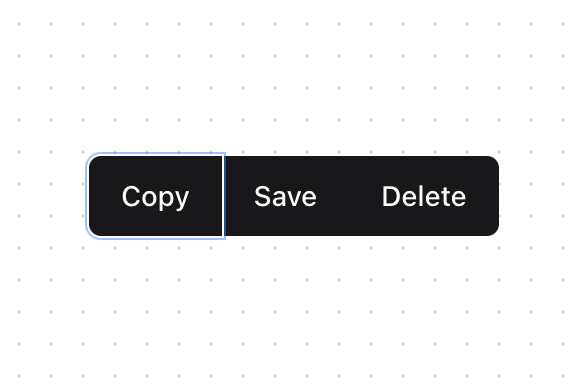
A versatile button group component for organizing related actions with consistent spacing and visual connection.
Built with React and Tailwind. Copy the prompt and paste it into Claude Code, Cursor or Lovable: your agent adds Button Group to your project and fits it to your theme.
Code
How Button Group is used: the demo's code. The component's own source comes with a free account.
Usage.tsx
"use client";

import { Button } from "@/components/ui/button";
import { ButtonGroup } from "@/components/ui/button-group";

function ButtonGroupDemo() {
  return (
    <div className="flex min-h-[400px] w-full items-center justify-center p-4">
        <div className="space-y-3">
          <ButtonGroup>
            <Button>Copy</Button>
            <Button>Save</Button>
            <Button>Delete</Button>
          </ButtonGroup>
        </div>
    </div>
  );
}

export { ButtonGroupDemo };
Dependencies
More by Prism UI
View all
Display Cards
5.4K
Pricing
3.8K
Expandable Card
340
Floating Action Panel
198
Hero Badge
158
useExpandable
135
Logo Carousel
132
Icons
128
More in Buttons
View all
Button Save
46

Button
20

Eclipse Button
5

Button
6

Button
14

Button Group
37

Button
32
Split Button
32

