
About
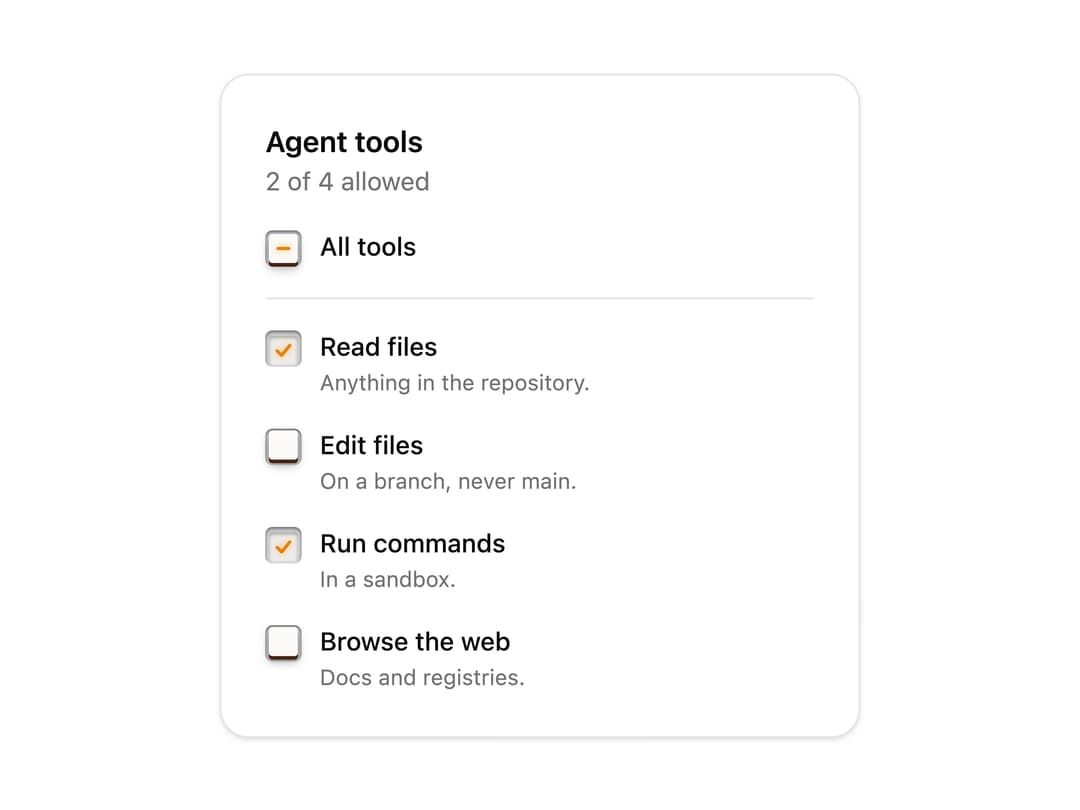
A checkbox as a latching push-key. Press it and it sinks and stays down with its mark lit amber; press again and it springs back up. Mixed holds it half-down with a dash. Small enough for lists and table rows. Skeuomorphic, accessible, Base UI. Part of Bevel: bevel-ui.vercel.app
Built with React and Tailwind. Copy the prompt and paste it into Claude Code, Cursor or Lovable: your agent adds Latch checkbox to your project and fits it to your theme.
Code
How Latch checkbox is used: the demo's code. The component's own source comes with a free account.
Usage.tsx
"use client"

import * as React from "react"
import {
  LatchCheckbox,
  LatchCheckboxDescription,
  LatchCheckboxField,
  LatchCheckboxGroup,
  LatchCheckboxLabel,
} from "@/components/ui/latch-checkbox"

const tools = [
  {
    value: "read",
    label: "Read files",
    description: "Anything in the repository.",
  },
  {
    value: "write",
    label: "Edit files",
    description: "On a branch, never main.",
  },
  { value: "shell", label: "Run commands", description: "In a sandbox." },
  {
    value: "web",
    label: "Browse the web",
    description: "Docs and registries.",
  },
]

/** What an agent may do. Each key latches down; the top key sits half-down when only some are on. */
export function LatchCheckboxPermissions() {
  const [allowed, setAllowed] = React.useState(["read", "shell"])
  return (
    <div className="flex w-[22rem] flex-col gap-4 rounded-2xl border bg-card p-6 shadow-sm">
      <div>
        <p id="agent-tools" className="font-semibold">
          Agent tools
        </p>
        <p className="text-sm text-muted-foreground">
          {allowed.length} of {tools.length} allowed
        </p>
      </div>
      <LatchCheckboxGroup
        aria-labelledby="agent-tools"
        value={allowed}
        onValueChange={setAllowed}
        allValues={tools.map((t) => t.value)}
        className="gap-4"
      >
        <LatchCheckboxField className="border-b pb-4">
          <LatchCheckbox parent />
          <LatchCheckboxLabel>All tools</LatchCheckboxLabel>
        </LatchCheckboxField>
        {tools.map((tool) => (
          <LatchCheckboxField key={tool.value}>
            <LatchCheckbox value={tool.value} />
            <LatchCheckboxLabel>{tool.label}</LatchCheckboxLabel>
            <LatchCheckboxDescription>
              {tool.description}
            </LatchCheckboxDescription>
          </LatchCheckboxField>
        ))}
      </LatchCheckboxGroup>
    </div>
  )
}

export default LatchCheckboxPermissions
Dependencies
More by Hitesh
View all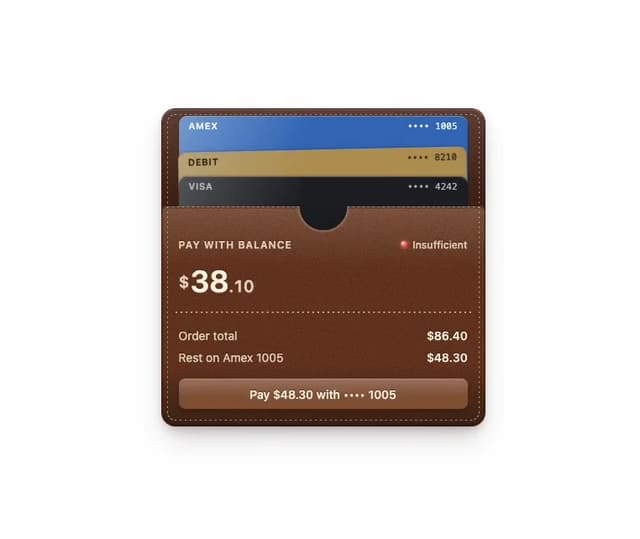
Wallet
8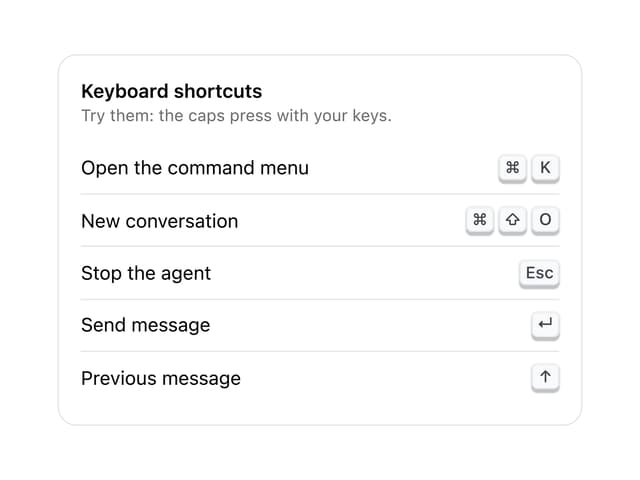
Kbd
4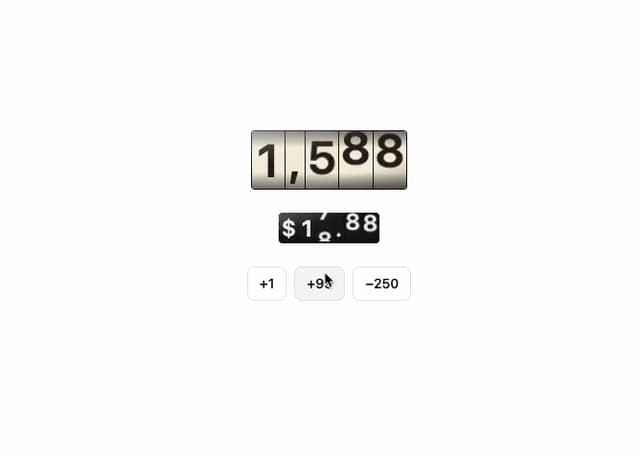
Number wheel
4
Badge
2
Icon key
1
Gauge and dial
Ledger
Preset keys