
About
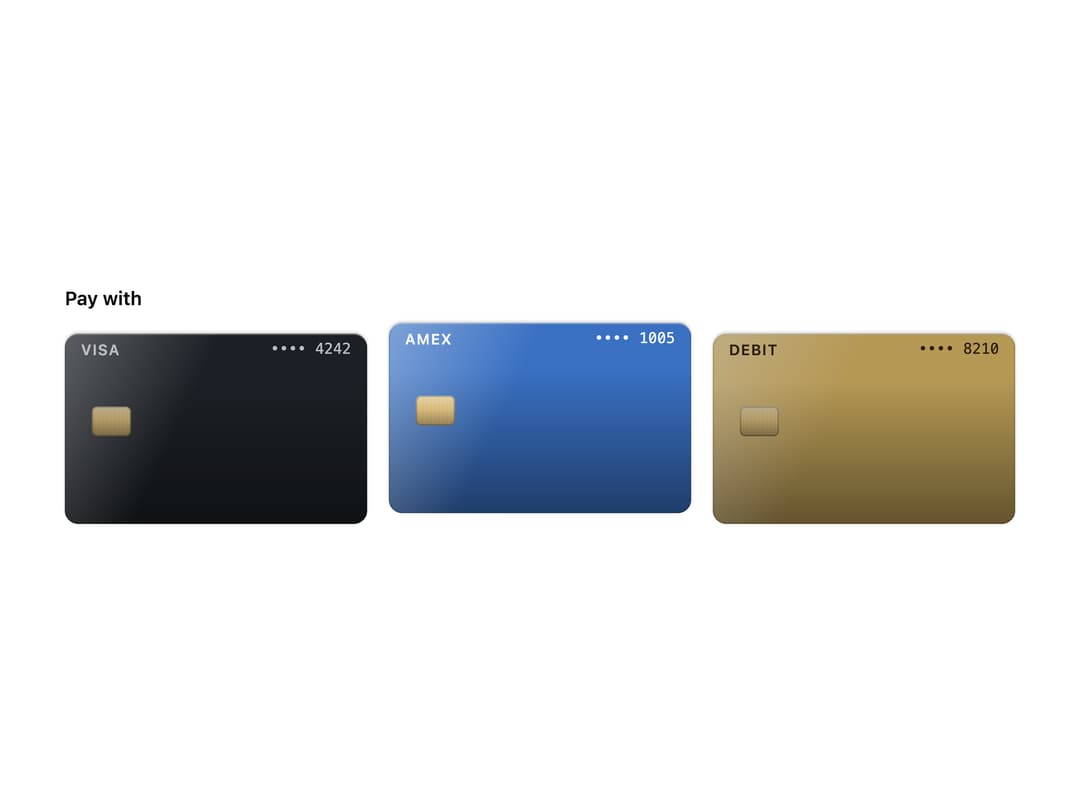
A plastic payment card at real proportions. Use it on its own, as a radio in a picker, or inside a Wallet. Skeuomorphic, accessible, Base UI. Part of Bevel: bevel-ui.vercel.app
Built with React and Tailwind. Copy the prompt and paste it into Claude Code, Cursor or Lovable: your agent adds Payment card to your project and fits it to your theme.
Code
How Payment card is used: the demo's code. The component's own source comes with a free account.
Usage.tsx
"use client"

import { Radio } from "@base-ui/react/radio"
import { RadioGroup } from "@base-ui/react/radio-group"
import {
  PaymentCard,
  PaymentCardBrand,
  PaymentCardChip,
  PaymentCardNumber,
  type PaymentCardTone,
} from "@/components/ui/payment-card"

const cards: {
  id: string
  brand: string
  last4: string
  tone: PaymentCardTone
}[] = [
  { id: "visa", brand: "Visa", last4: "4242", tone: "graphite" },
  { id: "amex", brand: "Amex", last4: "1005", tone: "sapphire" },
  { id: "debit", brand: "Debit", last4: "8210", tone: "gold" },
]

/** Choose a card to pay with. The chosen card lifts; the others dim. */
export function PaymentCardPicker() {
  return (
    <div className="flex scale-[1.6] flex-col gap-4 p-16">
      <p id="pay-with" className="text-sm font-semibold">
        Pay with
      </p>
      <RadioGroup
        aria-labelledby="pay-with"
        defaultValue="amex"
        className="flex gap-4"
      >
        {cards.map((card) => (
          <PaymentCard
            key={card.id}
            tone={card.tone}
            render={<Radio.Root value={card.id} />}
            className="w-56 cursor-pointer transition-[translate,filter] duration-(--bevel-duration-small) ease-(--bevel-ease-out) not-data-checked:brightness-(--bevel-dim) motion-reduce:transition-none data-checked:-translate-y-2"
          >
            <PaymentCardBrand>{card.brand}</PaymentCardBrand>
            <PaymentCardNumber last4={card.last4} />
            <PaymentCardChip />
          </PaymentCard>
        ))}
      </RadioGroup>
    </div>
  )
}

export default PaymentCardPicker
Dependencies
More by Hitesh
View all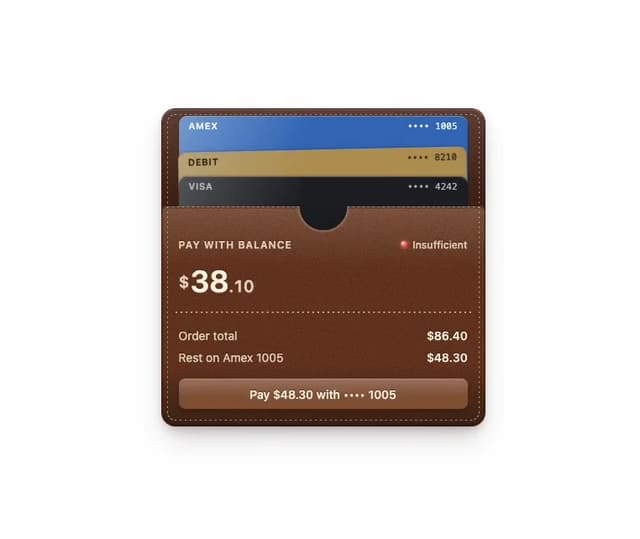
Wallet
8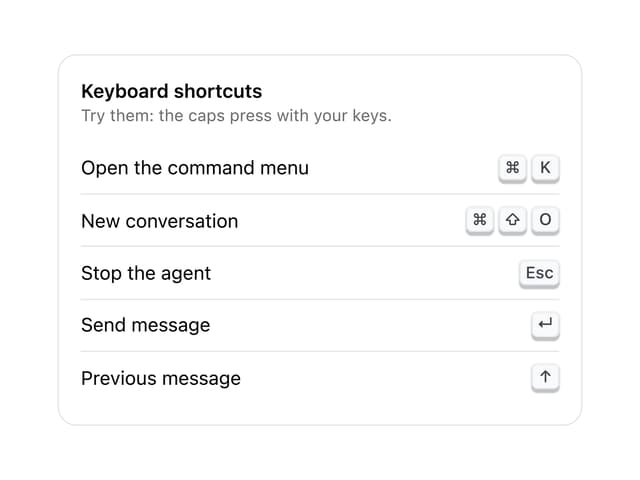
Kbd
4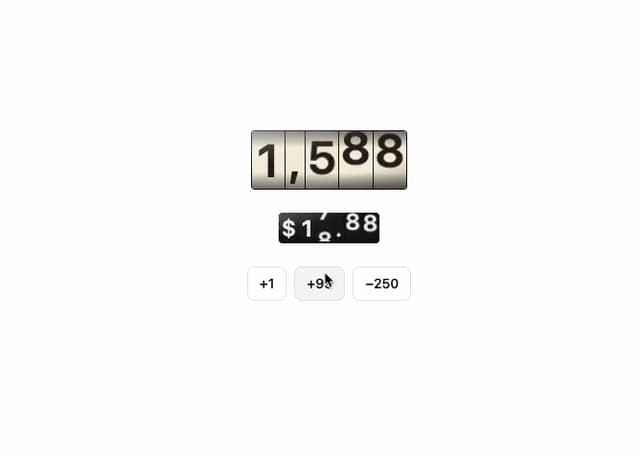
Number wheel
4
Badge
2
Icon key
1
Gauge and dial
Ledger
Preset keys