
About
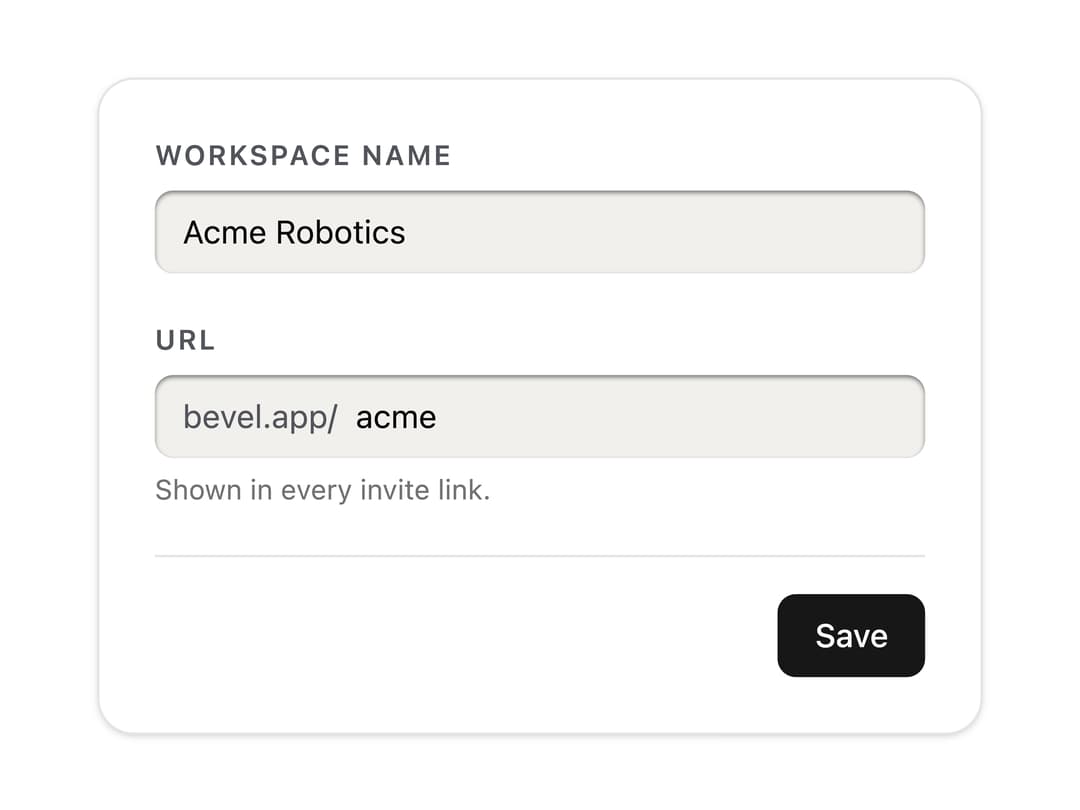
A text input cut into the panel as a slot, with a printed label above and description and error lines below. Skeuomorphic, accessible, Base UI. Part of Bevel: bevel-ui.vercel.app
Built with React and Tailwind. Copy the prompt and paste it into Claude Code, Cursor or Lovable: your agent adds Text field to your project and fits it to your theme.
Code
How Text field is used: the demo's code. The component's own source comes with a free account.
Usage.tsx
"use client"

import * as React from "react"
import { Form } from "@base-ui/react/form"
import {
  TextField,
  TextFieldAdornment,
  TextFieldDescription,
  TextFieldError,
  TextFieldInput,
  TextFieldLabel,
  TextFieldSlot,
} from "@/components/ui/text-field"

/** A recessed text field with a prefix slot. The URL validates when you leave it; try saving "acme". */
export function TextFieldWorkspace() {
  const [errors, setErrors] = React.useState<Record<string, string>>({})
  const [saved, setSaved] = React.useState(false)
  return (
    <Form
      errors={errors}
      validationMode="onBlur"
      onFormSubmit={(values) => {
        setSaved(false)
        if (values.slug === "acme")
          return setErrors({ slug: "acme is taken. Try acme-labs." })
        setErrors({})
        setSaved(true)
      }}
      className="flex w-[24rem] flex-col gap-5 rounded-2xl border bg-card p-6 shadow-sm"
    >
      <TextField name="name">
        <TextFieldLabel>Workspace name</TextFieldLabel>
        <TextFieldInput required defaultValue="Acme Robotics" />
        <TextFieldError match="valueMissing">
          Give the workspace a name.
        </TextFieldError>
      </TextField>
      <TextField
        name="slug"
        validate={(v) =>
          /^[a-z0-9-]+$/.test(String(v))
            ? null
            : "Only lowercase letters, numbers and dashes."
        }
      >
        <TextFieldLabel>URL</TextFieldLabel>
        <TextFieldSlot>
          <TextFieldAdornment>bevel.app/</TextFieldAdornment>
          <TextFieldInput
            defaultValue="acme"
            spellCheck={false}
            autoCapitalize="none"
          />
        </TextFieldSlot>
        <TextFieldDescription>Shown in every invite link.</TextFieldDescription>
        <TextFieldError />
      </TextField>
      <div className="flex items-center justify-between border-t pt-4">
        <span className="text-sm text-muted-foreground">
          {saved ? "Saved." : ""}
        </span>
        <button
          type="submit"
          className="rounded-md bg-primary px-4 py-2 text-sm font-medium text-primary-foreground"
        >
          Save
        </button>
      </div>
    </Form>
  )
}

export default TextFieldWorkspace
Dependencies
More by Hitesh
View all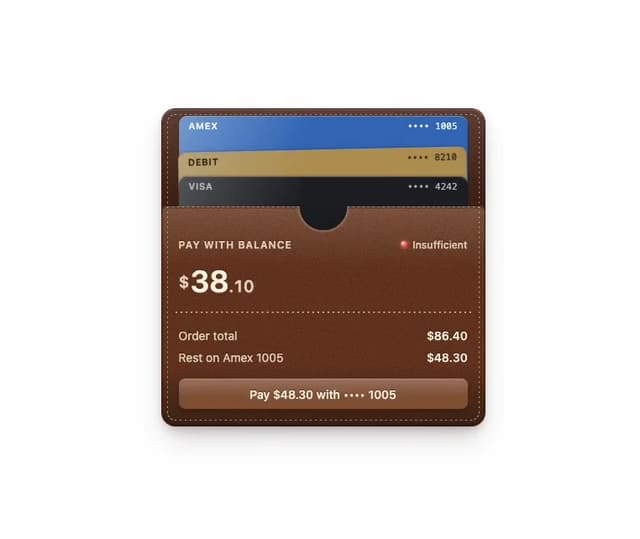
Wallet
8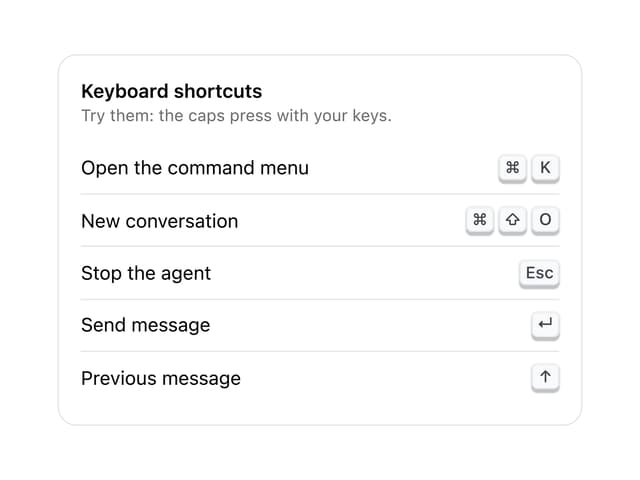
Kbd
4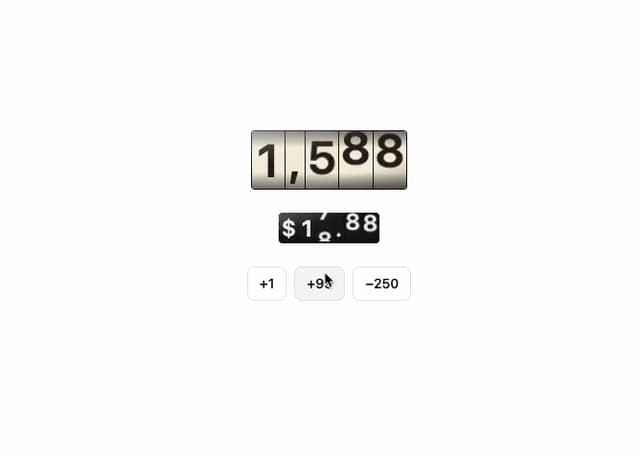
Number wheel
4
Badge
2
Icon key
1
Gauge and dial
Ledger
Preset keys