
About
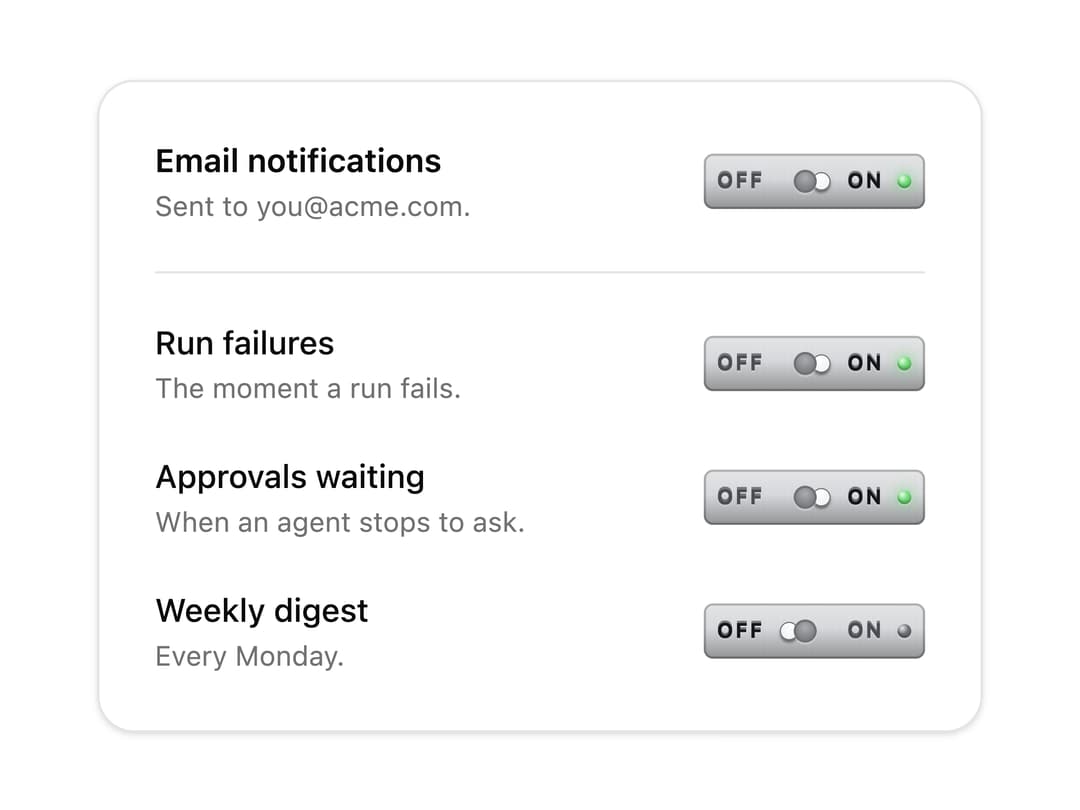
An everyday on/off switch, as a bat-handle toggle on a small plate. The lever swings through its bushing toward the side that's on and settles with a little spring; a lamp at the end of the plate lights. Skeuomorphic, accessible, Base UI. Part of Bevel: bevel-ui.vercel.app
Built with React and Tailwind. Copy the prompt and paste it into Claude Code, Cursor or Lovable: your agent adds Toggle lever to your project and fits it to your theme.
Code
How Toggle lever is used: the demo's code. The component's own source comes with a free account.
Usage.tsx
"use client"

import * as React from "react"
import {
  ToggleLever,
  ToggleLeverDescription,
  ToggleLeverField,
  ToggleLeverLabel,
} from "@/components/ui/toggle-lever"

const settings = [
  {
    id: "failures",
    label: "Run failures",
    description: "The moment a run fails.",
    on: true,
  },
  {
    id: "approvals",
    label: "Approvals waiting",
    description: "When an agent stops to ask.",
    on: true,
  },
  {
    id: "digest",
    label: "Weekly digest",
    description: "Every Monday.",
    on: false,
  },
]

/** Notification settings on metal toggle levers, with a master lever that silences them all. */
export function ToggleLeverNotifications() {
  const [paused, setPaused] = React.useState(false)
  return (
    <div className="flex w-[24rem] flex-col gap-5 rounded-2xl border bg-card p-6 shadow-sm">
      <ToggleLeverField>
        <ToggleLeverLabel className="font-semibold">
          Email notifications
        </ToggleLeverLabel>
        <ToggleLeverDescription>
          {paused ? "Paused. Nothing will be sent." : "Sent to you@acme.com."}
        </ToggleLeverDescription>
        <ToggleLever
          checked={!paused}
          onCheckedChange={(on) => setPaused(!on)}
        />
      </ToggleLeverField>
      <div className="flex flex-col gap-5 border-t pt-5">
        {settings.map((s) => (
          <ToggleLeverField key={s.id} name={s.id} disabled={paused}>
            <ToggleLeverLabel>{s.label}</ToggleLeverLabel>
            <ToggleLeverDescription>{s.description}</ToggleLeverDescription>
            <ToggleLever defaultChecked={s.on} />
          </ToggleLeverField>
        ))}
      </div>
    </div>
  )
}

export default ToggleLeverNotifications
Dependencies
More by Hitesh
View all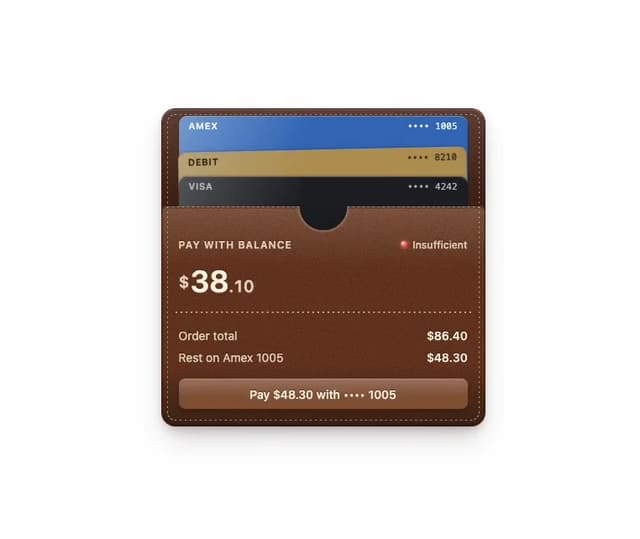
Wallet
8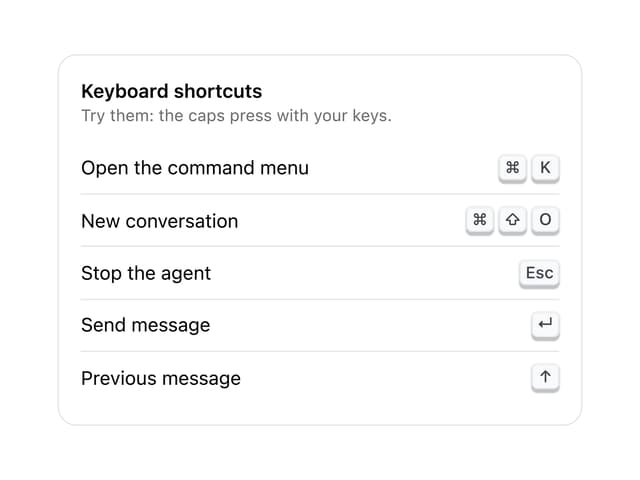
Kbd
4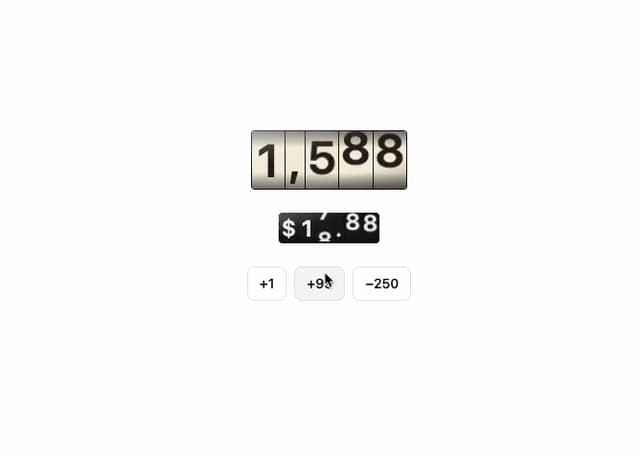
Number wheel
4
Badge
2
Icon key
1
Gauge and dial
Ledger
Preset keys