
About
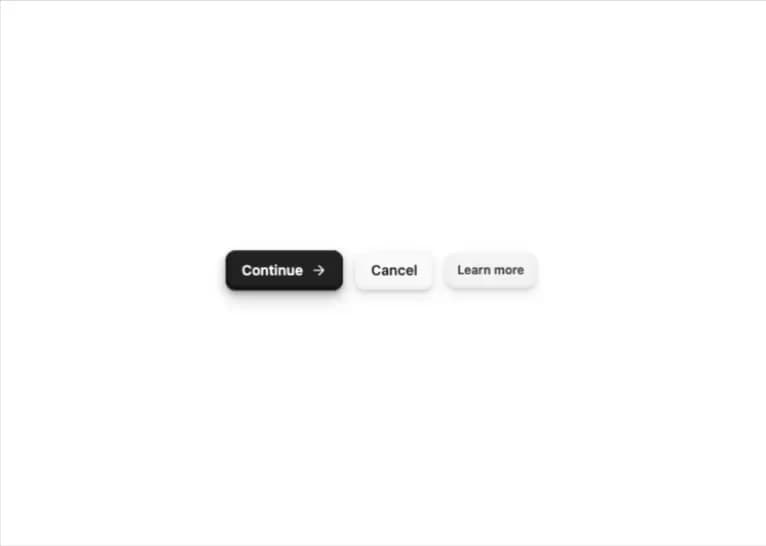
A button with tactile 3D keycap-style shadows that visibly sinks in when pressed, available in solid, soft, and muted color variants and sm/md/lg/icon sizes.
Built with React and Tailwind. Copy the prompt and paste it into Claude Code, Cursor or Lovable: your agent adds Tactile 3D Button to your project and fits it to your theme.
Code
How Tactile 3D Button is used: the demo's code. The component's own source comes with a free account.
Usage.tsx
import { ThreeDButton } from "@/components/ui/three-d-button";
import { ArrowRight } from "lucide-react";

export default function ThreeDButtonDemo() {
  return (
    <div className="flex min-h-screen w-full items-center justify-center bg-background p-8">
      <div className="flex flex-wrap items-center justify-center gap-3">
        <ThreeDButton variant="solid">
          Continue
          <ArrowRight className="size-4" />
        </ThreeDButton>
        <ThreeDButton variant="soft">Cancel</ThreeDButton>
        <ThreeDButton variant="muted" size="sm">
          Learn more
        </ThreeDButton>
      </div>
    </div>
  );
}
Dependencies
More by bidyut10
View all
Honey Ember Background
51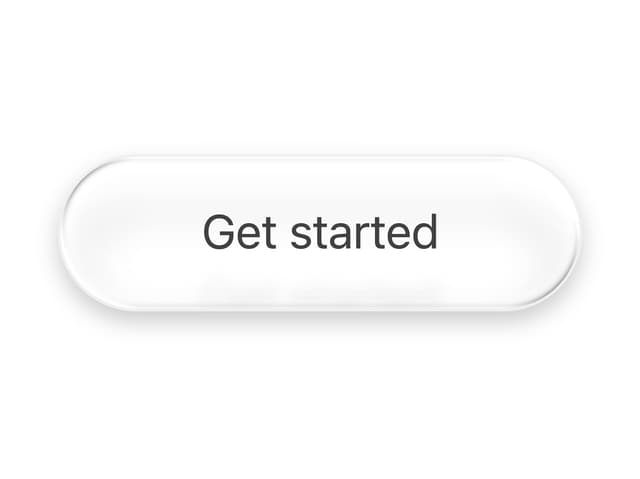
Sheen Pill Button
41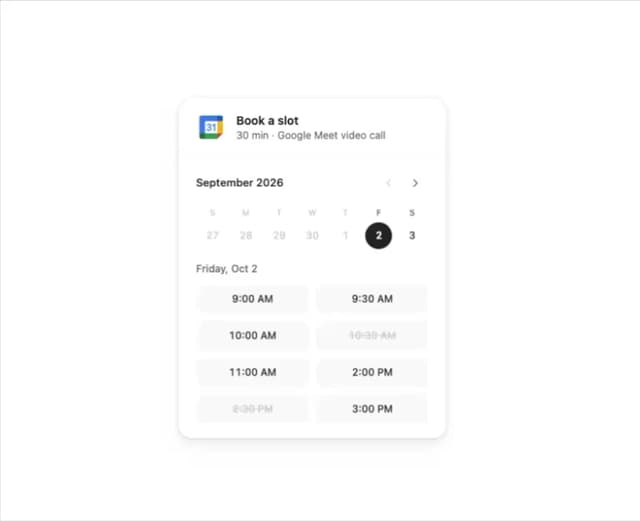
Booking Slot Calendar
27
Add to Cart Button
12
Download Button
7
Date Range Picker Card
1
More in Buttons
View all

Button
5
Texture Button
92

App Store Button
453

Eclipse Button
39

Button
47
Split Button
14

Button
4

Button Group
37

