About
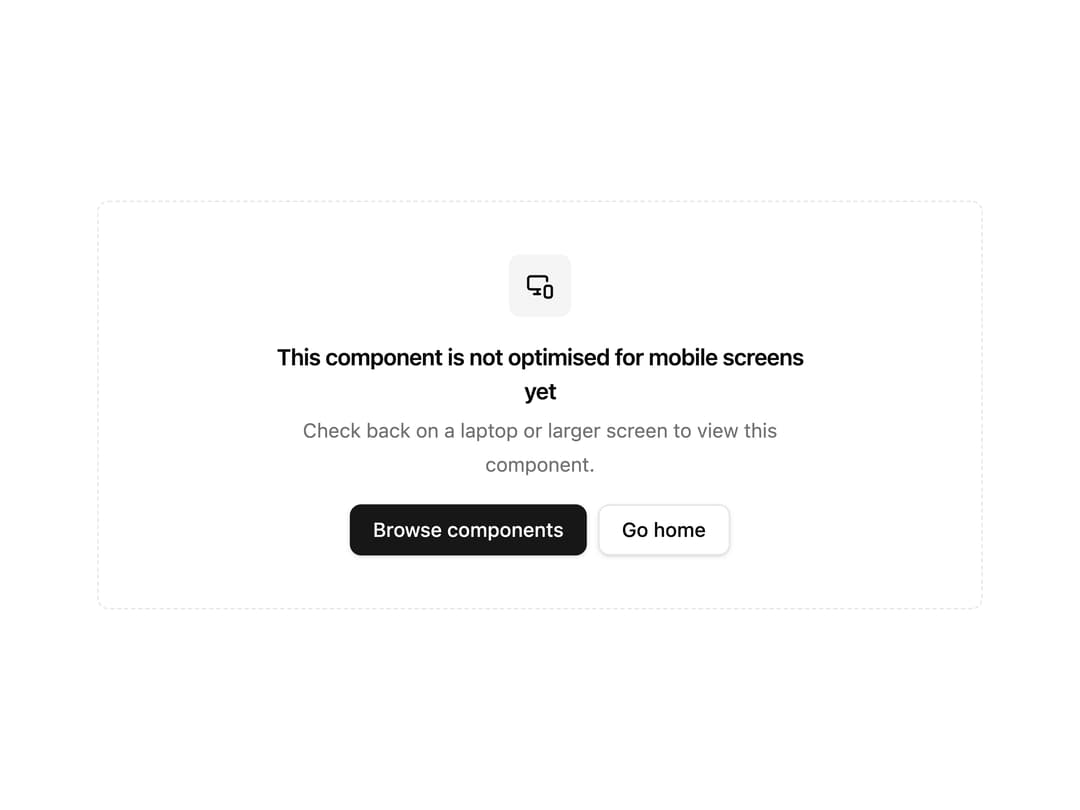
A wrapper that hides a component below a chosen breakpoint and shows a friendly fallback card telling users to switch to a larger screen.
Built with React and Tailwind. Copy the prompt and paste it into Claude Code, Cursor or Lovable: your agent adds Screen Size Guard to your project and fits it to your theme.
Code
How Screen Size Guard is used: the demo's code. The component's own source comes with a free account.
Usage.tsx
import { ScreenSizeGuard } from "@/components/ui/screen-size-guard";

export default function ScreenSizeGuardDemo() {
  return (
    <div className="w-full max-w-2xl p-6">
      <ScreenSizeGuard minWidth="lg">
        <div className="rounded-md border bg-card p-8">
          <h3 className="text-lg font-semibold">Advanced Dashboard</h3>
          <p className="mt-2 text-sm text-muted-foreground">
            This complex dashboard layout is only shown on large screens. Resize
            your browser below the large breakpoint to see the fallback.
          </p>
        </div>
      </ScreenSizeGuard>
    </div>
  );
}
Dependencies
More by corr
View all

Audit Log
84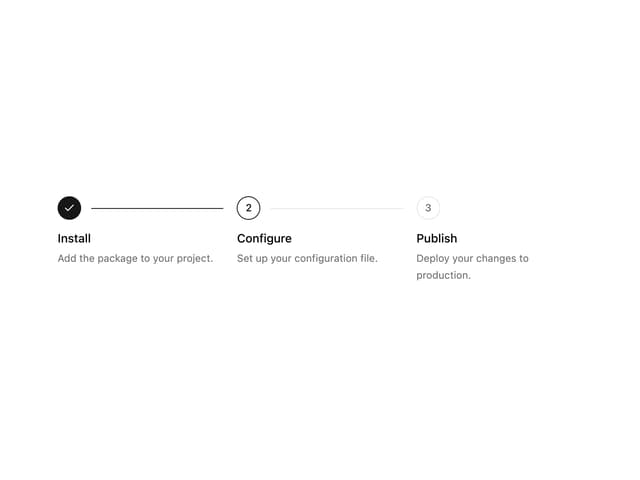
Stepper
59
Notice Alert
36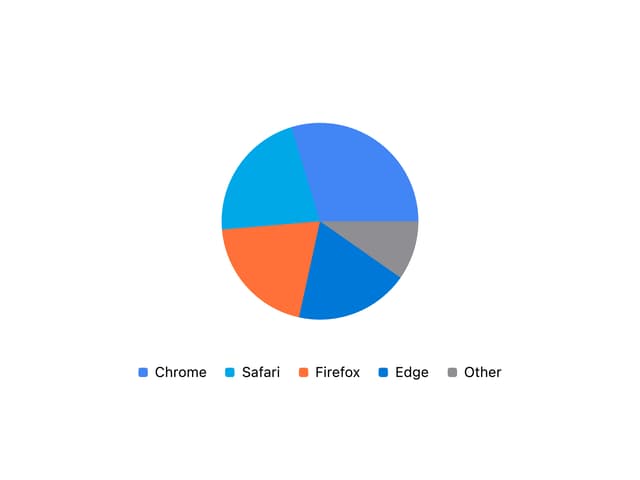
Pie Chart
8
Scroll Blur
8
Key Value List
7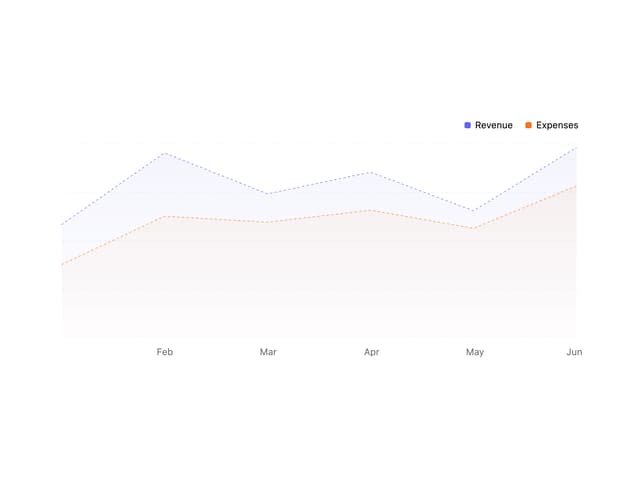
Area Chart
4
Animated Spinner
3