
About
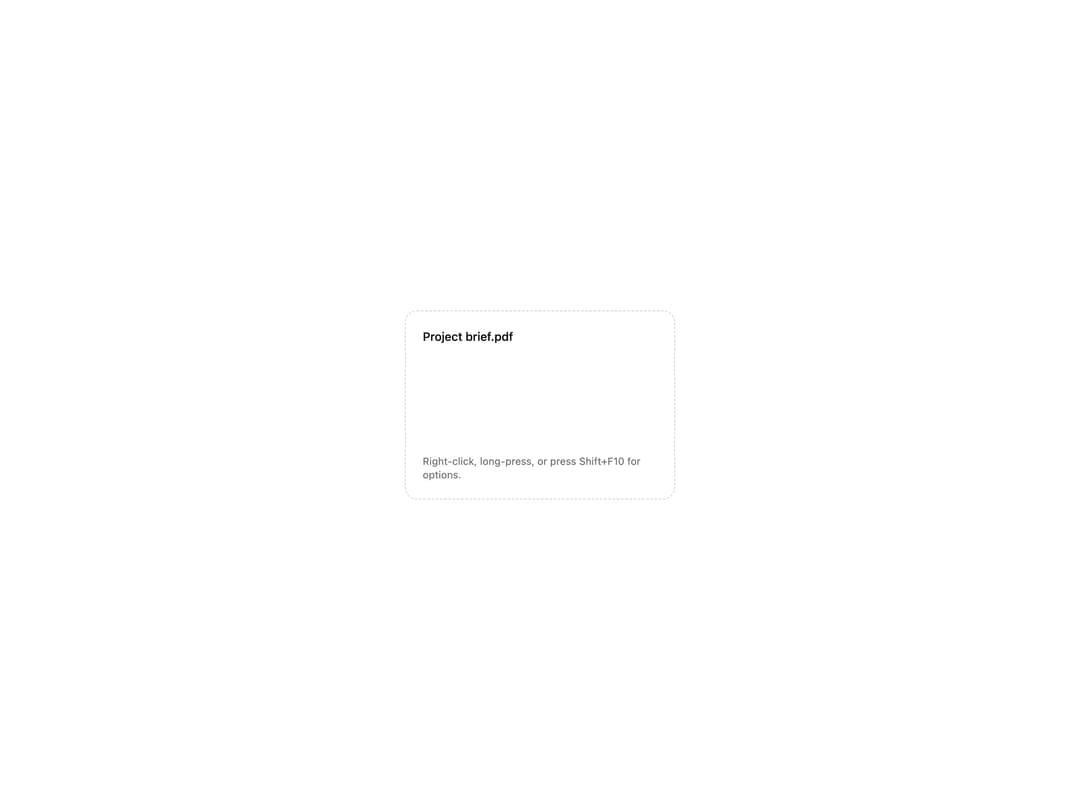
A right-click (or long-press, or Shift+F10) menu that wraps any element and shows a positioned list of actions, with arrow-key navigation, a gliding focus highlight, and automatic flip/clamp to stay on screen.
Built with React and Tailwind. Copy the prompt and paste it into Claude Code, Cursor or Lovable: your agent adds Context Menu to your project and fits it to your theme.
Code
How Context Menu is used: the demo's code. The component's own source comes with a free account.
Usage.tsx
import ContextMenu, {
  ContextMenuItem,
  ContextMenuSeparator,
} from "@/components/ui/context-menu";

export default function ContextMenuDemo() {
  return (
    <div className="flex min-h-[420px] w-full items-center justify-center bg-[var(--ui-bg,theme(colors.background))] p-10">
      <ContextMenu
        label="Options for Project brief.pdf"
        menu={
          <>
            <ContextMenuItem onSelect={() => console.log("rename")}>
              Rename
            </ContextMenuItem>
            <ContextMenuItem onSelect={() => console.log("duplicate")}>
              Duplicate
            </ContextMenuItem>
            <ContextMenuItem
              href="https://example.com"
              target="_blank"
              rel="noreferrer"
            >
              Open in new tab
            </ContextMenuItem>
            <ContextMenuItem disabled>Share (coming soon)</ContextMenuItem>
            <ContextMenuSeparator />
            <ContextMenuItem
              variant="danger"
              onSelect={() => console.log("delete")}
            >
              Delete
            </ContextMenuItem>
          </>
        }
      >
        <div className="flex h-56 w-80 select-none flex-col justify-between rounded-xl border border-dashed border-current/20 p-5 text-current">
          <p className="text-sm font-medium">Project brief.pdf</p>
          <p className="text-xs opacity-60">
            Right-click, long-press, or press Shift+F10 for options.
          </p>
        </div>
      </ContextMenu>
    </div>
  );
}
More by ebnsina
View all
Countdown Timer
20
Video Player
15
Alarm Clock
15
Voice Note
12
Split Button
11
Sortable List
10
Stopwatch
5
Code Block
5