

About
A click-to-edit text field that shows a value as plain text until clicked, then swaps to an input with save/cancel actions, saving on Enter or on blur.
Built with React and Tailwind. Copy the prompt and paste it into Claude Code, Cursor or Lovable: your agent adds Inline Edit to your project and fits it to your theme.
Code
How Inline Edit is used: the demo's code. The component's own source comes with a free account.
Usage.tsx
"use client";

import InlineEdit from "@/components/ui/inline-edit";
import { useState } from "react";

export default function InlineEditDemo() {
  const [name, setName] = useState("Sina Hosseini");
  const [email, setEmail] = useState("sina@example.com");
  const [website, setWebsite] = useState("");

  return (
    <div className="mx-auto w-full max-w-sm space-y-4 rounded-2xl border border-black/5 bg-[var(--ui-surface)] p-6 text-[var(--ui-fg)] shadow-sm">
      <InlineEdit
        label="Name"
        value={name}
        required
        onSave={async (next) => {
          await new Promise((resolve) => setTimeout(resolve, 500));
          setName(next);
        }}
      />
      <InlineEdit
        label="Email"
        value={email}
        type="email"
        validate={(next) =>
          next.includes("@") ? undefined : "Enter a valid email."
        }
        onSave={async (next) => {
          await new Promise((resolve) => setTimeout(resolve, 500));
          setEmail(next);
        }}
      />
      <InlineEdit
        label="Website"
        value={website}
        type="url"
        placeholder="Add a link"
        onSave={async (next) => {
          await new Promise((resolve) => setTimeout(resolve, 500));
          setWebsite(next);
        }}
      />
    </div>
  );
}
Dependencies
More by ebnsina
View all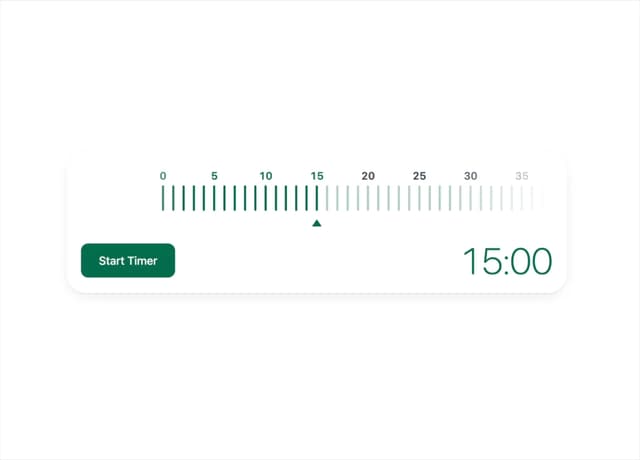
Countdown Timer
20
Video Player
15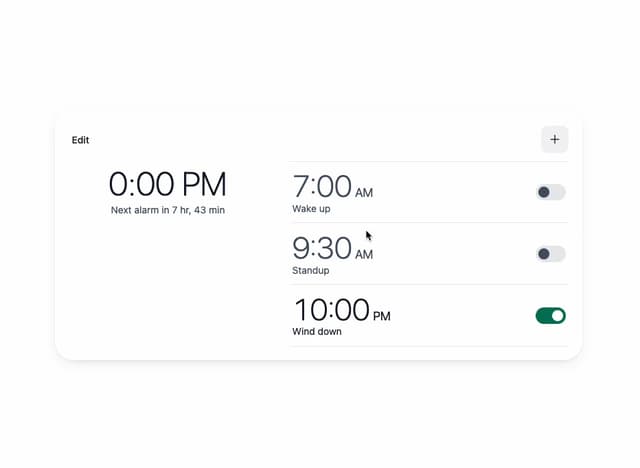
Alarm Clock
15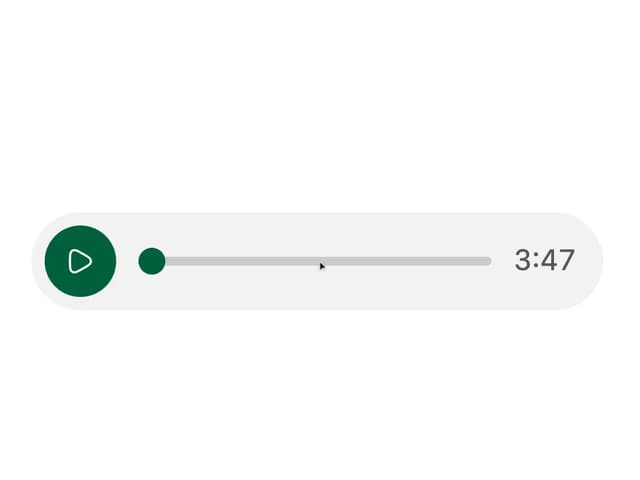
Voice Note
12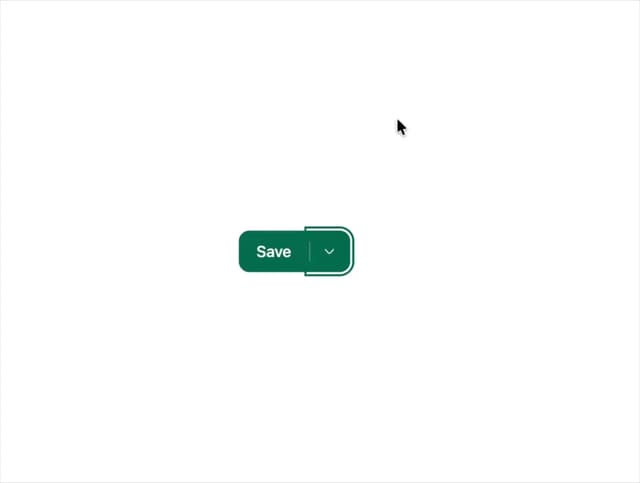
Split Button
11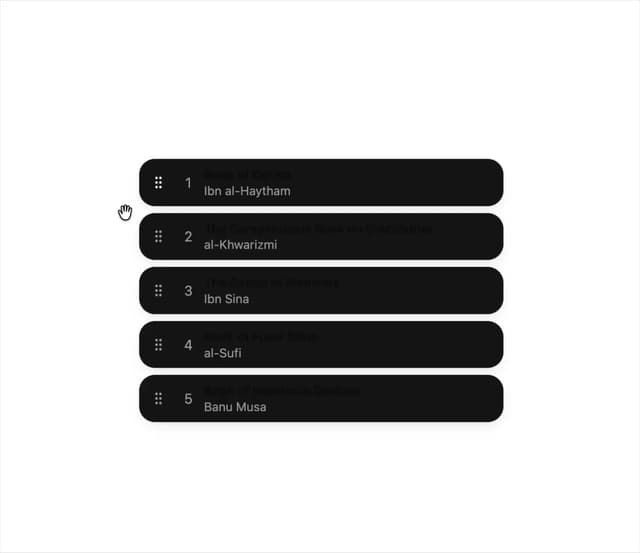
Sortable List
10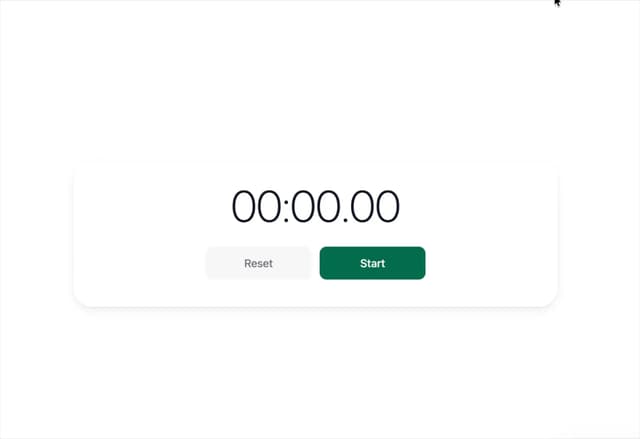
Stopwatch
5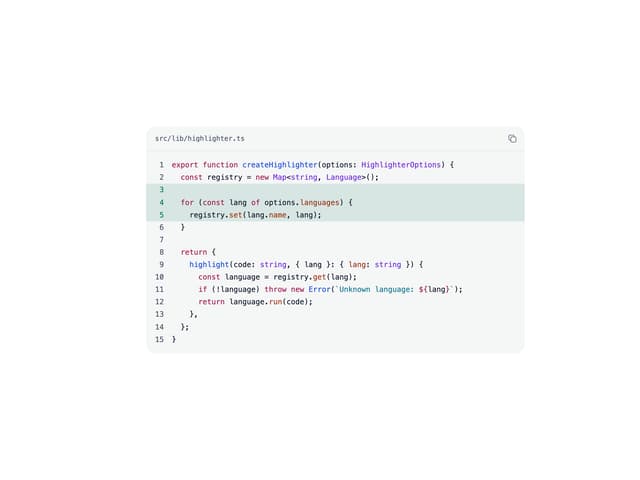
Code Block
5
More in Forms
View all

Premium Auth
496
Authentication Card
45

Login 1
52

Login 2
7

Form
32

Card Studio
41

Login Card
32

Form
136
