
About
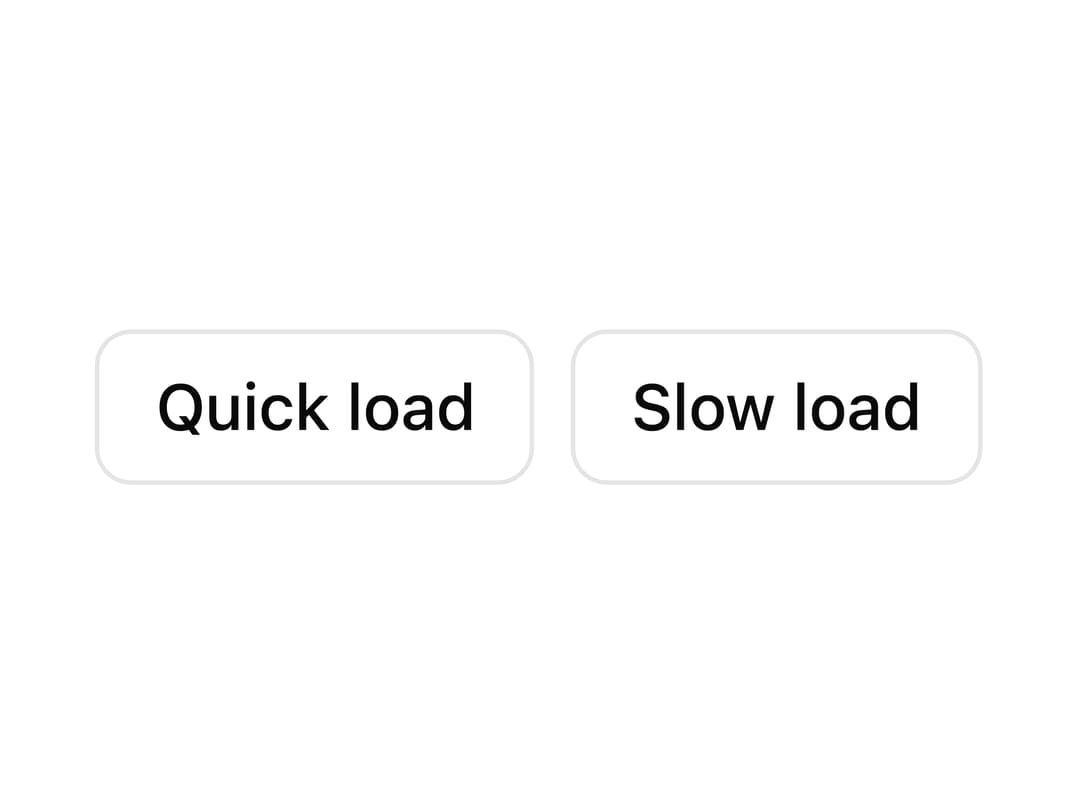
A tiny circular loading indicator (an indeterminate ring built from a masked conic-gradient) that takes the surrounding text color, can carry an accessible label, and supports a delay so quick loads never flash it. Ported to React from the Sina UI (ebnsina) Svelte component.
Built with React and Tailwind. Copy the prompt and paste it into Claude Code, Cursor or Lovable: your agent adds Loading Spinner to your project and fits it to your theme.
Code
How Loading Spinner is used: the demo's code. The component's own source comes with a free account.
Usage.tsx
import * as React from "react";
import Spinner from "@/components/ui/spinner";

export default function SpinnerDelayDemo() {
  const [loading, setLoading] = React.useState(false);
  const [result, setResult] = React.useState("");

  function load(ms: number) {
    setLoading(true);
    setResult("");
    setTimeout(() => {
      setLoading(false);
      setResult(
        `Loaded in ${new Intl.NumberFormat("en", { style: "unit", unit: "millisecond" }).format(ms)}.`,
      );
    }, ms);
  }

  return (
    <div className="grid gap-4 w-full h-40 items-center justify-center">
      <div className="flex gap-2 justify-center">
        <button
          type="button"
          disabled={loading}
          onClick={() => load(150)}
          className="rounded-md border px-3 py-1.5 text-sm font-medium disabled:opacity-50"
        >
          Quick load
        </button>
        <button
          type="button"
          disabled={loading}
          onClick={() => load(2000)}
          className="rounded-md border px-3 py-1.5 text-sm font-medium disabled:opacity-50"
        >
          Slow load
        </button>
      </div>
      {/* Fixed height: the spinner and the result swap without moving anything. */}
      <div
        aria-busy={loading}
        className="flex items-center justify-center h-6 text-sm text-neutral-500"
      >
        {loading ? <Spinner size={20} delay={300} label="Loading" /> : result}
      </div>
    </div>
  );
}
More by ebnsina
View all
Countdown Timer
20
Video Player
15
Alarm Clock
14
Voice Note
12
Split Button
11
Sortable List
9
Stopwatch
5
Code Block
4