
About
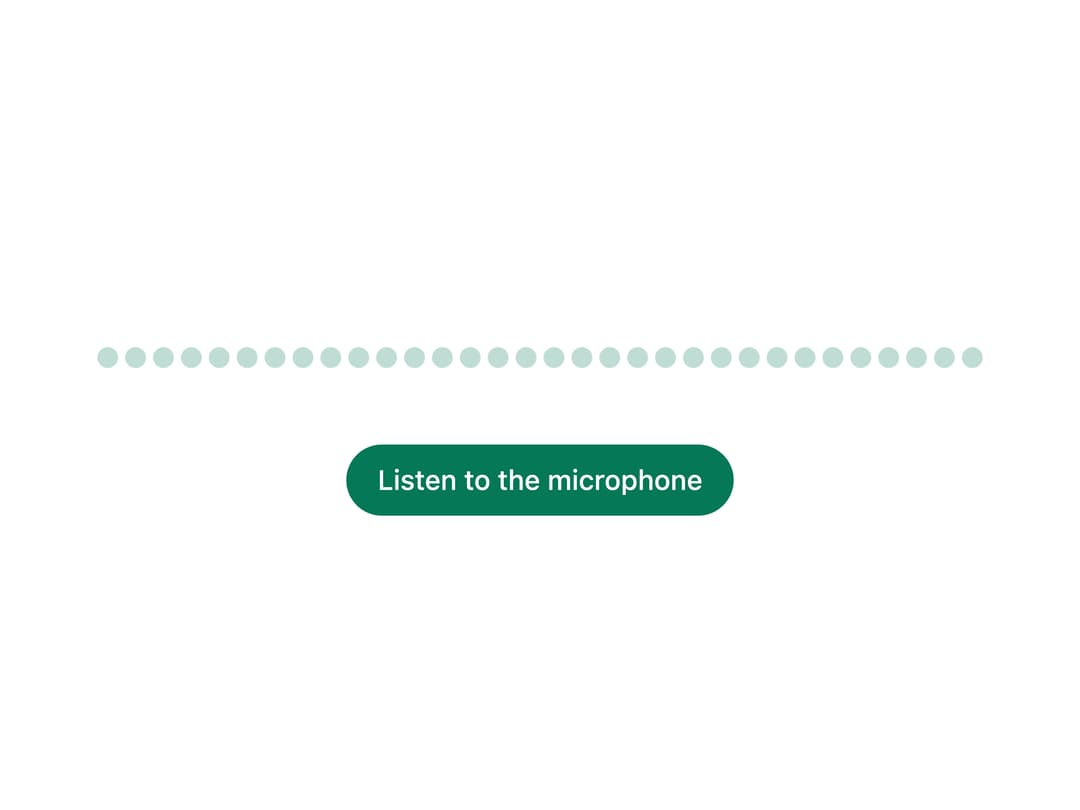
A canvas-based audio visualizer that draws real-time bars or a waveform from an audio/video element's playback or a microphone stream. Ported to React from the Sina UI Svelte component by ebnsina (sinaui).
Built with React and Tailwind. Copy the prompt and paste it into Claude Code, Cursor or Lovable: your agent adds Audio Visualizer to your project and fits it to your theme.
Code
How Audio Visualizer is used: the demo's code. The component's own source comes with a free account.
Usage.tsx
import Visualizer from "@/components/ui/visualizer";
import { useEffect, useRef, useState } from "react";

export default function VisualizerMicrophoneDemo() {
  const [stream, setStream] = useState<MediaStream | null>(null);
  const [problem, setProblem] = useState("");
  const [asking, setAsking] = useState(false);
  const streamRef = useRef<MediaStream | null>(null);
  streamRef.current = stream;

  async function start() {
    setProblem("");
    setAsking(true);
    try {
      const s = await navigator.mediaDevices.getUserMedia({ audio: true });
      setStream(s);
    } catch (e) {
      setProblem(
        (e as DOMException).name === "NotAllowedError"
          ? "Microphone access was turned down. Allow it in your browser\u2019s site settings, then try again."
          : "No microphone could be found. Plug one in, then try again.",
      );
    } finally {
      setAsking(false);
    }
  }
  function stop() {
    for (const t of streamRef.current?.getTracks() ?? []) t.stop();
    setStream(null);
  }
  // Leaving the page turns the microphone off.
  useEffect(() => {
    return () => {
      for (const t of streamRef.current?.getTracks() ?? []) t.stop();
    };
  }, []);

  return (
    <div className="grid justify-items-center gap-3 w-full max-w-md">
      <Visualizer
        source={stream}
        mirror
        label={stream ? "Your microphone\u2019s sound levels" : undefined}
      />
      {stream ? (
        <button
          onClick={stop}
          className="inline-flex items-center justify-center gap-2 rounded-full border border-[var(--ui-field-line,theme(colors.border))] px-4 py-2 text-sm font-medium"
        >
          Stop listening
        </button>
      ) : (
        <button
          onClick={start}
          disabled={asking}
          className="inline-flex items-center justify-center gap-2 rounded-full px-4 py-2 text-sm font-medium text-white disabled:opacity-60"
          style={{ background: "var(--ui-accent)" }}
        >
          {asking ? "Asking\u2026" : "Listen to the microphone"}
        </button>
      )}
      {problem && (
        <p
          role="alert"
          className="m-0 text-center text-sm"
          style={{ color: "var(--ui-danger)" }}
        >
          {problem}
        </p>
      )}
    </div>
  );
}
More by ebnsina
View all
Countdown Timer
20
Video Player
15
Alarm Clock
15
Voice Note
12
Split Button
11
Sortable List
10
Stopwatch
5
Code Block
5