
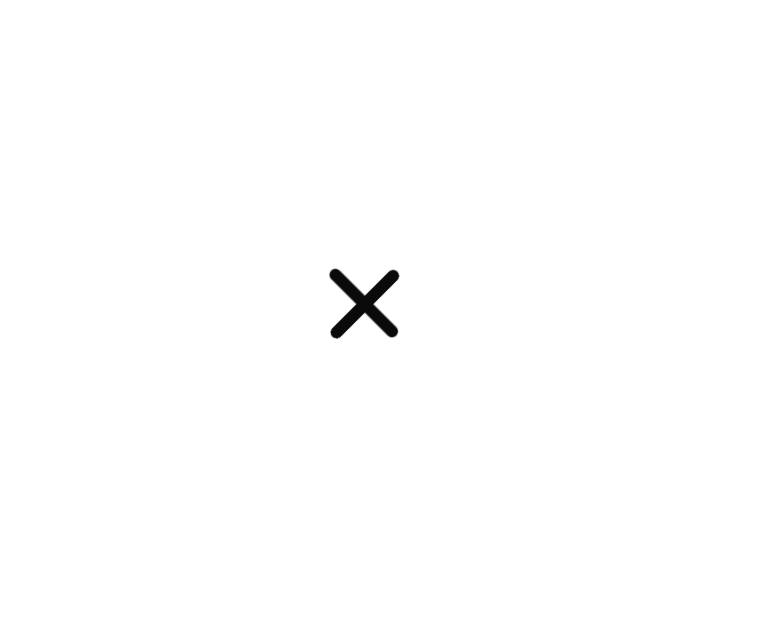
About
a sleek animated toggle button (like a hamburger menu) built with SVG. It smoothly transitions between open and closed states with a fun rotation and line morph effect—perfect for modern navbars!
Built with React and Tailwind. Copy the prompt and paste it into Claude Code, Cursor or Lovable: your agent adds Menu Toggle to your project and fits it to your theme.
Code
How Menu Toggle is used: the demo's code. The component's own source comes with a free account.
Usage.tsx
import React from 'react';
import { MenuToggle } from '@/components/ui/menu-toggle';

export default function DemoOne() {
	const [open, setOpen] = React.useState(false);

	return (
		<div className="flex min-h-screen w-full items-center justify-center">
			<MenuToggle strokeWidth={3} open={open} onOpenChange={setOpen} className="size-16" />
		</div>
	);
}
More by Efferd
View all

Testimonials Columns
7.1K
Zoom Parallax
5.2K
Dotted Surface
3.5K
Footer Section
2.7K
Grid Feature Cards
1.9K
Logo Cloud 2
1.6K
Header 3
1.5K
Logo Cloud 3
1.5K
More in Buttons
View all

Button
5
App Store Button
453

Button
47

Eclipse Button
39
Texture Button
92

Button
4
Split Button
14

Button
32

