
About
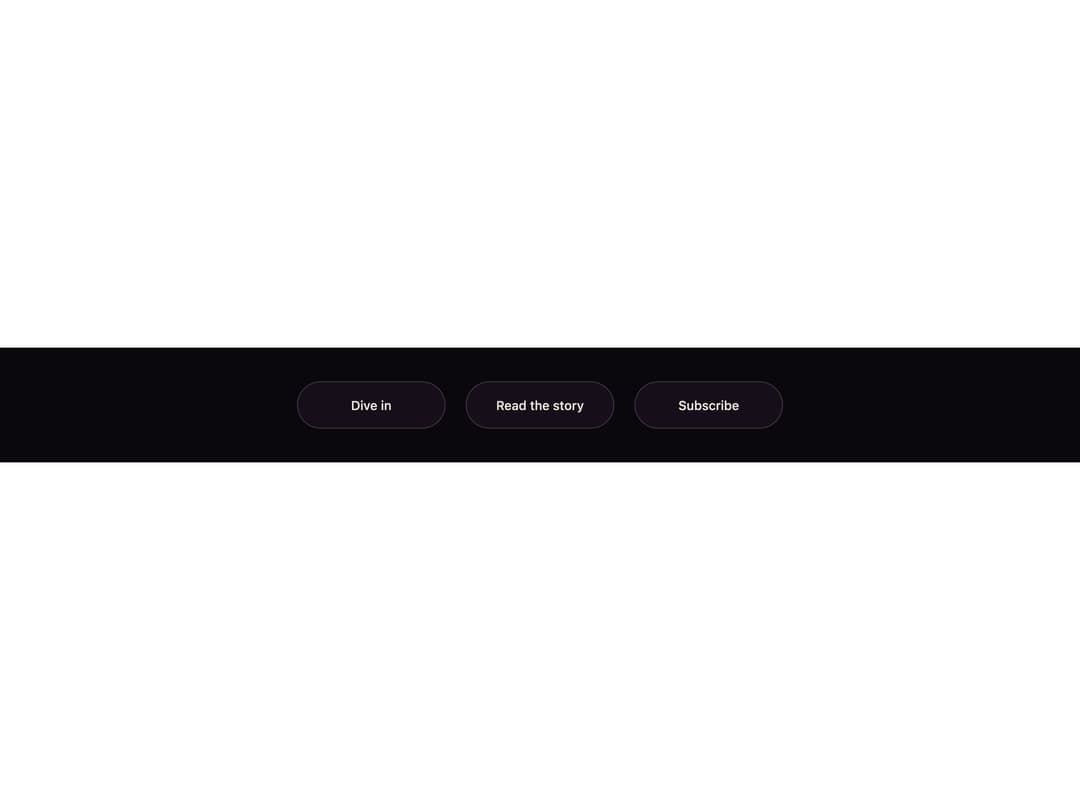
A pill button whose label is duplicated in two colors; on hover a liquid wave rises from the bottom edge, revealing the ink-colored copy exactly where it reaches.
Built with React and Tailwind. Copy the prompt and paste it into Claude Code, Cursor or Lovable: your agent adds Tidefill Button to your project and fits it to your theme.
Code
How Tidefill Button is used: the demo's code. The component's own source comes with a free account.
Usage.tsx
"use client";

import { TidefillButton } from "@/components/ui/tidefill-button";

export default function Demo() {
  return (
    <div className="flex min-h-full w-full flex-wrap items-center justify-center gap-6 bg-[#0b080d] p-10">
      <TidefillButton>Dive in</TidefillButton>
      <TidefillButton tone="lilac">Read the story</TidefillButton>
      <TidefillButton tone="cream">Subscribe</TidefillButton>
    </div>
  );
}
More by ham7a311
View all
Route Globe
13
Wave Mesh
8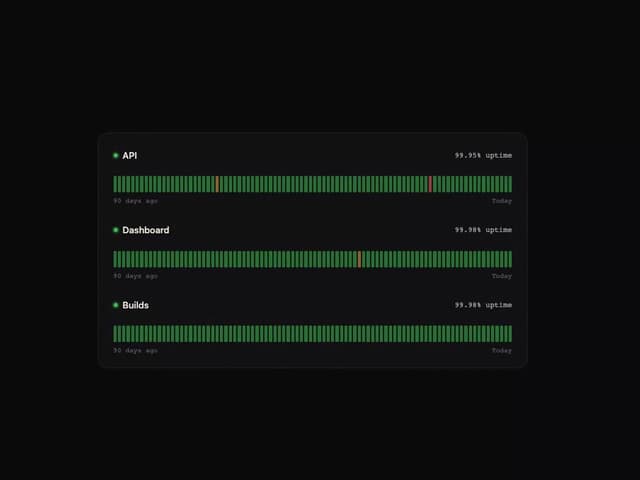
Uptime Ribbon
6
Glass Carousel
6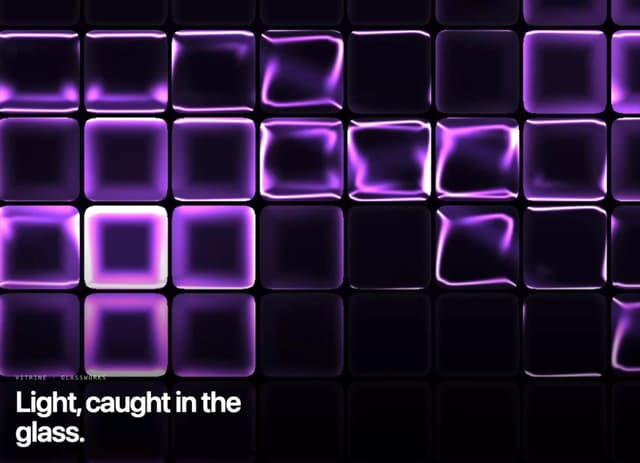
Glass Tiles
6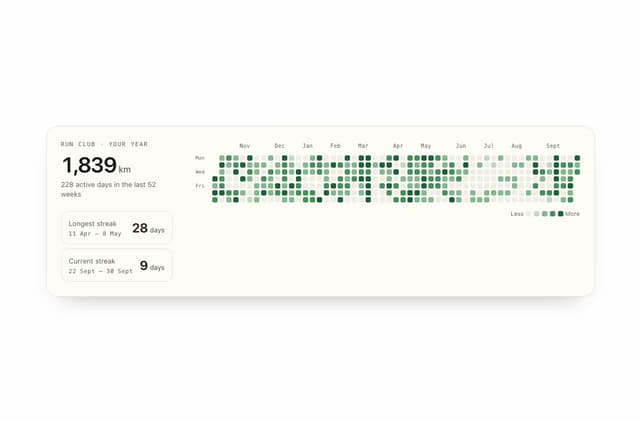
Streak Field Stats
5
Wind Map
5
Time Window
4
More in Buttons
View all

Button
5

App Store Button
453

Button
47

Eclipse Button
39
Texture Button
92

Button
4
Split Button
14

Button
32

