
About
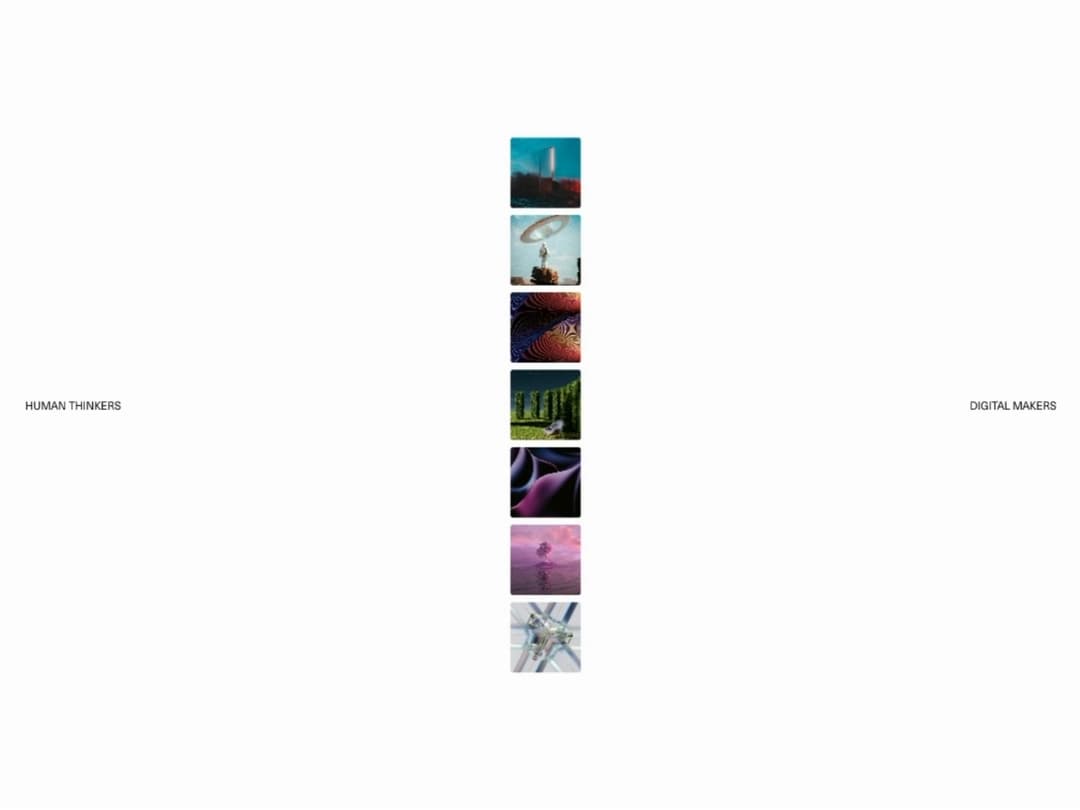
Stack-to-spread image intro loader with GSAP SplitText word animations and staggered image choreography. Reveals your own content underneath once it finishes.
Built with React and Tailwind. Copy the prompt and paste it into Claude Code, Cursor or Lovable: your agent adds Stack Loader to your project and fits it to your theme.
Code
How Stack Loader is used: the demo's code. The component's own source comes with a free account.
Usage.tsx
"use client";

import { useCallback, useState } from "react";
import StackLoader from "@/components/ui/stack-loader";

const settings = {
  imageSize: 1,
  duration: 1,
  fadeOutDuration: 0.8,
  backgroundColor: "var(--color-background, #fcfcfc)",
};

export default function StackLoaderDemo(props: Partial<typeof settings>) {
  const s = { ...settings, ...props };
  const [instance, setInstance] = useState(0);
  const [isComplete, setIsComplete] = useState(false);

  const handleComplete = useCallback(() => {
    setIsComplete(true);
  }, []);

  const handleReplay = useCallback(() => {
    setIsComplete(false);
    setInstance((current) => current + 1);
  }, []);

  return (
    <StackLoader
      key={instance}
      imageSize={s.imageSize}
      duration={s.duration}
      fadeOutDuration={s.fadeOutDuration}
      backgroundColor={s.backgroundColor}
      onComplete={handleComplete}
    >
      <div className="relative flex h-screen w-full flex-col justify-between overflow-hidden bg-[#111110] text-white">
        <img
          src="https://cdn.21st.dev/assets/mirror/ff/ff5a0eafbbe32250367b699e5513dfd2debd0c2fd945d2f1206a63b512e7e1cf.jpg"
          alt=""
          className="absolute inset-0 h-full w-full object-cover"
        />
        <div className="absolute inset-0 bg-gradient-to-t from-black/85 via-black/25 to-black/50" />

        <div className="relative z-10 flex items-center justify-between px-8 py-6 max-md:px-5">
          <span className="text-sm font-semibold uppercase tracking-[0.2em]">Atelier</span>
          <button type="button" aria-label="Menu" className="flex flex-col items-end gap-1.5">
            <span className="h-0.5 w-7 bg-white" />
            <span className="h-0.5 w-5 bg-white" />
          </button>
        </div>

        <div className="relative z-10 flex max-w-3xl flex-col gap-5 px-8 pb-16 max-md:px-5 max-md:pb-10">
          <p className="text-xs uppercase tracking-[0.3em] text-white/50">Portfolio — 2026</p>
          <h1 className="text-[6vw] font-medium leading-[0.95] tracking-tight max-md:text-[10vw]">
            Every frame, stacked and spread.
          </h1>
          <button
            type="button"
            onClick={handleReplay}
            className={`mt-2 inline-flex w-fit items-center gap-2 rounded-full border border-white/20 bg-white/10 px-5 py-2 text-sm font-medium backdrop-blur-md transition-all duration-300 hover:scale-105 hover:bg-white/20 active:scale-95 ${
              isComplete ? "opacity-100" : "pointer-events-none opacity-0"
            }`}
          >
            <svg viewBox="0 0 24 24" fill="none" stroke="currentColor" strokeWidth="2" strokeLinecap="round" strokeLinejoin="round" className="h-4 w-4 shrink-0" aria-hidden="true">
              <path d="M3 12a9 9 0 1 0 9-9 9.75 9.75 0 0 0-6.74 2.74L3 8" />
              <path d="M3 3v5h5" />
            </svg>
            Replay
          </button>
        </div>
      </div>
    </StackLoader>
  );
}
Dependencies
More by Hyperiux Vault
View all

Product Timeline
2.3K
Stack Spread
1.3K
Arrow Fill Button
912
Interactive List Preview
869
Shiny Button
750
Circular Split Roll
641
Zoom Slider
430
Metallic Button
327