
About
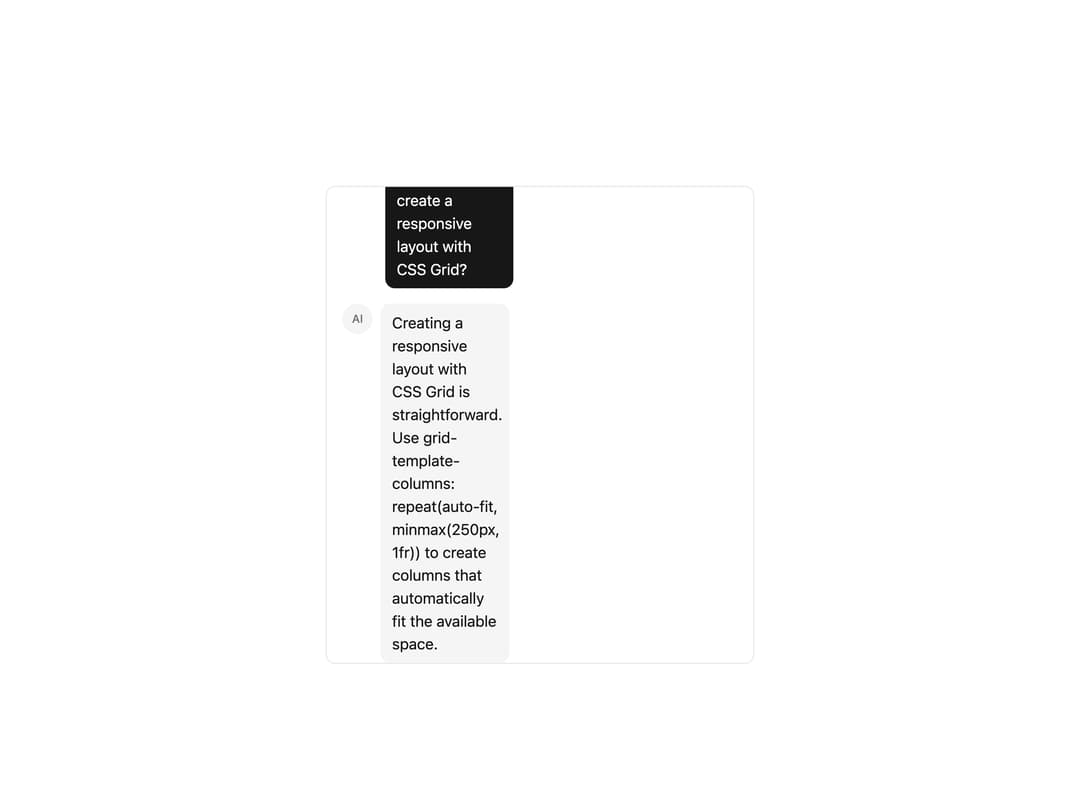
A scrollable chat message container with intelligent auto-scroll-to-bottom behavior for building conversational AI interfaces.
Built with React and Tailwind. Copy the prompt and paste it into Claude Code, Cursor or Lovable: your agent adds Chat Container to your project and fits it to your theme.
Code
How Chat Container is used: the demo's code. The component's own source comes with a free account.
Usage.tsx
"use client";

import {
  ChatContainerContent,
  ChatContainerRoot,
  ChatContainerScrollAnchor,
} from "@/components/ui/chat-container";

const messages = [
  {
    id: 1,
    role: "user",
    content: "Hello! Can you help me with a coding question?",
  },
  {
    id: 2,
    role: "assistant",
    content:
      "Of course! I'd be happy to help with your coding question. What would you like to know?",
  },
  {
    id: 3,
    role: "user",
    content: "How do I create a responsive layout with CSS Grid?",
  },
  {
    id: 4,
    role: "assistant",
    content:
      "Creating a responsive layout with CSS Grid is straightforward. Use grid-template-columns: repeat(auto-fit, minmax(250px, 1fr)) to create columns that automatically fit the available space.",
  },
];

export default function ChatContainerDemo() {
  return (
    <div className="relative flex h-[500px] w-full max-w-md flex-col overflow-hidden rounded-lg border">
      <ChatContainerRoot className="flex-1">
        <ChatContainerContent className="space-y-4 p-4">
          {messages.map((message) =>
            message.role === "user" ? (
              <div key={message.id} className="flex justify-end">
                <div className="max-w-[75%] rounded-lg bg-primary px-3 py-2 text-primary-foreground">
                  {message.content}
                </div>
              </div>
            ) : (
              <div key={message.id} className="flex items-start gap-2">
                <div className="flex size-8 shrink-0 items-center justify-center rounded-full bg-muted text-xs font-medium text-muted-foreground">
                  AI
                </div>
                <div className="max-w-[75%] rounded-lg bg-secondary px-3 py-2 text-secondary-foreground">
                  {message.content}
                </div>
              </div>
            ),
          )}
        </ChatContainerContent>
        <ChatContainerScrollAnchor />
      </ChatContainerRoot>
    </div>
  );
}
More by Julien Thibeaut
View all

Dock
3.1K
Text Effect
1.6K
Infinite Slider
1.5K
Text Shimmer
1.3K
Text Scramble
1.1K
Progressive blur
683
Glow Effect
610
Tailwind CSS Background Snippet
536
More in AI chats
View all

AI Actions
319
Color Picker
82
Agent Chat
17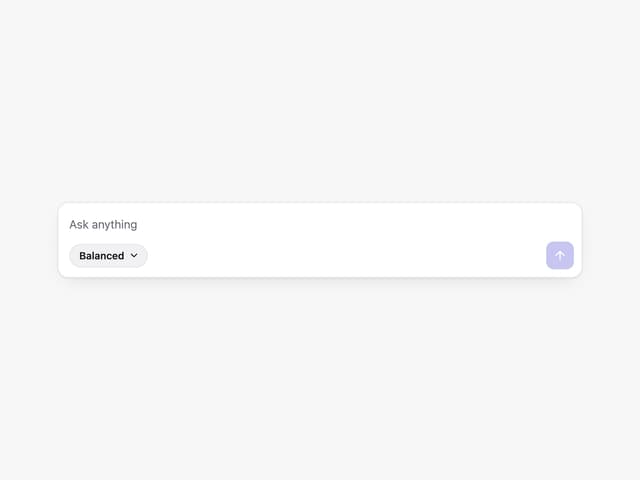
Prompt with Model Picker
2
Message Thread
36
System Message
54
Suggestions
28

Modal Card
101


