
About
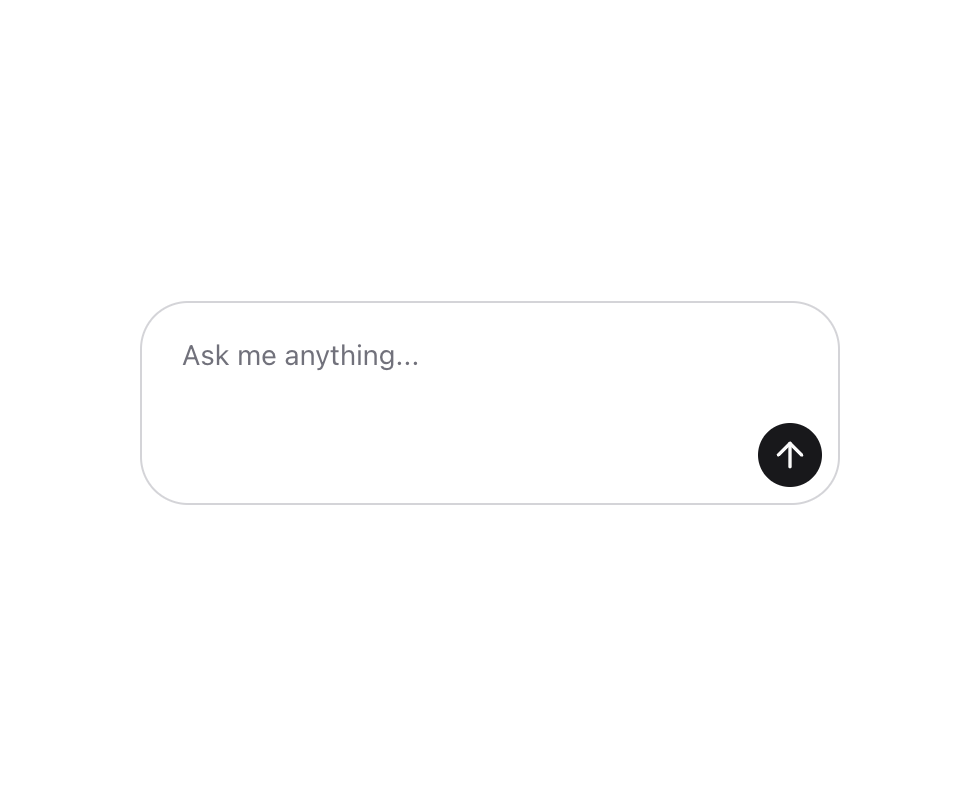
An input field that allows users to enter and submit text to an AI model.
Built with React and Tailwind. Copy the prompt and paste it into Claude Code, Cursor or Lovable: your agent adds Prompt Input to your project and fits it to your theme.
Code
How Prompt Input is used: the demo's code. The component's own source comes with a free account.
Usage.tsx
"use client"

import {
  PromptInput,
  PromptInputAction,
  PromptInputActions,
  PromptInputTextarea,
} from "@/components/ui/prompt-input"
import { Button } from "@/components/ui/button"
import { ArrowUp, Square } from "lucide-react"
import { useState } from "react"

export function PromptInputBasic() {
  const [input, setInput] = useState("")
  const [isLoading, setIsLoading] = useState(false)

  const handleSubmit = () => {
    setIsLoading(true)
    setTimeout(() => {
      setIsLoading(false)
    }, 2000)
  }

  const handleValueChange = (value: string) => {
    setInput(value)
  }

  return (
    <PromptInput
      value={input}
      onValueChange={handleValueChange}
      isLoading={isLoading}
      onSubmit={handleSubmit}
      className="w-full max-w-[350px]"
    >
      <PromptInputTextarea placeholder="Ask me anything..." />
      <PromptInputActions className="justify-end pt-2">
        <PromptInputAction
          tooltip={isLoading ? "Stop generation" : "Send message"}
        >
          <Button
            variant="default"
            size="icon"
            className="h-8 w-8 rounded-full"
            onClick={handleSubmit}
          >
            {isLoading ? (
              <Square className="size-5 fill-current" />
            ) : (
              <ArrowUp className="size-5" />
            )}
          </Button>
        </PromptInputAction>
      </PromptInputActions>
    </PromptInput>
  )
}
Dependencies
More by Julien Thibeaut
View all

Dock
3.1K
Text Effect
1.6K
Infinite Slider
1.5K
Text Shimmer
1.3K
Text Scramble
1.1K
Progressive blur
683
Glow Effect
609
Tailwind CSS Background Snippet
534
More in Buttons
View all

Button
14
Texture Button
92

Button
63
Button
34
Button Save
46

Button


App Store Button
453

Notification Button
103

