

About
A component for implementing interactive prompt suggestions in AI interfaces. The PromptSuggestion component offers two distinct modes: Normal Mode: Renders clickable, pill-shaped buttons ideal for suggesting quick prompts in chat interfaces Highlight Mode: Provides text highlighting to highlight a part of the suggestion
Built with React and Tailwind. Copy the prompt and paste it into Claude Code, Cursor or Lovable: your agent adds Prompt Suggestion to your project and fits it to your theme.
Code
How Prompt Suggestion is used: the demo's code. The component's own source comes with a free account.
Usage.tsx
"use client"

import {
  PromptInput,
  PromptInputActions,
  PromptInputTextarea,
} from "@/components/ui/prompt-input"
import { PromptSuggestion } from "@/components/ui/prompt-suggestion"
import { Button } from "@/components/ui/button"
import { ArrowUpIcon } from "lucide-react"
import { useState } from "react"

/**
 * Example showing PromptSuggestion with PromptInput
 */
export function PromptSuggestionBasic() {
  const [inputValue, setInputValue] = useState("")

  const handleSend = () => {
    if (inputValue.trim()) {
      console.log("Sending:", inputValue)
      setInputValue("")
    }
  }

  return (
    <div className="flex w-full flex-col space-y-4">
      <div className="flex flex-wrap gap-2">
        <PromptSuggestion onClick={() => setInputValue("Tell me a joke")}>
          Tell me a joke
        </PromptSuggestion>

        <PromptSuggestion onClick={() => setInputValue("How does this work?")}>
          How does this work?
        </PromptSuggestion>

        <PromptSuggestion
          onClick={() => setInputValue("Generate an image of a cat")}
        >
          Generate an image of a cat
        </PromptSuggestion>

        <PromptSuggestion onClick={() => setInputValue("Write a poem")}>
          Write a poem
        </PromptSuggestion>
        <PromptSuggestion
          onClick={() => setInputValue("Code a React component")}
        >
          Code a React component
        </PromptSuggestion>
      </div>

      <PromptInput
        className="border-input bg-background border shadow-xs"
        value={inputValue}
        onValueChange={setInputValue}
        onSubmit={handleSend}
      >
        <PromptInputTextarea placeholder="Type a message or click a suggestion..." />
        <PromptInputActions className="justify-end">
          <Button
            size="sm"
            className="size-9 cursor-pointer rounded-full"
            onClick={handleSend}
            disabled={!inputValue.trim()}
            aria-label="Send"
          >
            <ArrowUpIcon className="h-4 min-h-4  min-w-4 w-4" />
          </Button>
        </PromptInputActions>
      </PromptInput>
    </div>
  )
}
Dependencies
More by Julien Thibeaut
View all

Dock
3.1K
Text Effect
1.6K
Infinite Slider
1.5K
Text Shimmer
1.3K
Text Scramble
1.1K
Progressive blur
683
Glow Effect
610
Tailwind CSS Background Snippet
536
More in AI chats
View all

AI Actions
319
Color Picker
81
Agent Chat
17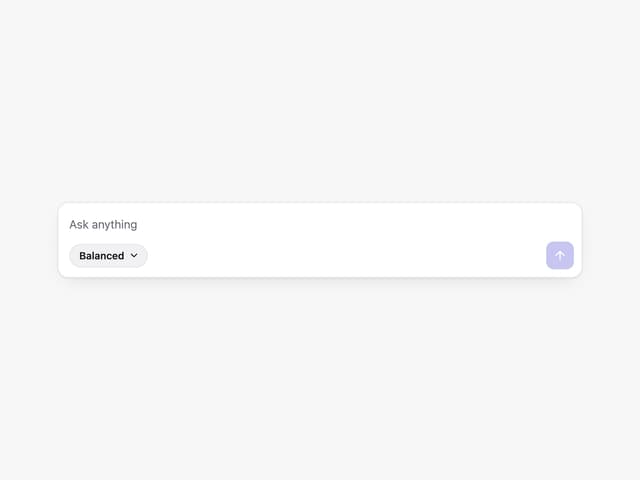
Prompt with Model Picker
2
Message Thread
35
System Message
54
Suggestions
28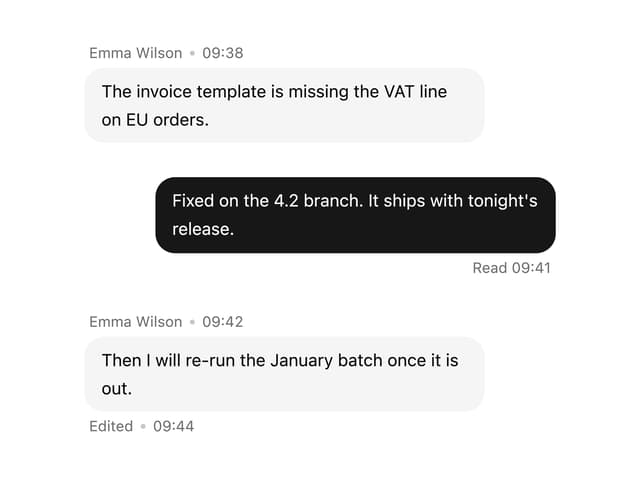

Message With Header And Delivery Status
38


