About
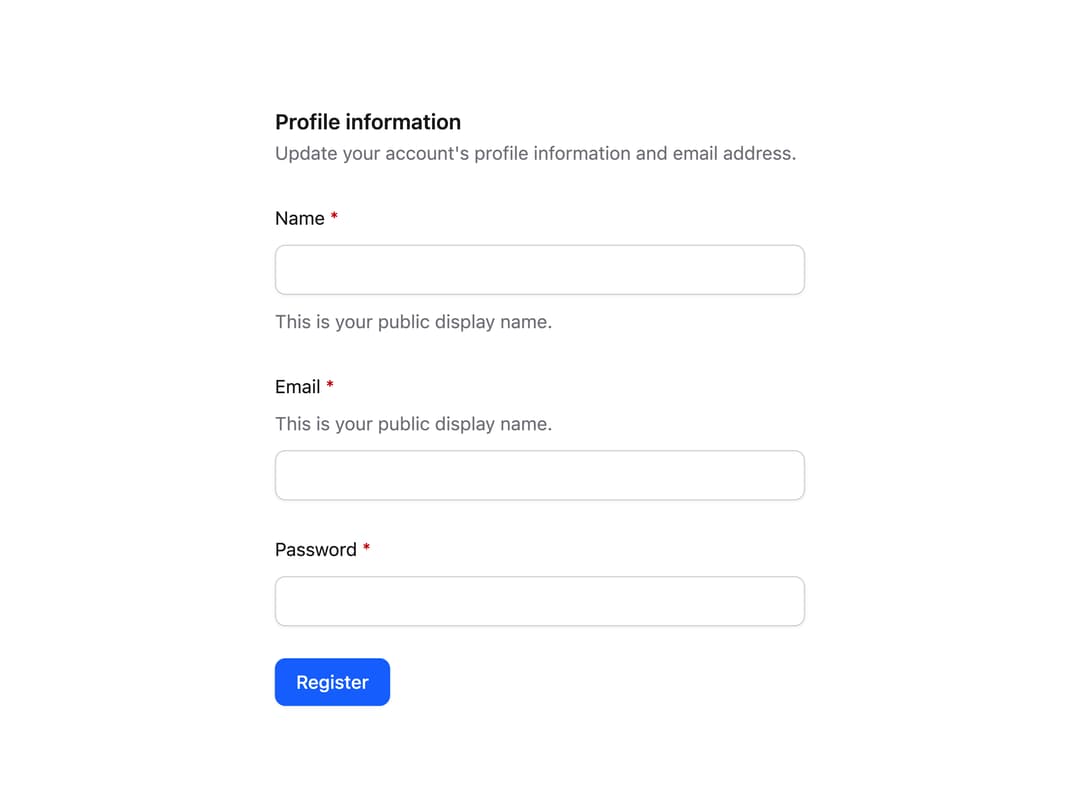
Composable, accessible form field primitives — label, description, error message, fieldset, and legend — for building consistent form layouts.
Built with React and Tailwind. Copy the prompt and paste it into Claude Code, Cursor or Lovable: your agent adds Field to your project and fits it to your theme.
Code
How Field is used: the demo's code. The component's own source comes with a free account.
Usage.tsx
"use client";

import { Description, Fieldset, Label, Legend } from "@/components/ui/field";

const inputClass =
  "mt-2 block w-full rounded-lg border border-input bg-bg px-3 py-2 text-fg text-sm shadow-xs outline-hidden placeholder:text-muted-fg focus:border-ring focus:ring-2 focus:ring-ring/20";

function RequiredLabel({
  htmlFor,
  children,
}: {
  htmlFor: string;
  children: React.ReactNode;
}) {
  return (
    <Label htmlFor={htmlFor}>
      {children} <span className="text-danger-subtle-fg">*</span>
    </Label>
  );
}

export default function FieldDemo() {
  return (
    <div className="w-full max-w-md p-6">
      <Fieldset>
        <Legend className="font-semibold text-fg text-base/6">
          Profile information
        </Legend>
        <Description>
          Update your account's profile information and email address.
        </Description>

        <div data-slot="control" className="space-y-6">
          <div>
            <RequiredLabel htmlFor="name">Name</RequiredLabel>
            <input id="name" className={inputClass} />
            <Description className="mt-2">
              This is your public display name.
            </Description>
          </div>

          <div>
            <RequiredLabel htmlFor="email">Email</RequiredLabel>
            <Description className="mt-1">
              This is your public display name.
            </Description>
            <input id="email" type="email" className={inputClass} />
          </div>

          <div>
            <RequiredLabel htmlFor="password">Password</RequiredLabel>
            <input id="password" type="password" className={inputClass} />
          </div>

          <button
            type="submit"
            className="inline-flex items-center justify-center rounded-lg bg-primary px-4 py-2 font-medium text-primary-fg text-sm shadow-xs outline-hidden hover:opacity-90 focus:ring-2 focus:ring-ring/30"
          >
            Register
          </button>
        </div>
      </Fieldset>
    </div>
  );
}
Dependencies
More by Intent UI
View all

Radar Chart
217
Radial Chart
77
Bar Chart
44
Pie Chart
29
Toggle Group
24
Loader
23
Progress Bar
19
Color Slider
13
More in Forms
View all

Premium Auth
494

Login 1
52
Authentication Card
44

Login 2
7

Form
31

Login Card
32

Card Studio
41

Form
136
