About
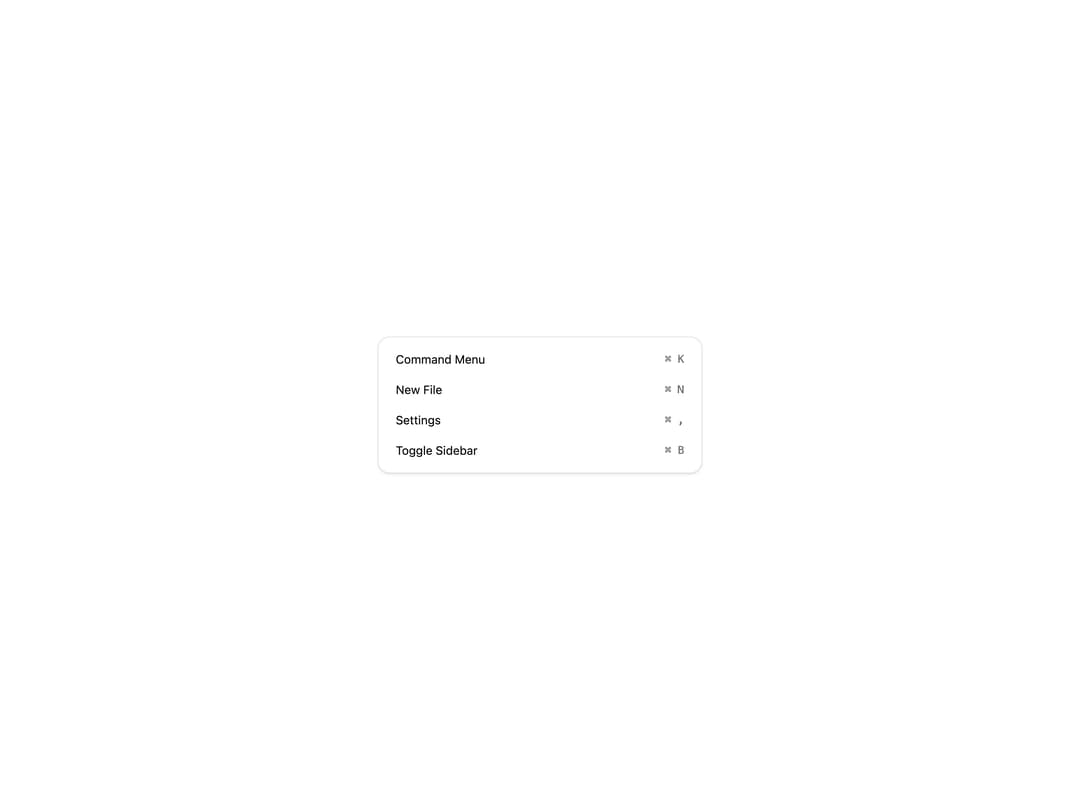
A keyboard shortcut label that renders inline hint keys (like ⌘K) next to menu items, commands, and actions.
Built with React and Tailwind. Copy the prompt and paste it into Claude Code, Cursor or Lovable: your agent adds Keyboard to your project and fits it to your theme.
Code
How Keyboard is used: the demo's code. The component's own source comes with a free account.
Usage.tsx
"use client";

import { Keyboard } from "@/components/ui/keyboard";

export default function KeyboardDemo() {
  const shortcuts = [
    { label: "Command Menu", keys: "⌘ K" },
    { label: "New File", keys: "⌘ N" },
    { label: "Settings", keys: "⌘ ," },
    { label: "Toggle Sidebar", keys: "⌘ B" },
  ];

  return (
    <div className="flex w-full items-center justify-center p-10">
      <div className="w-full max-w-sm rounded-xl border border-border bg-background p-2 text-foreground shadow-sm">
        {shortcuts.map((item) => (
          <div
            key={item.label}
            tabIndex={0}
            className="group flex cursor-default items-center justify-between rounded-lg px-3 py-2 text-sm transition-colors hover:bg-muted focus:bg-muted focus:outline-none"
          >
            <span>{item.label}</span>
            <Keyboard className="inline">{item.keys}</Keyboard>
          </div>
        ))}
      </div>
    </div>
  );
}
Dependencies
More by Intent UI
View all

Radar Chart
217
Radial Chart
77
Bar Chart
44
Pie Chart
31
Toggle Group
26
Loader
23
Progress Bar
19
Color Slider
13