
About
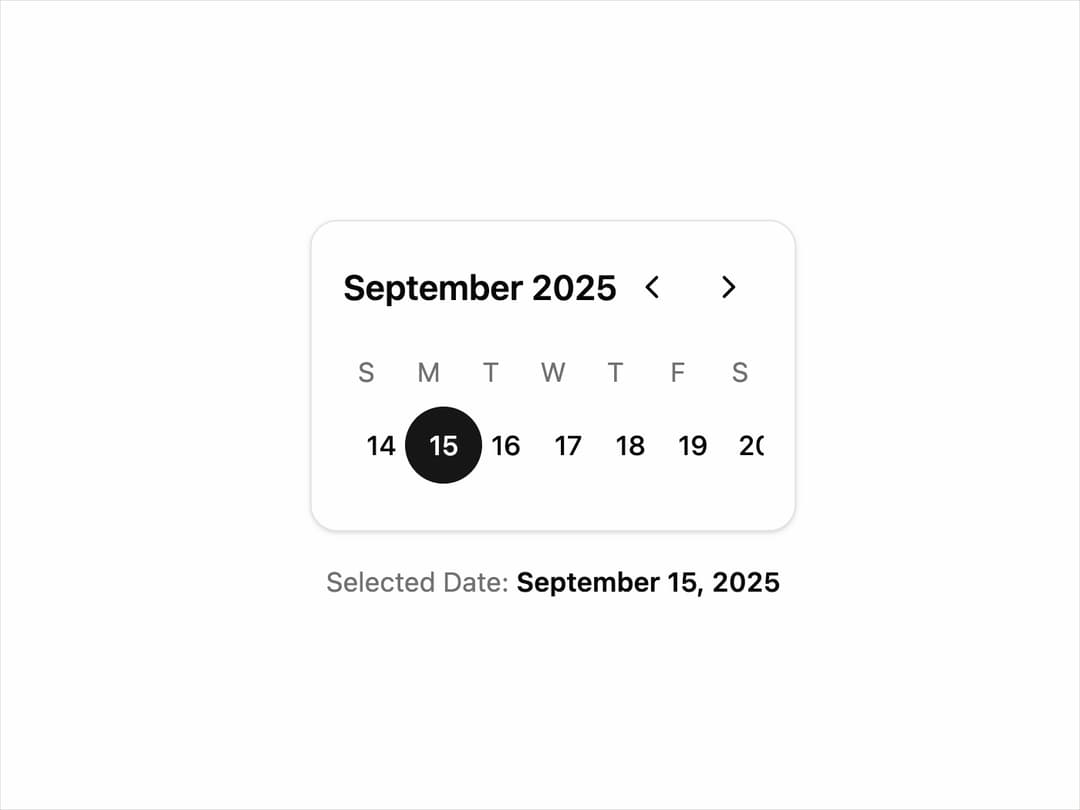
Weekly Date Picker A compact and interactive component for selecting a date within a weekly view. It supports keyboard navigation, is fully themeable using shadcn/ui variables, and includes a subtle animation for week transitions.
Built with React and Tailwind. Copy the prompt and paste it into Claude Code, Cursor or Lovable: your agent adds Date Picker to your project and fits it to your theme.
Code
How Date Picker is used: the demo's code. The component's own source comes with a free account.
Usage.tsx
// demo.tsx
"use client";

import * as React from "react";
import { WeeklyDatePicker } from "@/components/ui/date-picker";

export default function WeeklyDatePickerDemo() {
  const [date, setDate] = React.useState<Date>(new Date());

  return (
    <div className="flex flex-col items-center justify-center space-y-4 p-4 min-h-[400px]">
      <WeeklyDatePicker date={date} setDate={setDate} />
      <p className="text-sm text-muted-foreground">
        Selected Date:{" "}
        <span className="font-semibold text-foreground">
          {date.toLocaleDateString("en-US", {
            year: "numeric",
            month: "long",
            day: "numeric",
          })}
        </span>
      </p>
    </div>
  );
}
Dependencies
More by Kavi Katiyar
View all

3D Card
979
Bento Product Features
829
Testimonial Slider
714
Card
606
Order Confirmation Card
501
Project Detail View
408
State
393
Animated Card
391