
About
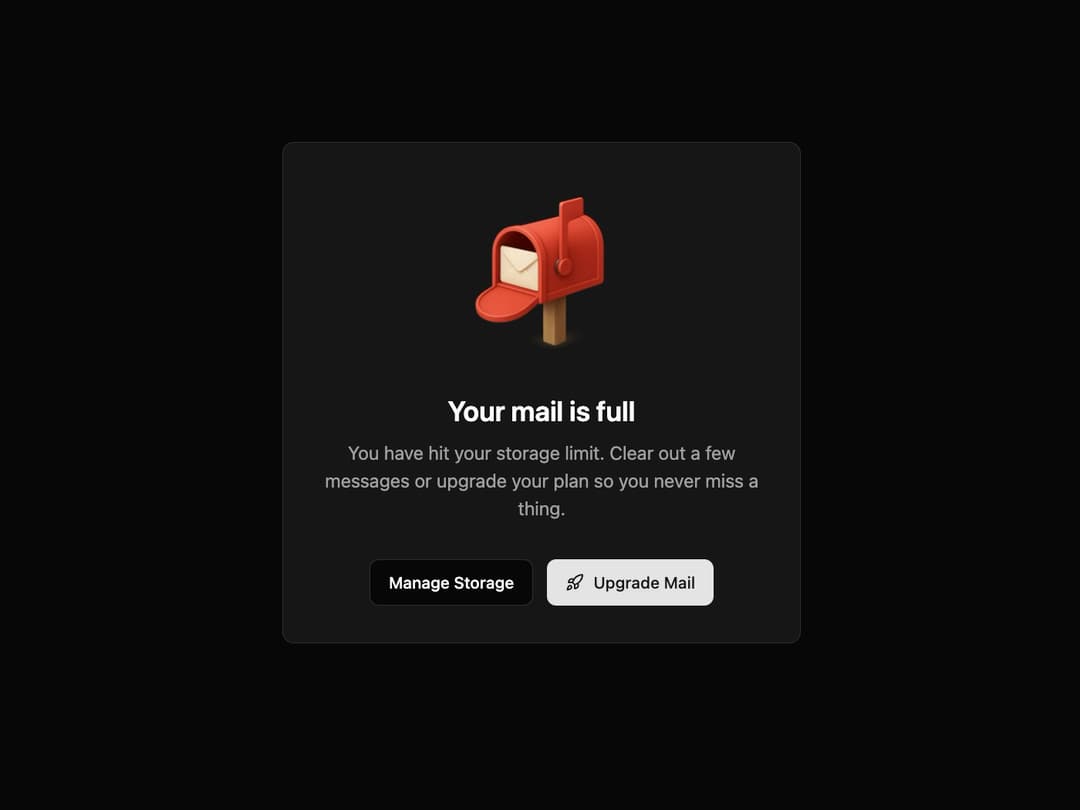
Full Mailbox State This component informs the user that they have reached a limit, prompting them with primary and secondary actions. It is animated to draw attention and improve user experience.
Built with React and Tailwind. Copy the prompt and paste it into Claude Code, Cursor or Lovable: your agent adds State to your project and fits it to your theme.
Code
How State is used: the demo's code. The component's own source comes with a free account.
Usage.tsx
import { MailboxFullState } from "@/components/ui/state"; // Adjust the import path
import { Rocket } from "lucide-react";

/**
 * Demo component to showcase the MailboxFullState.
 */
export default function MailboxFullStateDemo() {
  return (
    <div className="flex h-screen w-full items-center justify-center bg-background p-4">
      <MailboxFullState
        imageUrl="https://www.thiings.co/_next/image?url=https%3A%2F%2Flftz25oez4aqbxpq.public.blob.vercel-storage.com%2Fimage-WYuC7gUQSKvGrmWIMI6NB1Ec64dbEv.png&w=1000&q=75"
        title="Your mail is full"
        description="You have hit your storage limit. Clear out a few messages or upgrade your plan so you never miss a thing."
        secondaryAction={{
          text: "Manage Storage",
          onClick: () => console.log("Manage Storage clicked"),
        }}
        primaryAction={{
          text: "Upgrade Mail",
          onClick: () => console.log("Upgrade Mail clicked"),
          icon: <Rocket className="h-4 w-4" />,
        }}
      />
    </div>
  );
}
Dependencies
More by Kavi Katiyar
View all

3D Card
981
Bento Product Features
831
Testimonial Slider
716
Card
607
Order Confirmation Card
504
Project Detail View
408
Animated Card
393
Performance Benchmark Card
387
More in Buttons
View all

Button
14
Button
34
Texture Button
92
Button Save
46

Button
64

Button Group
3

App Store Button
454

Notification Button
103

