
About
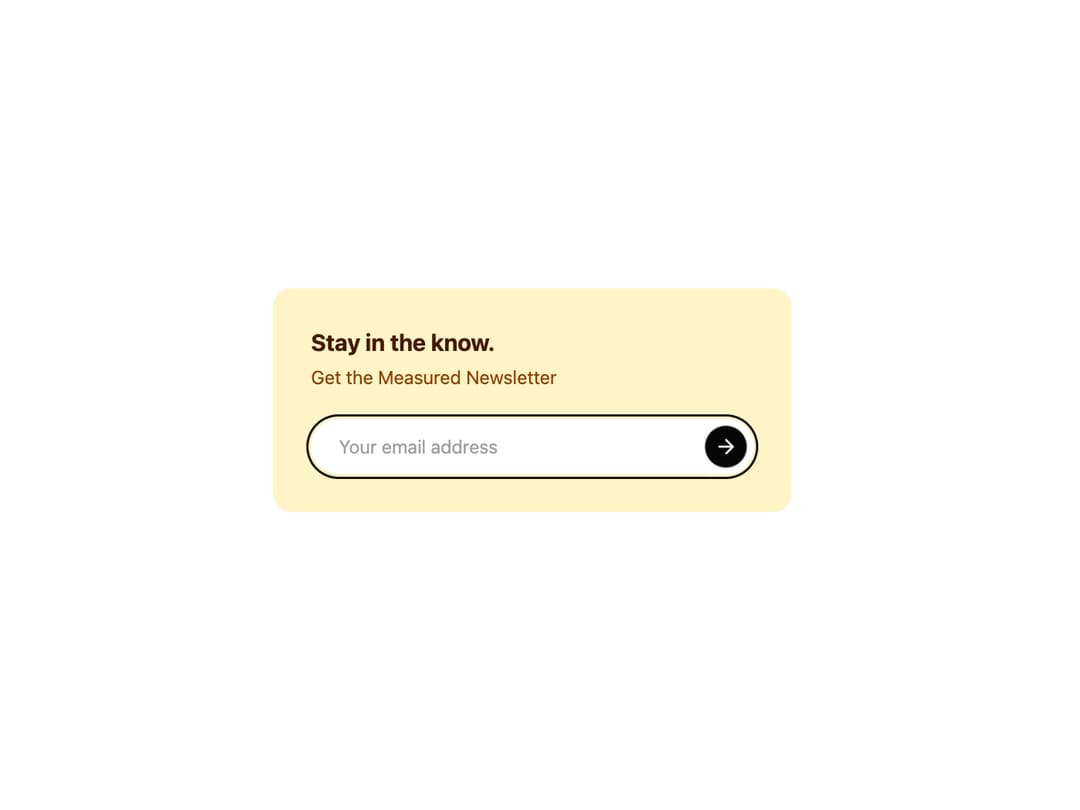
Newsletter Card A visually polished and accessible newsletter sign-up form. It features a distinct, theme-aware color palette and subtle animations on focus and hover to enhance user experience.
Built with React and Tailwind. Copy the prompt and paste it into Claude Code, Cursor or Lovable: your agent adds Newsletter Card to your project and fits it to your theme.
Code
How Newsletter Card is used: the demo's code. The component's own source comes with a free account.
Usage.tsx
"use client"; // Required for useState and event handlers

import { NewsletterSignUp } from "@/components/ui/newsletter-card";

export default function NewsletterSignUpDemo() {
  // Demo handler function to show submission success
  const handleSubscribe = (email: string) => {
    alert(`Thank you for subscribing with: ${email}`);
  };

  return (
    <div className="flex min-h-[400px] w-full items-center justify-center bg-background p-4">
      <NewsletterSignUp
        title="Stay in the know."
        subtitle="Get the Measured Newsletter"
        placeholder="Your email address"
        buttonAriaLabel="Submit email for newsletter"
        onSubmit={handleSubscribe}
      />
    </div>
  );
}
Dependencies
More by Kavi Katiyar
View all

3D Card
981
Bento Product Features
831
Testimonial Slider
716
Card
608
Order Confirmation Card
504
Project Detail View
408
State
393
Animated Card
393
More in Buttons
View all
Button Save
46

Button
20

Eclipse Button
5

Button
6

Button
14

Button Group
37

Button
32
Split Button
32

