

About
Interactive pixel-art halftone space background: a crimson nebula, sparkle stars and a dotted planet in three parallax depths. The pointer lights the gas and a click hangs a new star. Use as a hero or section background. WebGL, zero dependencies, React only.
Built with React and Tailwind. Copy the prompt and paste it into Claude Code, Cursor or Lovable: your agent adds Halftone Nebula to your project and fits it to your theme.
Code
How Halftone Nebula is used: the demo's code. The component's own source comes with a free account.
Usage.tsx
"use client"

import HalftoneNebula from "@/components/ui/halftone-nebula"

// The planet moves right, out from under the headline.
const SKY = { planetX: 0.74, planetY: 0.2 }

export default function Demo() {
  return (
    // w-full matters: 21st centres demos in a flex wrapper, and a flex item
    // left at width:auto shrinks the sky to 0px wide.
    <div className="relative w-full">
      <HalftoneNebula params={SKY}>
        <div className="flex h-full flex-col justify-between p-6 sm:p-10">
          <div className="flex items-center justify-between font-mono text-[10px] uppercase tracking-[0.32em] text-[#f6e2e8]/60">
            <span>sector 07 / crimson drift</span>
            <span className="hidden sm:inline">ra 04h 22m · dec −12°</span>
          </div>

          <div className="max-w-xl">
            <p className="mb-4 font-mono text-[11px] uppercase tracking-[0.34em] text-[#ff1f5a]">
              ✦ transmission received
            </p>
            <h1 className="text-5xl font-semibold leading-[0.95] tracking-tight text-[#f6e2e8] sm:text-7xl">
              Lost in the
              <br />
              red static.
            </h1>
            <p className="mt-5 max-w-sm text-sm leading-relaxed text-[#f6e2e8]/60">
              A nebula printed one dot at a time. Move to light the gas — click anywhere to hang a star of your own.
            </p>
            <button
              type="button"
              className="pointer-events-auto mt-8 border border-[#ff1f5a] bg-[#ff1f5a]/10 px-5 py-2.5 font-mono text-[11px] uppercase tracking-[0.28em] text-[#f6e2e8] transition-colors hover:bg-[#ff1f5a] hover:text-[#050309]"
            >
              Begin descent →
            </button>
          </div>
        </div>
      </HalftoneNebula>
    </div>
  )
}
More by Kedhareswer Naidu
View all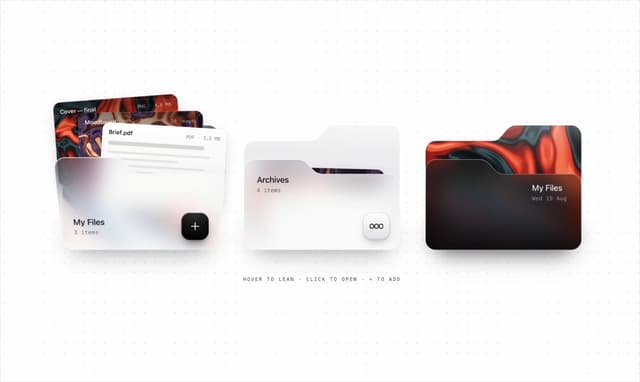

Glassmorphism Folder Cards
2.6K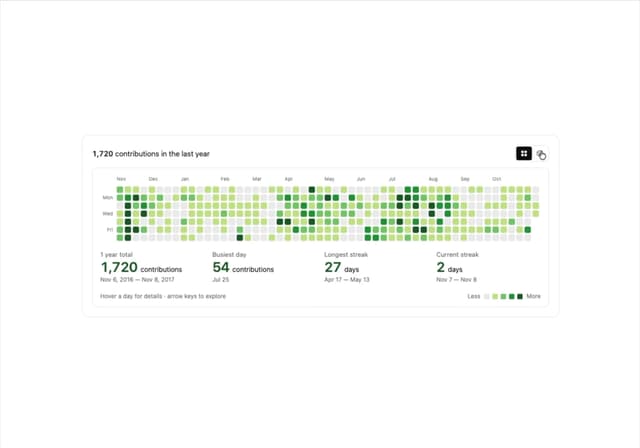
GitHub Contribution Graph 3D Heatmap
1.8K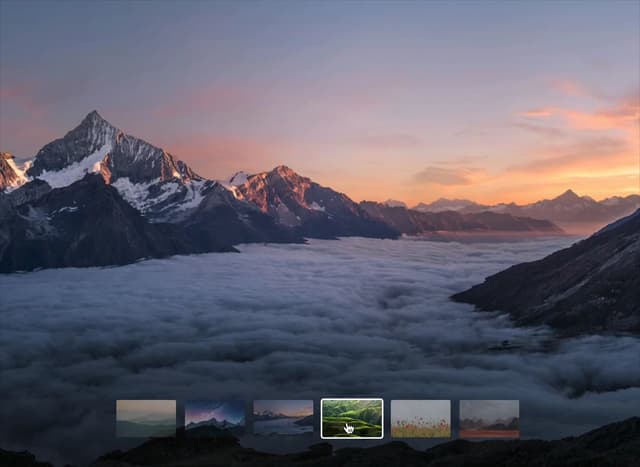
Morph Gallery
1.4K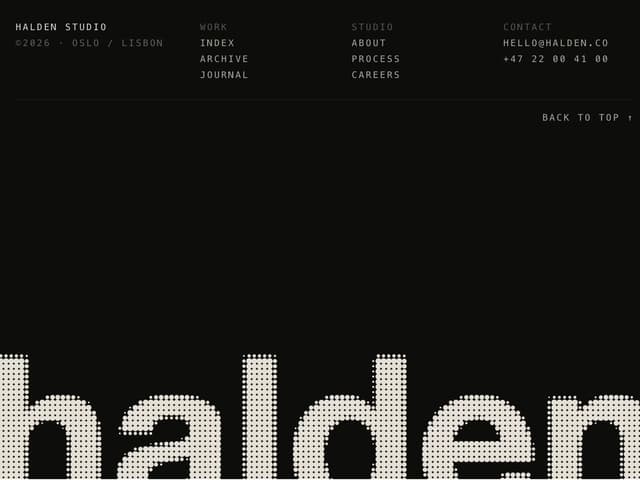
Halftone Wordmark Footer
1.2K
Hanging Polaroid Image Carousel
716
Glass Cards
716
Particle Animation
645
Tiger Tear Reveal
638
More in Heroes
View all

SaaS Template
2.4K
Centered Hero with Image Fan
930

Hero
1.2K

Responsive Hero Banner
2K

Minimalist Hero Fashion
285

Home Section
66

Hero Section 6
881
Hero Golden Spiral
101
