
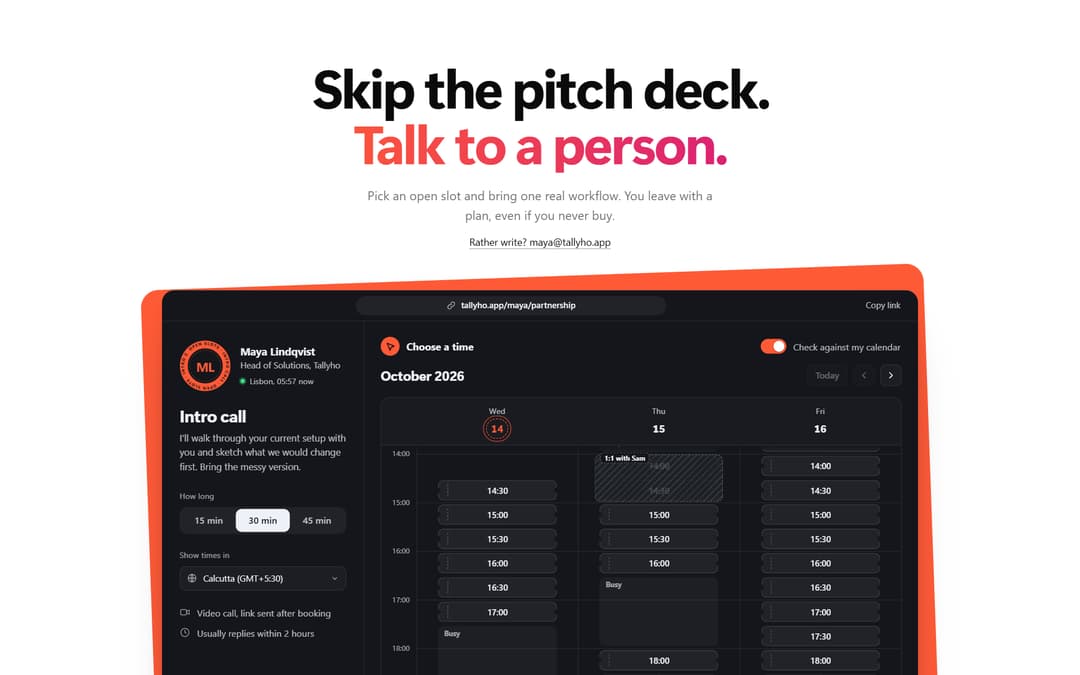
Meeting booking calendar: a book-a-call section that does the booking itself. A bold headline over a scheduler window with the host's card, call lengths and a timezone-aware week of open slots. Pick a slot and it grows into a confirm form; confirm and it flips into a perforated ticket stamped booked, with an .ics download. A Check against my calendar switch hatches your busy blocks and strikes clashing slots. Fully customisable host, hours, slots and colours.
Built with React and Tailwind. Copy the prompt and paste it into Claude Code, Cursor or Lovable: your agent adds Meeting Booking Calendar to your project and fits it to your theme.
Code
How Meeting Booking Calendar is used: the demo's code. The component's own source comes with a free account.
Usage.tsx
"use client"

import OpenSlotBooking from "@/components/ui/open-slot-booking"

// Sample data. On a real page the host's week comes from your calendar API
// (or loadHostBusy) and the visitor's from their connected calendar.
const hostWeek = [
  { weekday: 1, from: "09:00", to: "10:30", title: "Team sync" },
  { weekday: 1, from: "14:00", to: "15:00" },
  { weekday: 2, from: "11:30", to: "13:00" },
  { weekday: 2, from: "16:00", to: "17:00" },
  { weekday: 3, from: "13:00", to: "15:30" },
  { weekday: 4, from: "09:00", to: "09:30" },
  { weekday: 4, from: "12:00", to: "13:30" },
  { weekday: 5, from: "14:30", to: "17:00" },
]

const myWeek = [
  { weekday: 1, from: "11:00", to: "12:00", title: "Standup + review" },
  { weekday: 2, from: "09:00", to: "10:00", title: "Gym" },
  { weekday: 3, from: "10:00", to: "11:30", title: "Design crit" },
  { weekday: 4, from: "14:00", to: "15:00", title: "1:1 with Sam" },
  { weekday: 5, from: "10:30", to: "12:00", title: "Sprint demo" },
]

export default function Demo() {
  return (
    <div className="w-full">
      <OpenSlotBooking hostBusy={hostWeek} visitorEvents={myWeek} />
    </div>
  )
}
More by Kedhareswer Naidu
View all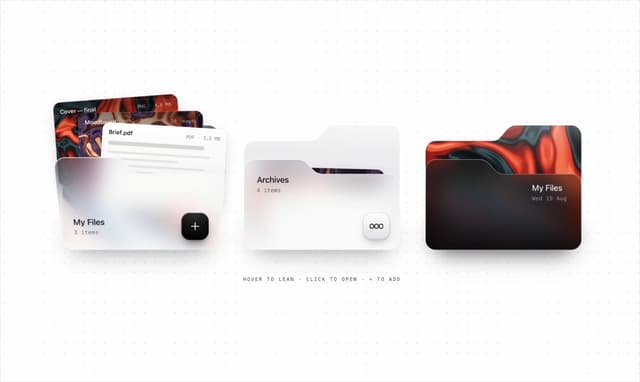

Glassmorphism Folder Cards
2.6K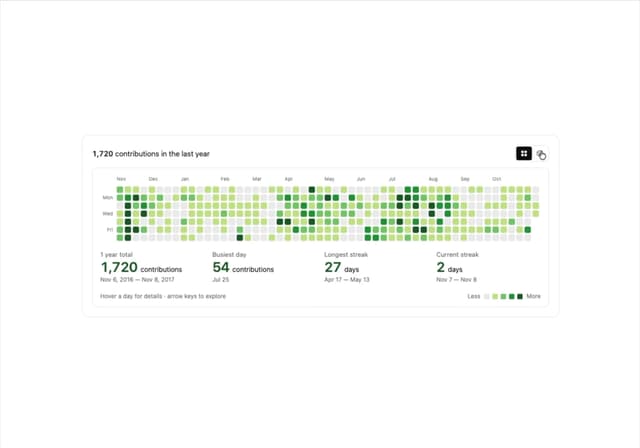
GitHub Contribution Graph 3D Heatmap
1.8K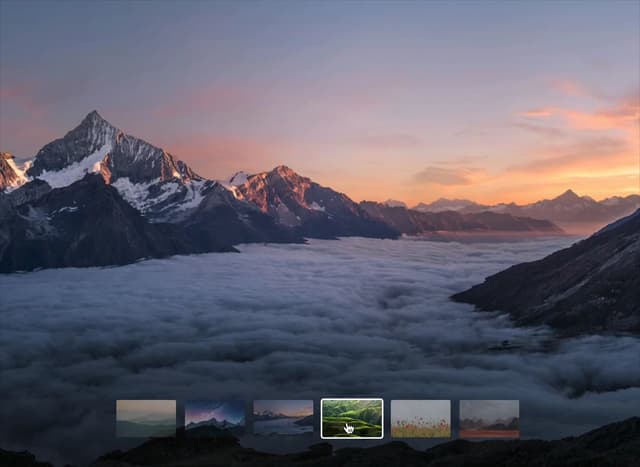
Morph Gallery
1.4K
Halftone Wordmark Footer
1.2K
Hanging Polaroid Image Carousel
716
Glass Cards
716
Particle Animation
645
Tiger Tear Reveal
638
More in Forms
View all

Premium Auth
500

Login 2
7
Authentication Card
47

Login 1
52

Contact Card
1K
Login Form
6

Form
16

Book A Demo 3
83
