
About
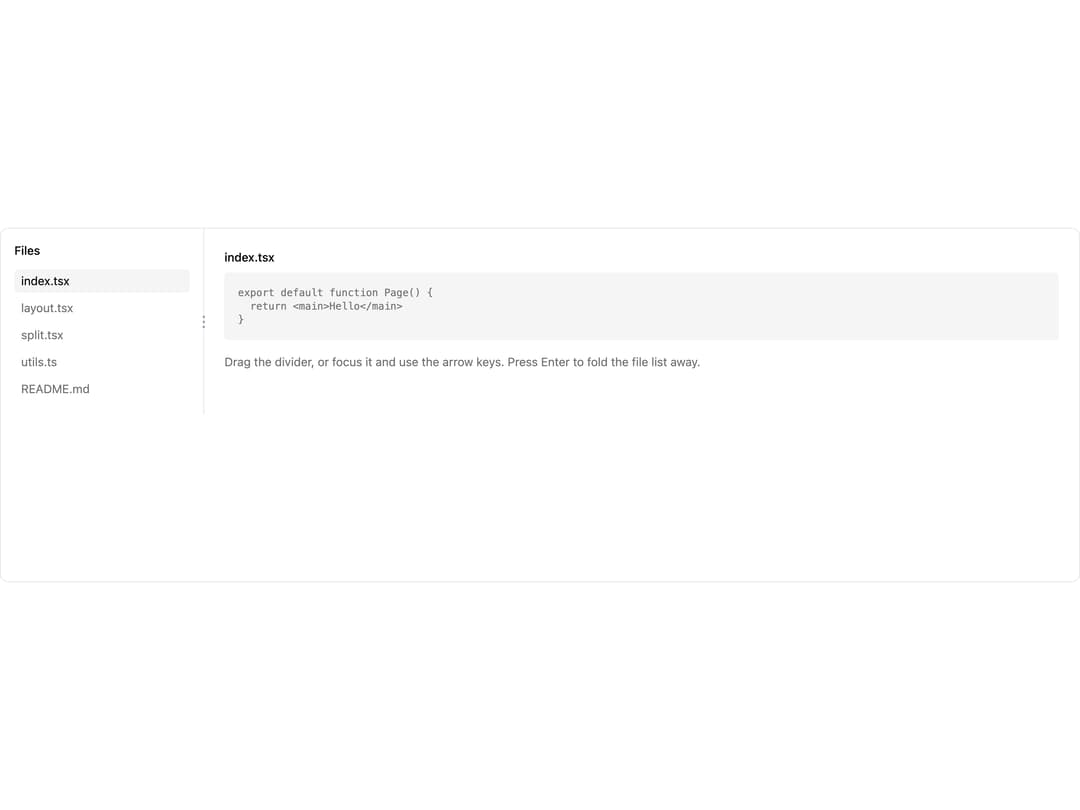
A two-pane layout with a draggable, keyboard-operable separator for resizing a sidebar, file list, or console against the content next to it.
Built with React and Tailwind. Copy the prompt and paste it into Claude Code, Cursor or Lovable: your agent adds Split to your project and fits it to your theme.
Code
How Split is used: the demo's code. The component's own source comes with a free account.
Usage.tsx
import Split from "@/components/ui/split";

export default function SplitDemo() {
  return (
    <div className="h-[420px] w-full overflow-hidden rounded-lg border border-border bg-background text-foreground">
      <Split
        label="Resize the file list"
        defaultSize={240}
        min={160}
        max={420}
        collapsible
      >
        <div className="h-full overflow-auto p-4">
          <h3 className="mb-3 text-sm font-medium text-foreground">Files</h3>
          <ul className="space-y-1 text-sm text-muted-foreground">
            <li className="rounded bg-muted px-2 py-1 text-foreground">
              index.tsx
            </li>
            <li className="rounded px-2 py-1 hover:bg-muted">layout.tsx</li>
            <li className="rounded px-2 py-1 hover:bg-muted">split.tsx</li>
            <li className="rounded px-2 py-1 hover:bg-muted">utils.ts</li>
            <li className="rounded px-2 py-1 hover:bg-muted">README.md</li>
          </ul>
        </div>
        <div className="h-full overflow-auto p-6">
          <h3 className="mb-2 text-sm font-medium text-foreground">
            index.tsx
          </h3>
          <pre className="rounded bg-muted p-4 text-xs text-muted-foreground">
            {`export default function Page() {
  return <main>Hello</main>
}`}
          </pre>
          <p className="mt-4 text-sm text-muted-foreground">
            Drag the divider, or focus it and use the arrow keys. Press Enter to
            fold the file list away.
          </p>
        </div>
      </Split>
    </div>
  );
}
More by keshon
View all
List
Thinking
Lanes
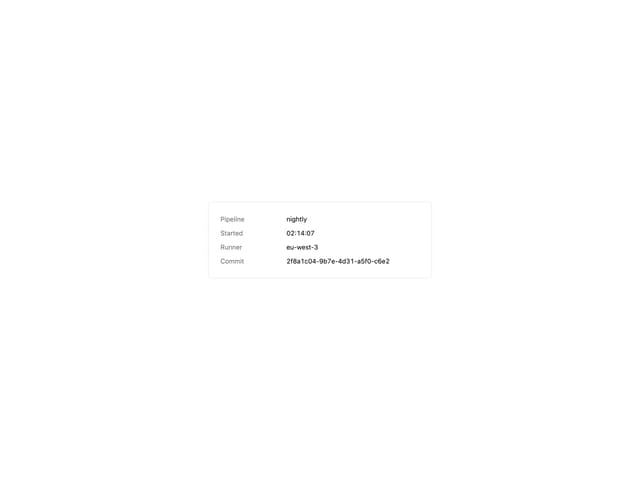
Key Value List
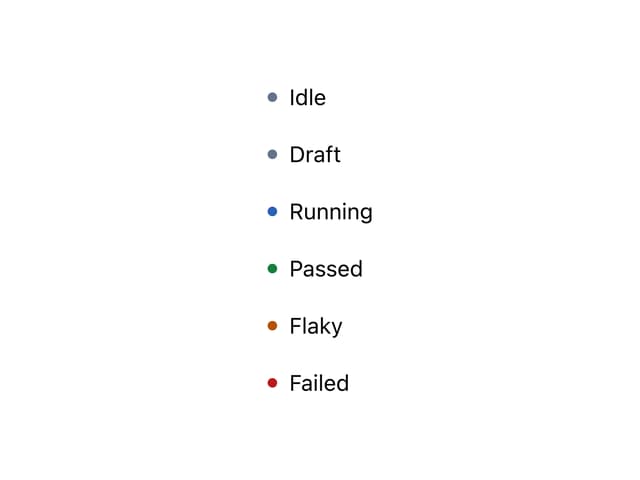
Status Dot
Spinner
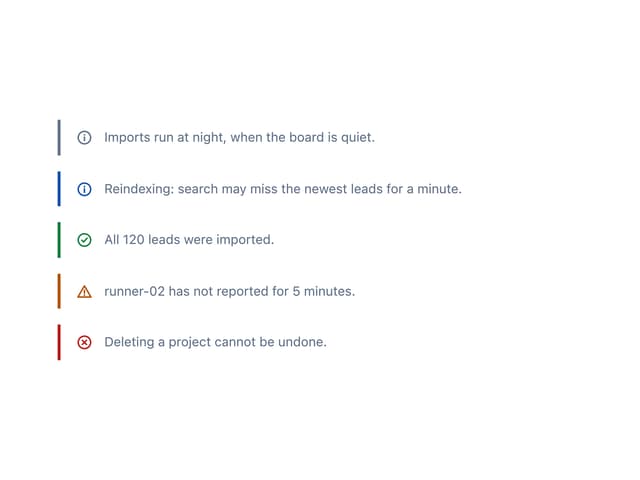
Note