
About
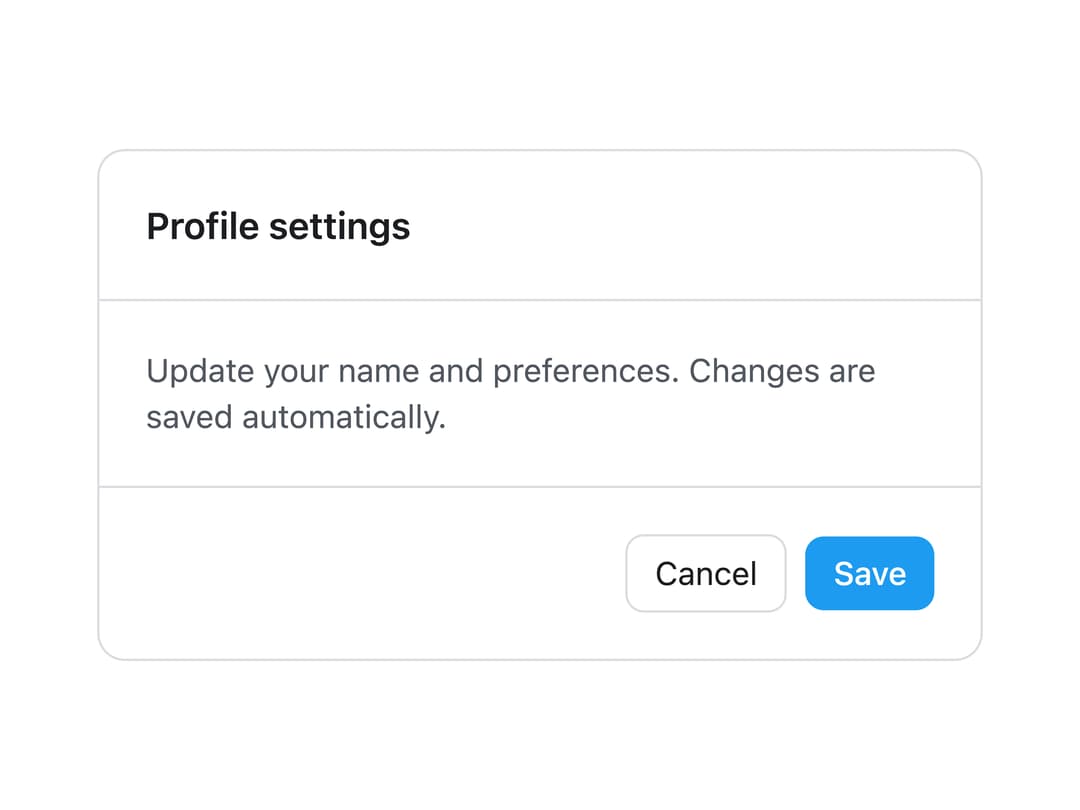
A bordered container with optional header, body and footer sections for grouping related content, forms or settings inside a card-like surface.
Built with React and Tailwind. Copy the prompt and paste it into Claude Code, Cursor or Lovable: your agent adds Panel to your project and fits it to your theme.
Code
How Panel is used: the demo's code. The component's own source comes with a free account.
Usage.tsx
import { Panel, PanelBody } from "@/components/ui/panel";

export default function PanelMutedDemo() {
  return (
    <div className="flex w-full items-center justify-center p-10">
      <Panel tone="muted" feature className="w-full max-w-sm">
        <PanelBody>
          <div className="flex flex-col items-center gap-3 py-6 text-center">
            <p
              className="text-sm font-medium"
              style={{ color: "var(--lk-font-color-base)" }}
            >
              No data yet
            </p>
            <p
              className="text-sm"
              style={{ color: "var(--lk-font-color-secondary)" }}
            >
              Items you add will show up here.
            </p>
            <button
              className="rounded-md border px-3 py-1.5 text-sm"
              style={{
                color: "var(--lk-font-color-base)",
                borderColor: "var(--lk-color-emphasis-300)",
              }}
              type="button"
            >
              Retry
            </button>
          </div>
        </PanelBody>
      </Panel>
    </div>
  );
}
More by lailai0916
View all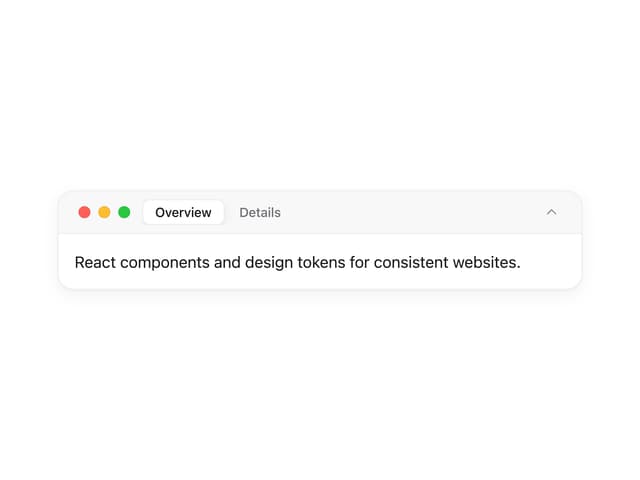
Window Panel
6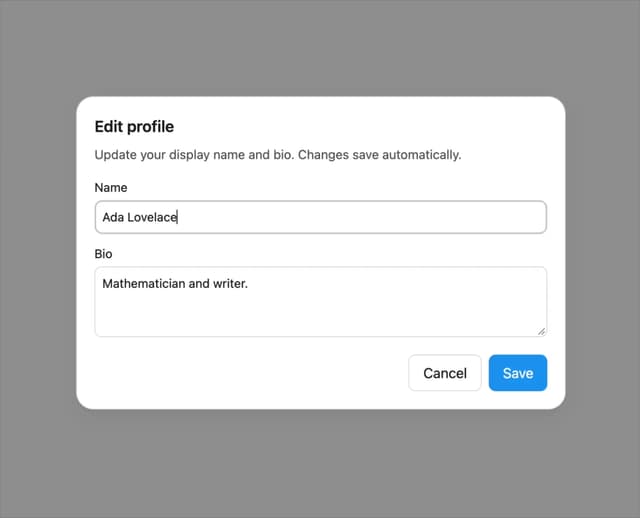
Dialog
1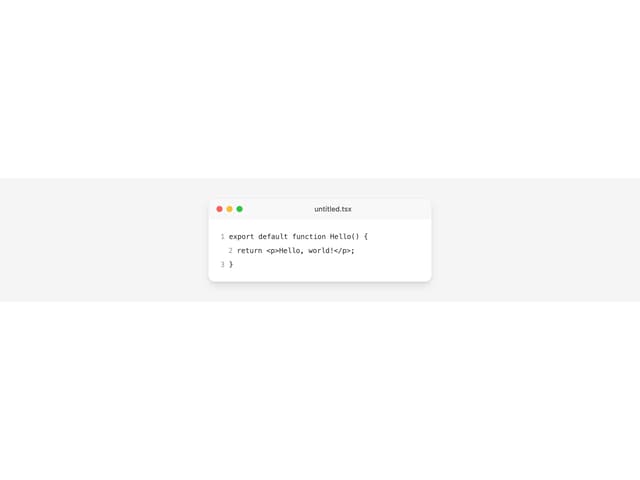
Window Bar
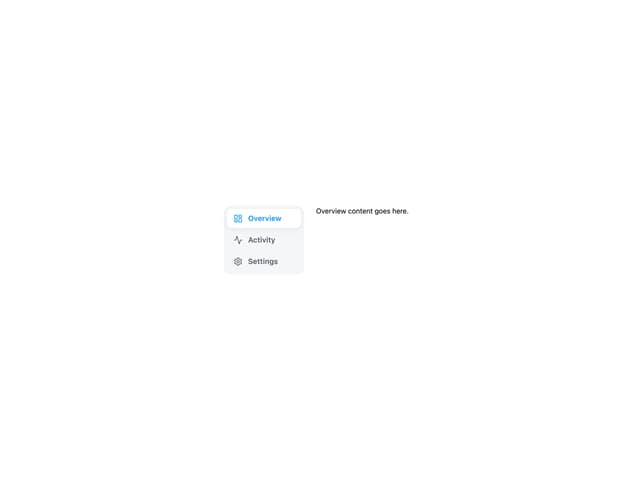
Tabs

Scrollable Data Table
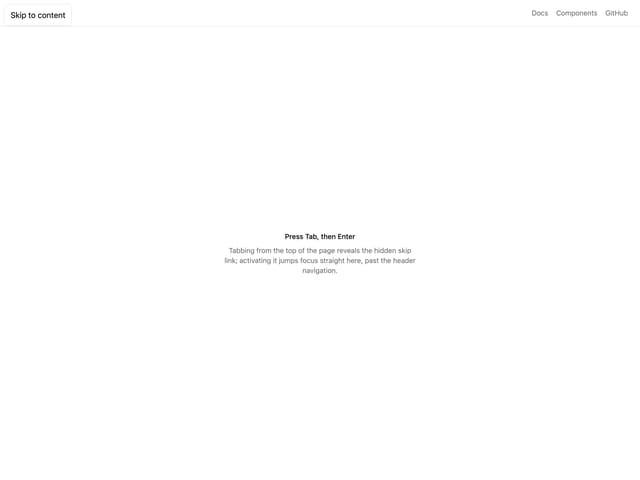
Skip Link
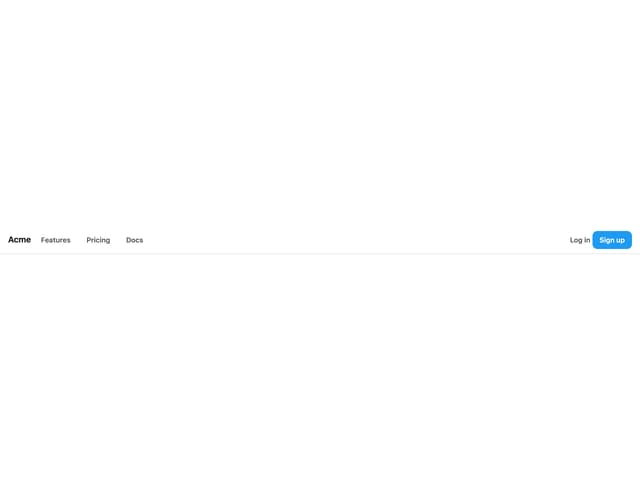
Site Header

Skeleton
More in Cards
View all
Stats cards with links
33

Course Design Cards
1.1K

Card
70
Statistics Card 2
264
Statistics Card 10
263

Card
17

Card Studio
9
The Item one
3
