
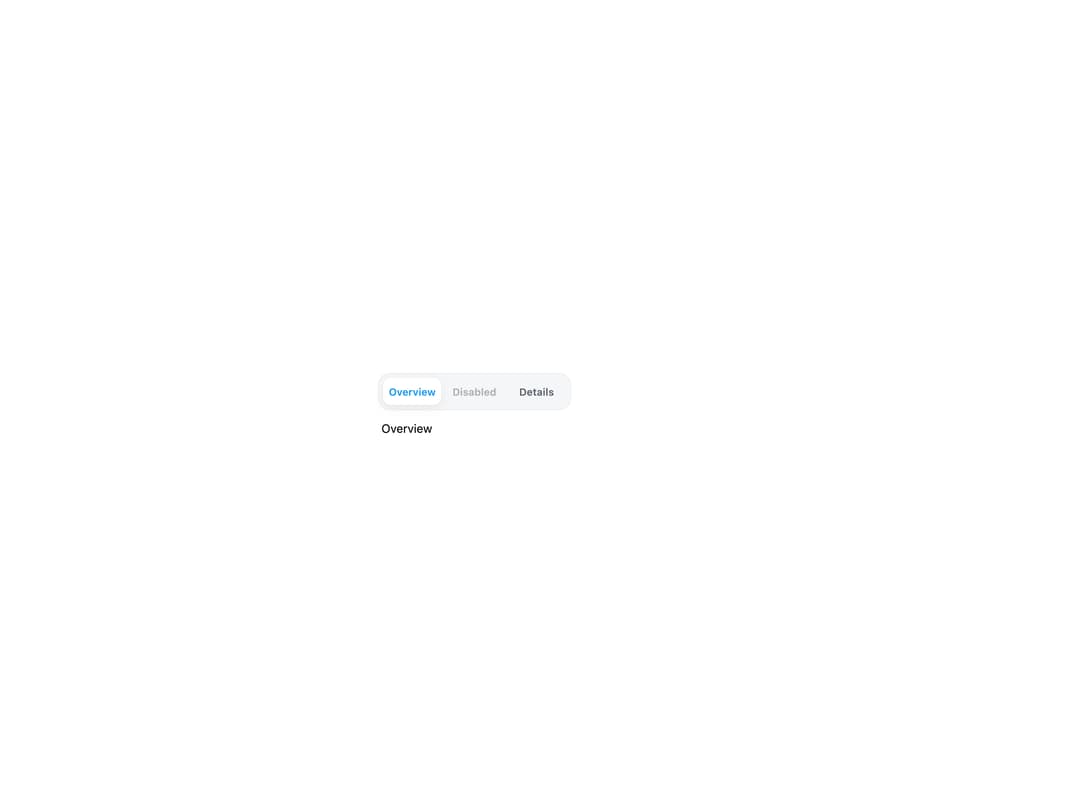
About
An accessible horizontal or vertical tab list with roving keyboard focus (arrow keys, Home/End) for switching between panels of content.
Built with React and Tailwind. Copy the prompt and paste it into Claude Code, Cursor or Lovable: your agent adds Tabs to your project and fits it to your theme.
Code
How Tabs is used: the demo's code. The component's own source comes with a free account.
Usage.tsx
"use client";

import Tabs from "@/components/ui/tabs";
import { useState } from "react";

export default function TabsDemo() {
  const [selected, setSelected] = useState<"overview" | "disabled" | "details">(
    "overview",
  );

  return (
    <div className="flex min-h-[280px] w-full items-center justify-center bg-background p-8">
      <div className="w-full max-w-sm">
        <Tabs
          ariaLabel="View"
          size="sm"
          value={selected}
          onChange={setSelected}
          items={[
            {
              value: "overview",
              label: "Overview",
              id: "demo-tab-overview",
              panelId: "demo-panel-overview",
            },
            { value: "disabled", label: "Disabled", disabled: true },
            {
              value: "details",
              label: "Details",
              id: "demo-tab-details",
              panelId: "demo-panel-details",
            },
          ]}
        />
        <div
          role="tabpanel"
          id={`demo-panel-${selected}`}
          aria-labelledby={`demo-tab-${selected}`}
          tabIndex={0}
          className="mt-3 px-1 text-sm text-foreground"
        >
          {selected === "overview" ? "Overview" : "Details"}
        </div>
      </div>
    </div>
  );
}
Dependencies
More by lailai0916
View all
Window Panel
6
Dialog
1
Window Bar

Scrollable Data Table
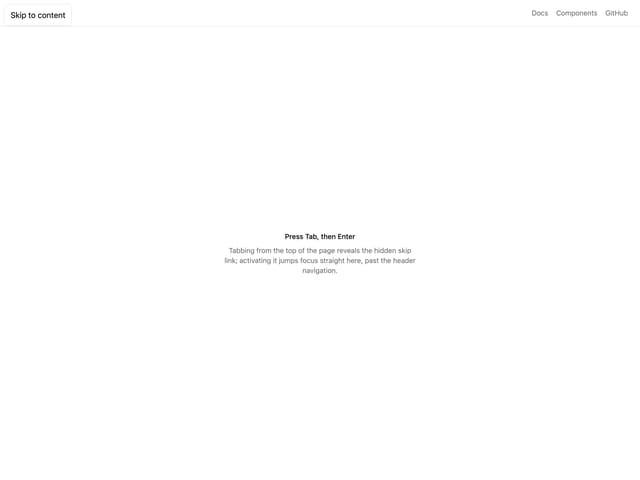
Skip Link
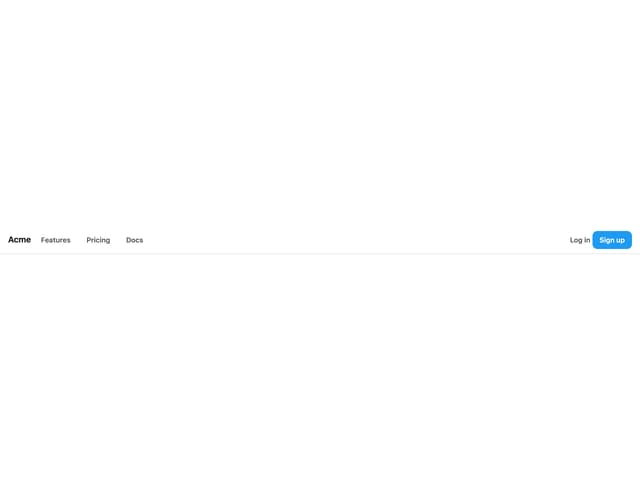
Site Header
Skeleton
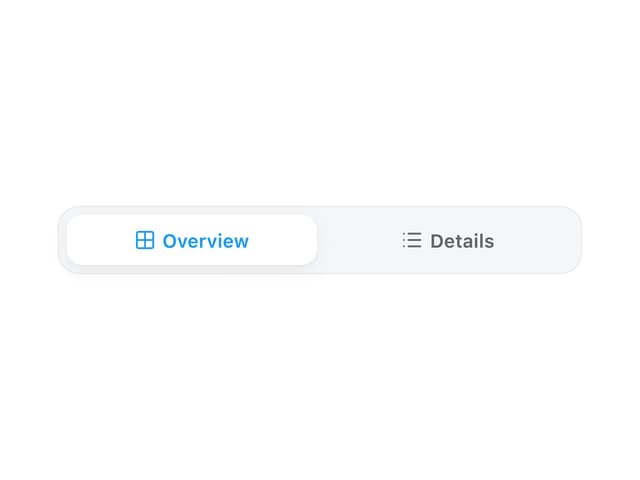
Segmented
More in Navigation
View all

Sidebar
235
Navbar with Theme Toggle
43

Sidebar
339

Tabs
60
Numberless Pagination with Text
11
Oversized 404 Numeral
50
Footer
446
Pagination
43


